


Fully Responsive
Responsive design for consistent performance everywhere in the industry.




 112 Reviews

 |
| verified
The PrestaShop registration form module transforms your store’s signup into a flexible data-capture engine. Add unlimited custom registration fields (text, file/image upload, date, dropdowns, radios, checkboxes, and more), validate and show those fields where you need them — invoices, order details, and “My Account”; and optionally require admin approval for new accounts. Built for B2B & B2C stores, multi-store and multi-lingual setups.
Discover the PrestaShop Registration Module by FME Modules, a top-selling solution on the PrestaShop Official Marketplace with over 5,666 downloads and more than 121 positive customer reviews.
Smart Upgrade Suggestion: Need both registration and checkout field customization? Get Advanced Custom Fields – includes both features for just €69 (save €39!). Click here to checkout
 Life Time Support
 Money Back Guarantee
 Life Time Updates
3.0.0


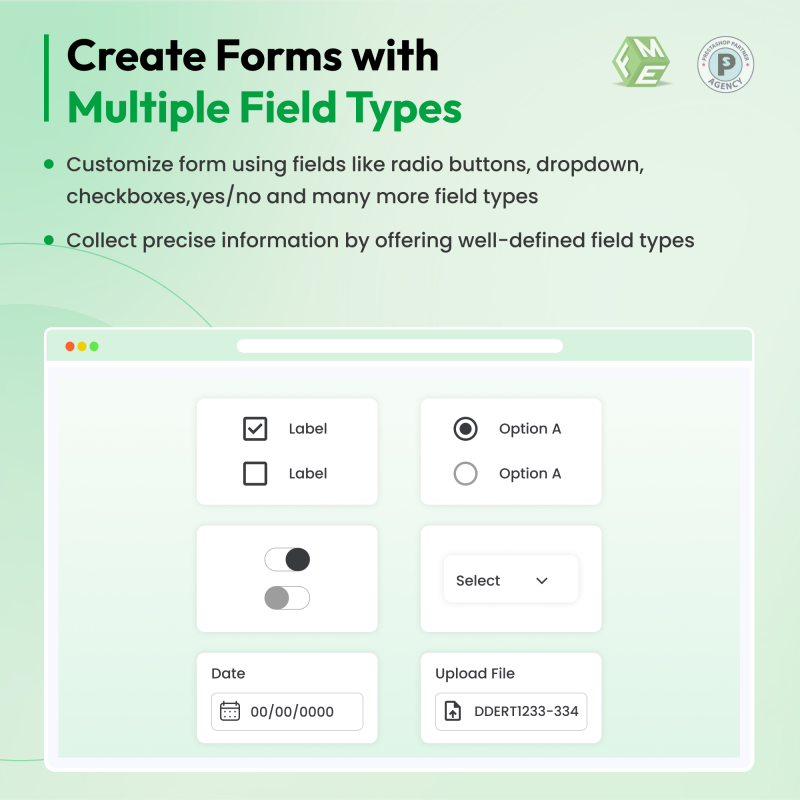
The PrestaShop registration form module is a full-featured extension for collecting richer customer data at signup. Instead of the default Name / Email / Password, you can ask customers for addresses, preferences, company details, file attachments (for documents or proofs), images (brand logos, ID photos), dates (birthdays, membership start), and much more. All fields are created and managed from the module’s back office: set labels, place them in order, make them required or optional, apply validation rules, set maximum character lengths, and control where the data is displayed in the storefront and admin area.
This PrestaShop registration form module is ideal when you want to:
Tailor Your Checkout Fields – Start Here!
For a detailed understanding of the PrestaShop registration module, watch our product video below:
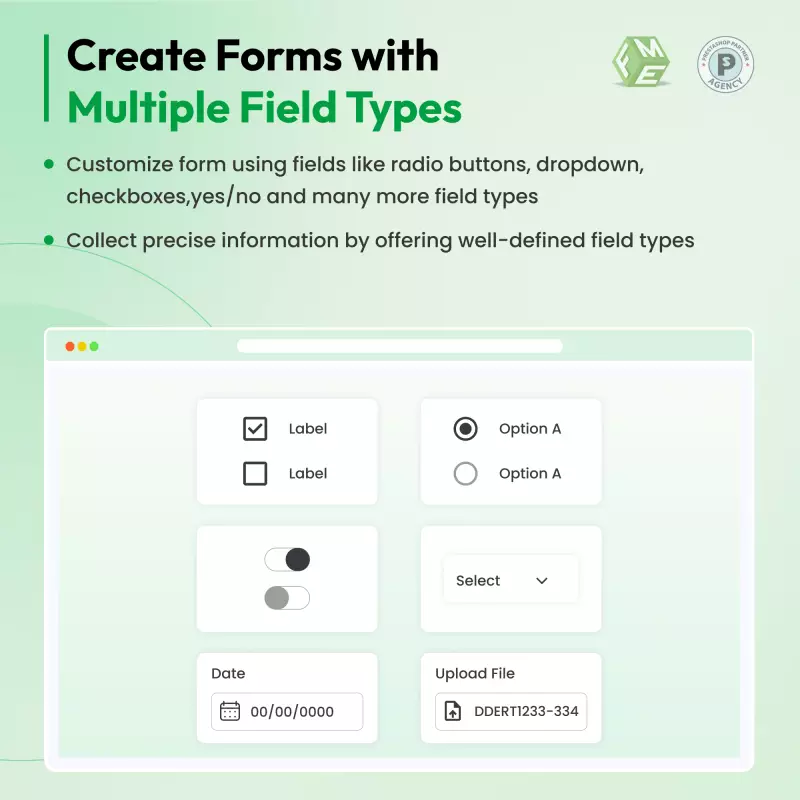
From the back office, add new fields choosing a type (text, textarea, date, dropdown, multi-select, yes/no, radio, checkbox, file, image, message-only, etc.).
Assign validation rules and max character limits to ensure clean and usable data.
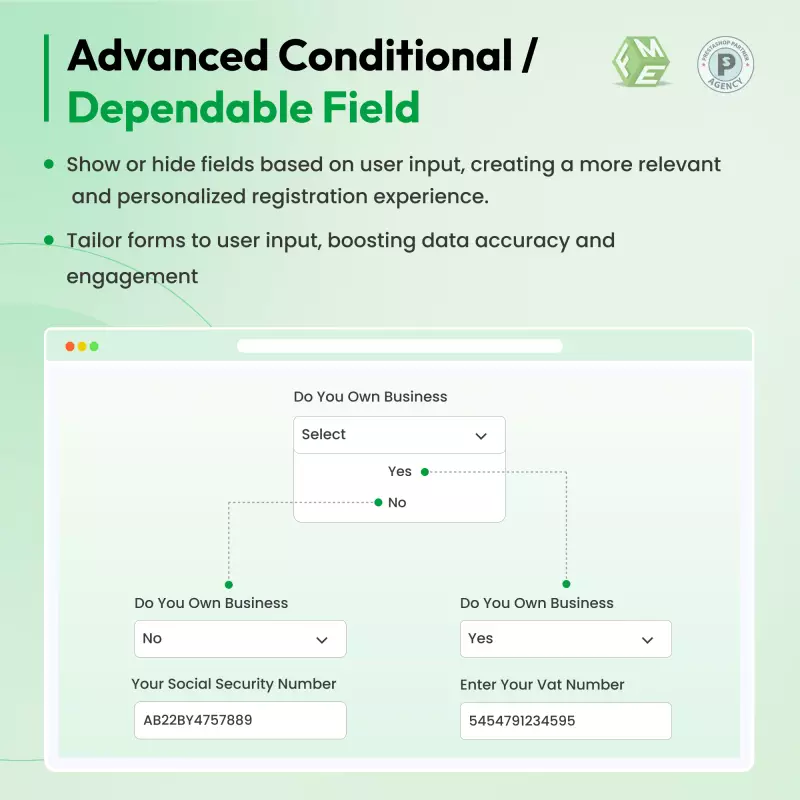
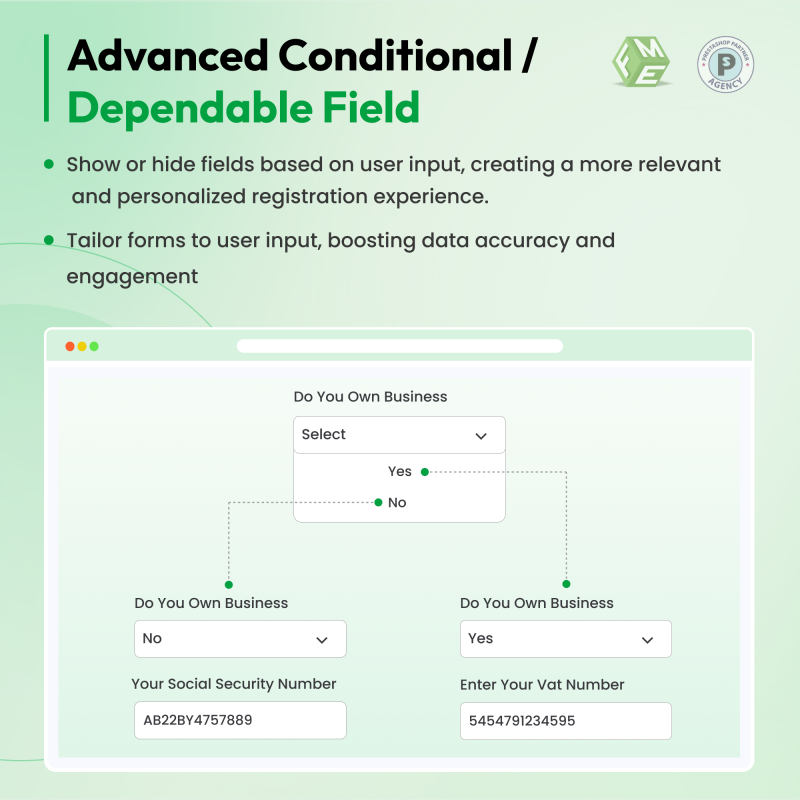
Create conditional logic so some fields appear only when certain responses are selected (reduces clutter and improves completion rate).
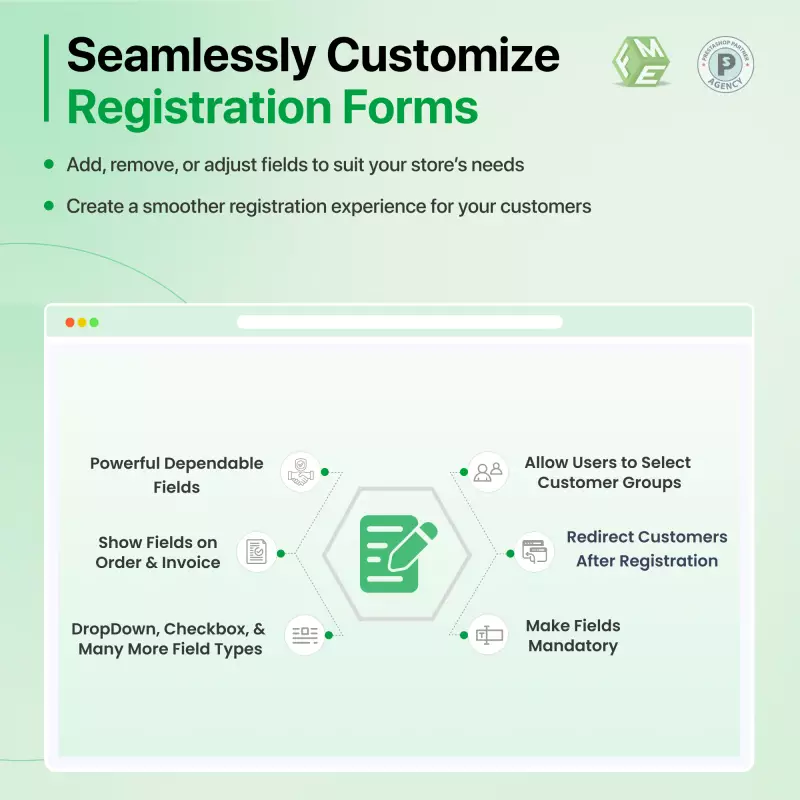
Choose whether the field is visible on My Account, visible on Invoice PDF, or Order Detail page, or locked from customer editing.
Define allowed formats and maximum upload sizes. Admins can download attachments from the back office.
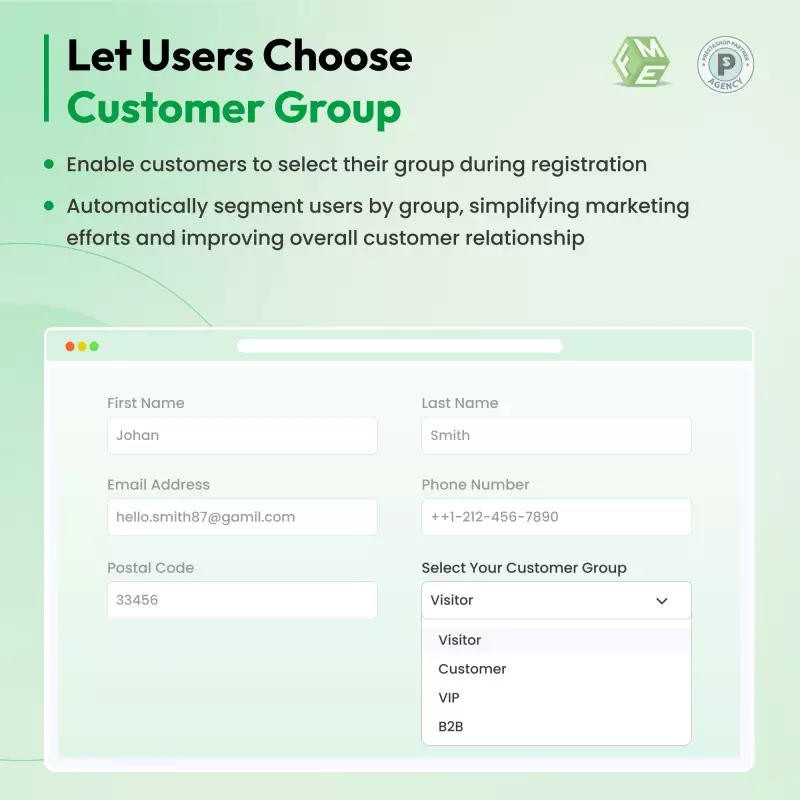
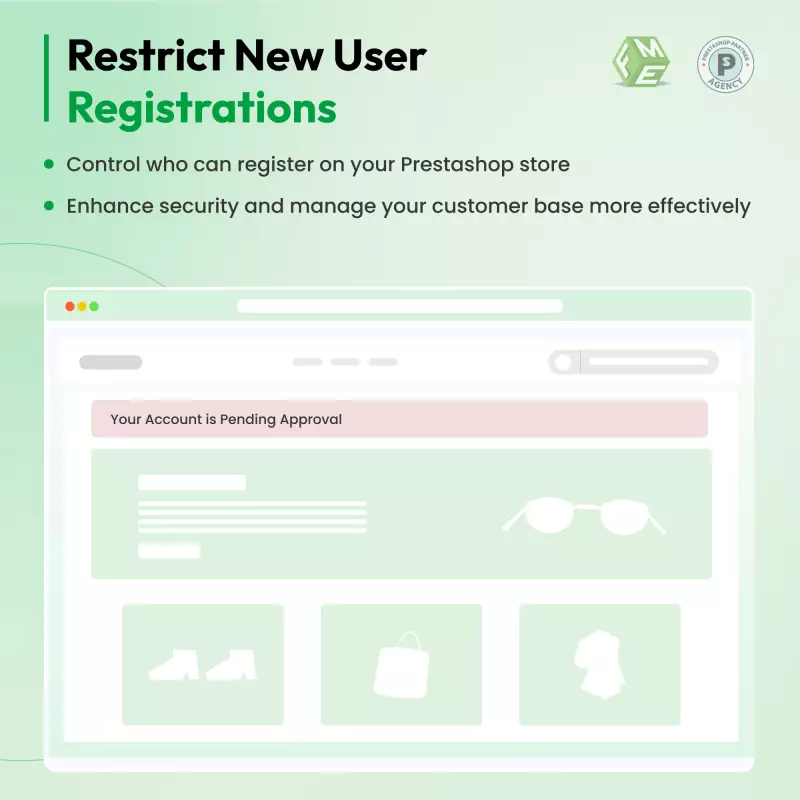
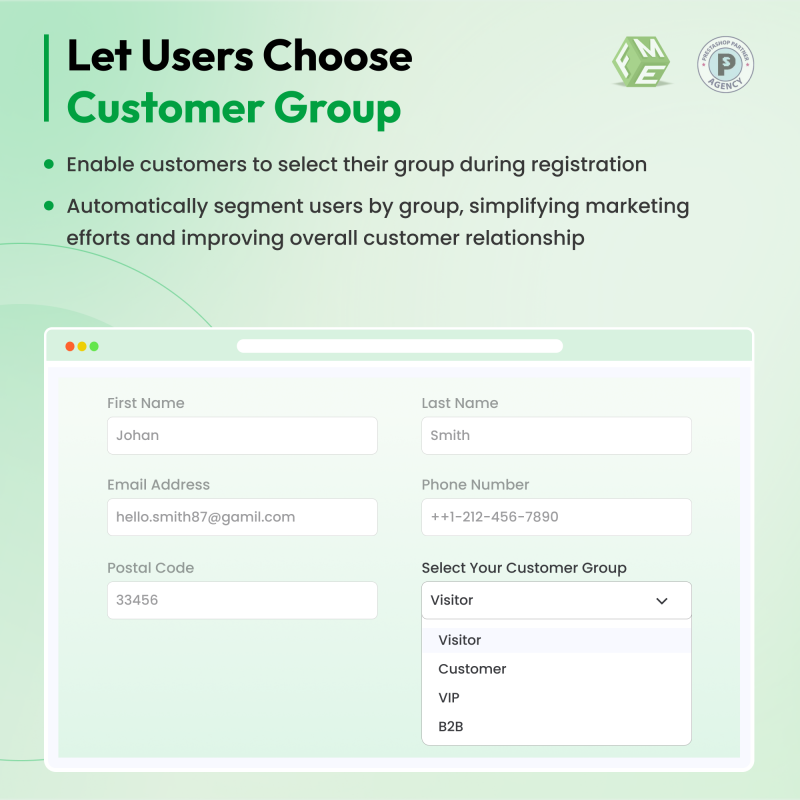
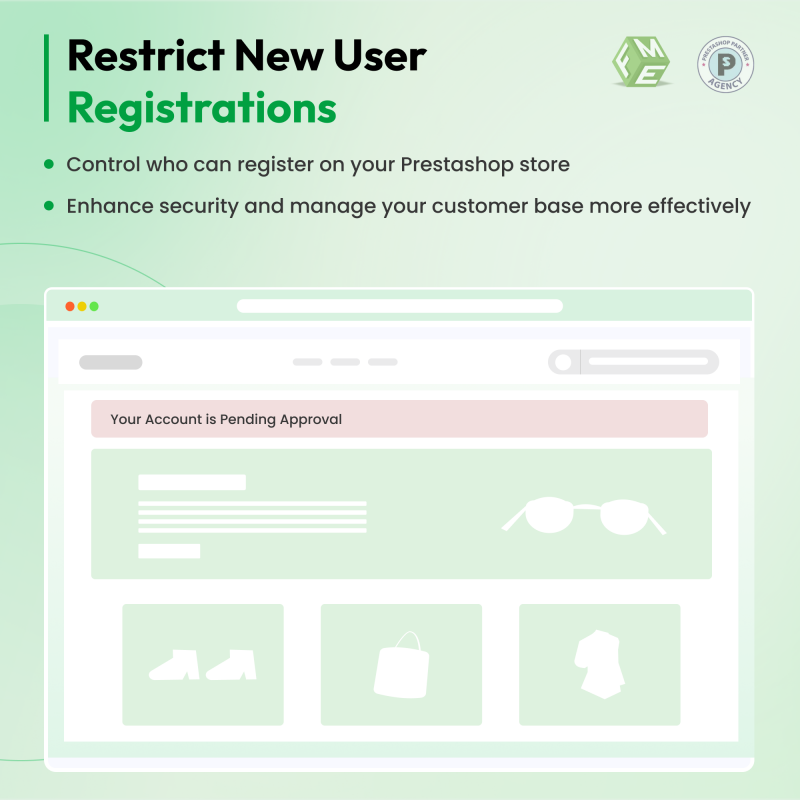
Optionally enable admin validation for new registrations. When enabled, new accounts remain pending until they are approved; emails notify both the admin and the customer. You can also auto-assign a customer group at signup and redirect users after registration.
BertrandCreationsWeb.com, an e-commerce store specializing in medical and orthopaedic products, improved its customer onboarding process by implementing the PrestaShop Custom Registration Fields module from FME Modules. This module allows the store to go beyond standard registration forms by adding extra fields, including text boxes, dropdowns, checkboxes, file and image uploads, and date selectors, enabling the collection of detailed customer and business information.
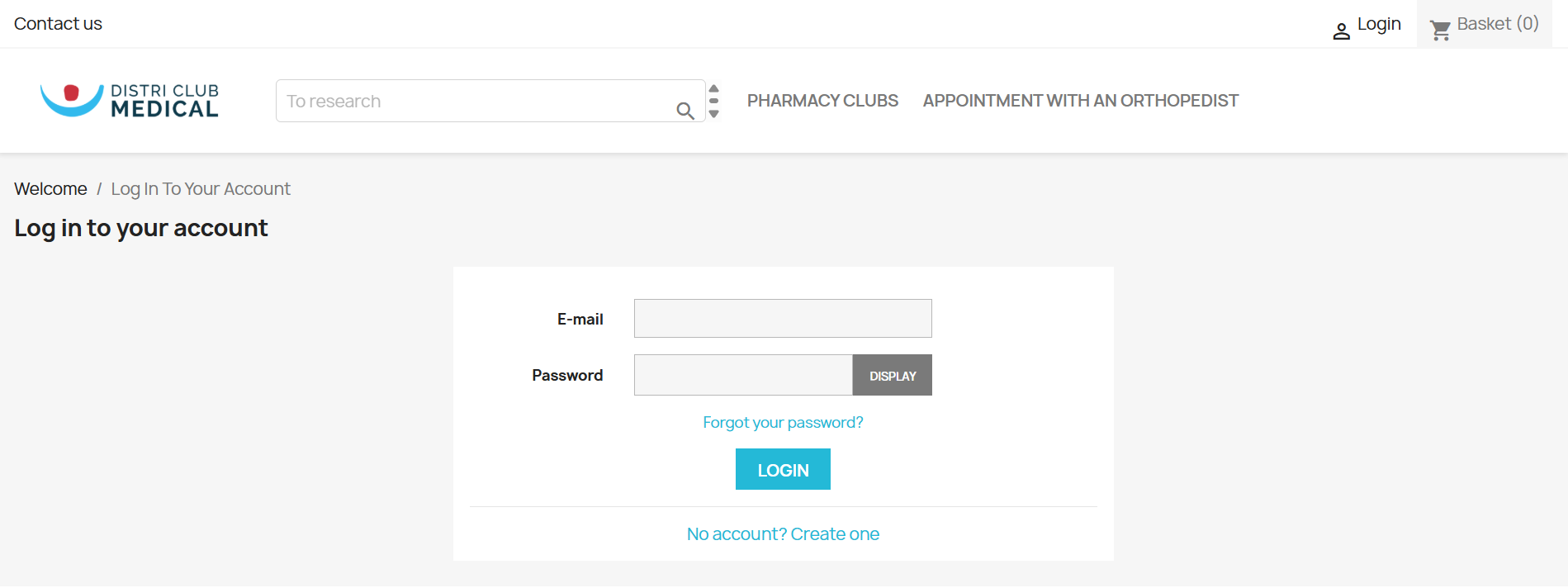
With conditional logic, the site displays relevant fields only when needed—such as requesting a business license upload for users selecting “Healthcare Professional” or “Company/B2B” during signup. All collected information is visible in the back office, customer profiles, order details, and invoice PDFs, streamlining administrative tasks and improving verification processes.
The module’s multi-language and multi-shop support allows BertrandCreationsWeb.com to serve a broader audience efficiently. By using FME Modules’ PrestaShop custom registration fields, the site enhances B2B customer onboarding, ensures compliance with verification requirements, and provides a personalized registration experience.
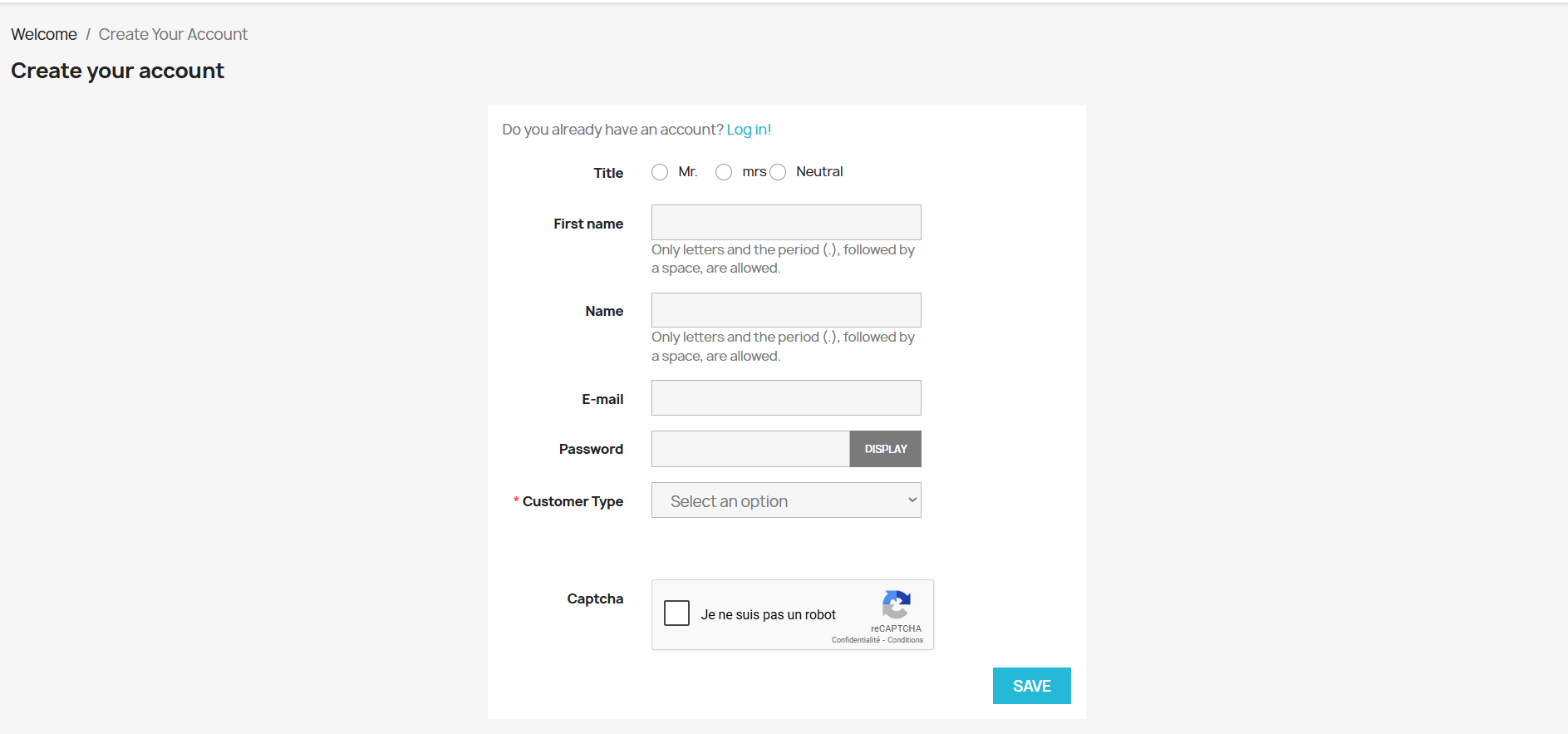
This implementation demonstrates how PrestaShop custom registration modules can optimize customer data collection, improve operational efficiency, and increase engagement, making it a vital tool for modern e-commerce stores.
A B2B wholesaler wants to ensure that only verified retailers can access wholesale prices. Using the PrestaShop registration form module, they:
Business impact: Faster verified onboarding, fewer fraudulent accounts, and immediate alignment between customer data and order/invoice workflows — resulting in faster time-to-first-order and higher retention among business customers.
Collecting the right preferences and demographic fields allows tailored landing pages, personalized product recommendations, and segmented email campaigns — all of which boost conversions and lifetime value while improving user experience.
Discover powerful tools and flexible options designed to enhance your PrestaShop store's functionality and user experience.
Responsive design for consistent performance everywhere in the industry.

Implementing industry-leading best practices with exclusive offers tailored to your business needs.

Get everything you need without worrying about renewal fees or hidden charges.

Get lifetime access to every update, ensuring your platform stays modern and secure.

Stay worry-free with lifetime assistance from our experts at absolutely no cost.

Get started instantly with an easy, guided installation process anyone can follow.

Shop with confidence; Get a full refund if you're not completely satisfied.

Every product undergoes strict quality checks to ensure top performance and reliability.

Simplify multi-store management with centralized control and consistent performance.
Have more questions? Contact us, and we will get back to you in 48 hours.
See what changed in each release of this product.
Tell us what you need. We will respond with an estimate based on your requirements.

 +86
+86
 09/02/2026
 +415
10/21/2026
+415
10/21/2026
 +108
07/22/2026
+108
07/22/2026
The PrestaShop registration form module transforms your store’s signup into a flexible data-capture engine. Add unlimited custom registration fields (text, file/image upload, date, dropdowns, radios, checkboxes, and more), validate and show those fields where you need them — invoices, order details, and “My Account”; and optionally require admin approval for new accounts. Built for B2B & B2C stores, multi-store and multi-lingual setups.
Discover the PrestaShop Registration Module by FME Modules, a top-selling solution on the PrestaShop Official Marketplace with over 5,666 downloads and more than 121 positive customer reviews.
Smart Upgrade Suggestion: Need both registration and checkout field customization? Get Advanced Custom Fields – includes both features for just €69 (save €39!). Click here to checkout