


Fully Responsive
Responsive design for consistent performance everywhere in the industry.



 35 Reviews

 |
| verified
PrestaShop Pre Order, an essential tool by FME Modules, empowers customers to reserve out-of-stock or upcoming products through flexible payment options, including full, partial, or dynamic payments. When customers pre-order, they benefit from timely email notifications about product availability, ensuring they don’t miss out.
Don’t let your inventory challenges hinder sales; leverage the PrestaShop Pre order Module to maximize opportunities, create a seamless shopping experience, and boost sales.
Explore the PrestaShop Pre order Module on the PrestaShop's official marketplace having over 49 reviews and 2014 downloads.
 Life Time Support
 Money Back Guarantee
 Life Time Updates
3.2.0


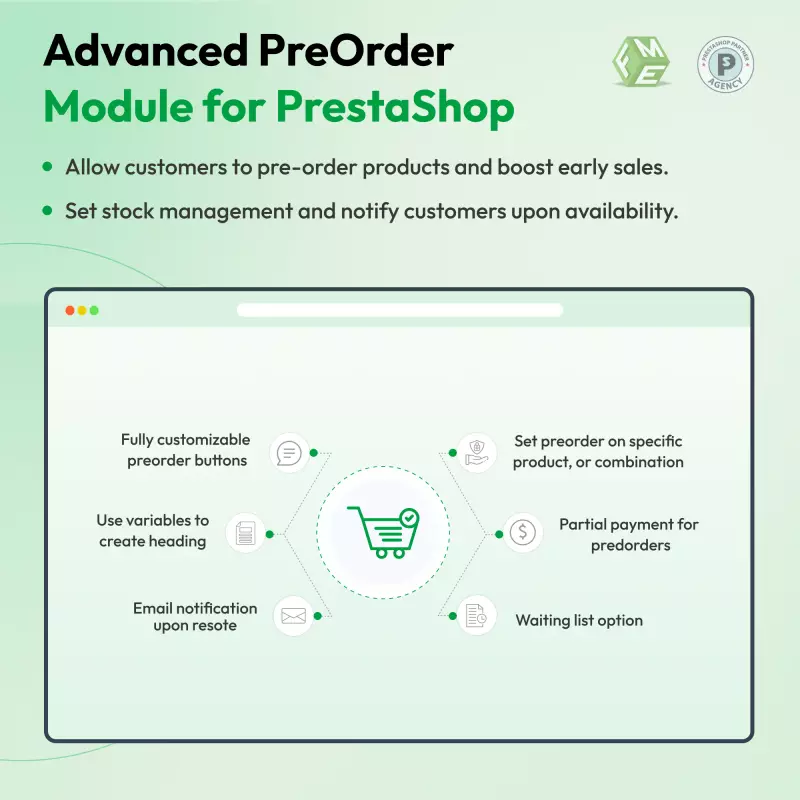
Boost the PrestaShop store sales and enhance customer engagement with the PrestaShop Pre Order and waiting list module. This PrestaShop Order Management allows customers to pre-order products or subscribe to a waiting list, creating anticipation and securing future sales. Merchants can easily notify users via email when the product will be available, ensuring they stay informed.
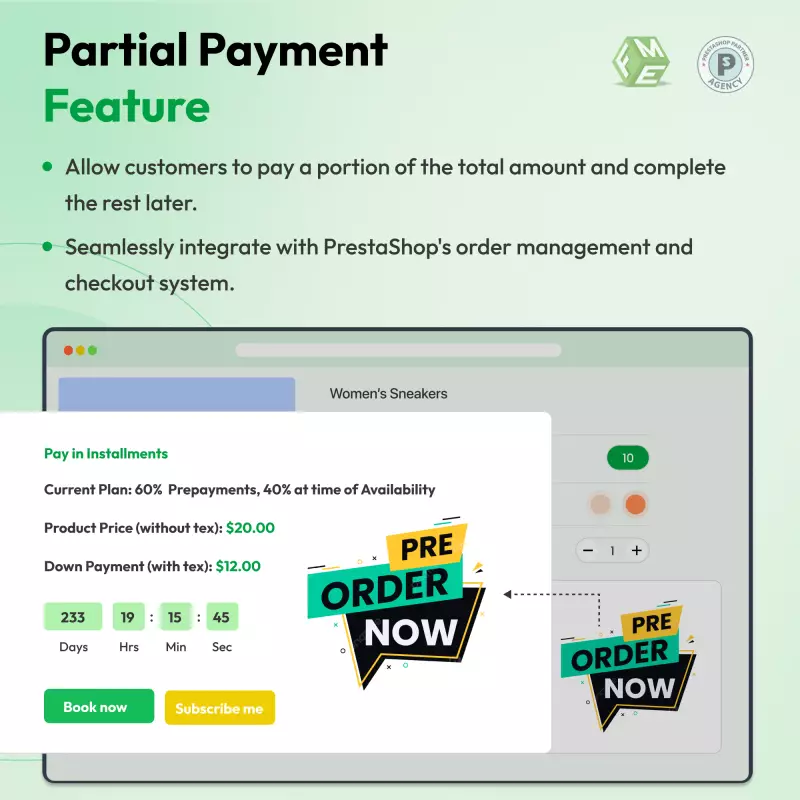
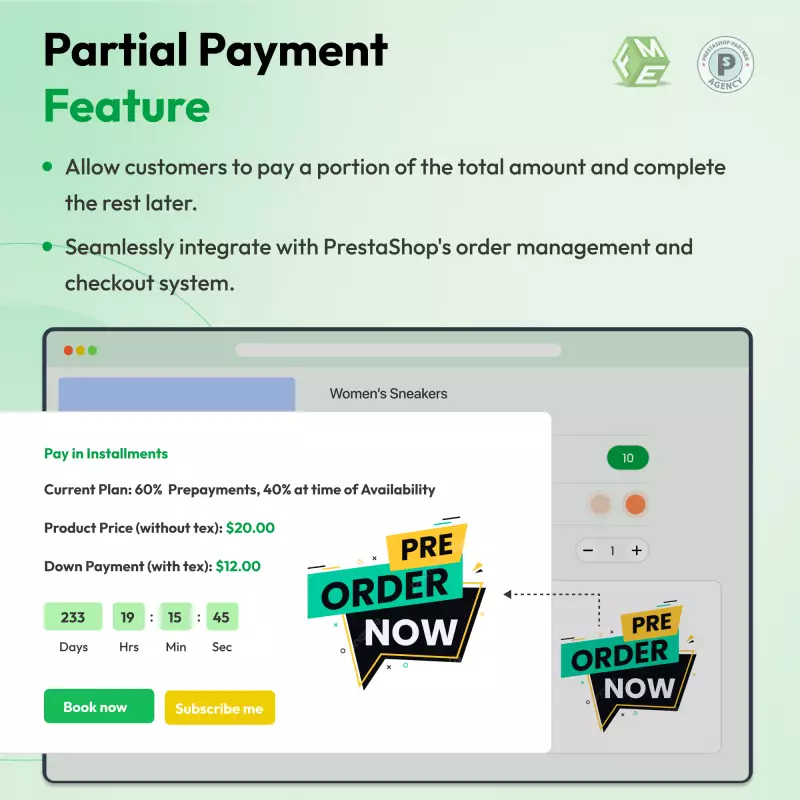
This Pre order module PrestaShop provides flexible payment options, enabling customers to choose between full or partial payments for pre-ordered items. Customers can pay the remaining amount once the product is in stock, streamlining the checkout process and improving conversion rates.
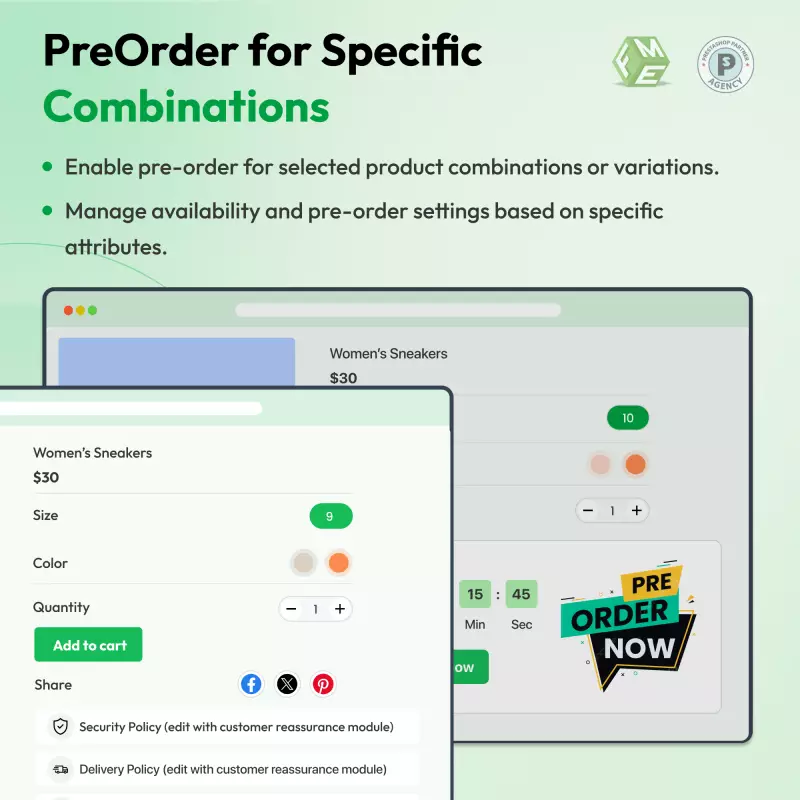
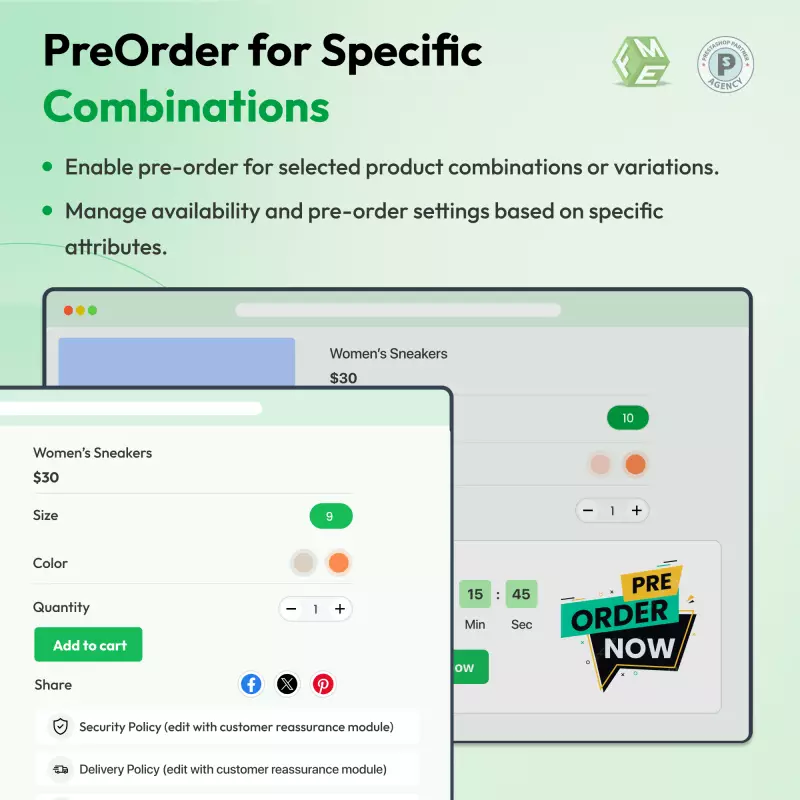
For merchants, the benefits offered by the PrestaShop Pre Order module are significant. They gain complete control over which products are available for pre-order, optimizing inventory management and forecasting. The admin can also customize payment methods and set partial payment amounts as a fixed amount or a percentage of the total price.
To simplify pre-order management, the PrestaShop waiting list module allows admins to set preorder options for all products with just one click, saving time and any extra effort.
Check out video below for details:
Imagine an online e-commerce store named “JKL”, specializing in the latest technology products. As JKL prepares to launch a new smartphone model, they implemented the PrestaShop pre order and waiting list subscription module to maximize customer experience, sales, and engagement.
With the PrestaShop Waiting List module, JKL enables customers to pre-order the new smartphone. This builds excitement before the official release. This option allows customers to secure their orders, which leads to increased sales even before the product is available.
To further engage potential buyers, JKL offers subscription options for updates on product availability. Subscribers receive email notifications as soon as the smartphone is in stock, fostering a sense of urgency and encouraging quicker purchasing decisions.
JKL provides flexible payment options, including full payment, partial payment, or dynamic partial payments, they cater to different customer preferences. This flexibility encourages more customers to complete their pre-orders, as they can choose a payment plan that suits their budget.
Additionally, JKL configures the partial payment amount as either a fixed or a percentage of the product price. This customization allows them to attract a wider audience, as customers can opt for smaller initial payments.
Due to the ease of use and simple configurations of the module, both the users and merchants can easily get an idea of how the preorder module PrestaShop will work. By using the PrestaShop pre order and waiting list module, JKL not only enhances customer satisfaction through tailored options and notifications but also drives pre-sales, ultimately boosting their revenue and solidifying their market presence.
As a leading provider of Point of Sale (POS) hardware and retail management software in Portugal, Corin faces a unique inventory challenge. High-end hardware—such as "All-in-One" touch terminals and specialized kitchen monitors—often involves complex supply chains and high demand.
Before implementing a dedicated solution, Corin faced:
Corin integrated the PrestaShop Advanced Pre-order module to transform their "Out of Stock" labels into revenue-generating opportunities. By allowing customers to reserve products before they arrive at the warehouse, Corin streamlined their entire sales funnel.
Key Features Leveraged:
Since the implementation, Corin has seen a significant shift in its e-commerce performance:
Do not let your customers lose your products just because they’re out of stock. Allow them a feature to pre-order products they need or subscribe to a waiting list to receive notifications whenever the product appears in stock.
Here’s a comprehensive overview of the features offered by the PrestaShop Pre Order module:
The PrestaShop waiting list feature allows users to receive notifications via email when a product becomes available. Admins can view the waiting list from the back office and receive email notifications when a product is added.
All configurations, including design and Cron settings, can be managed from the admin back office. Key features include:
1. General:
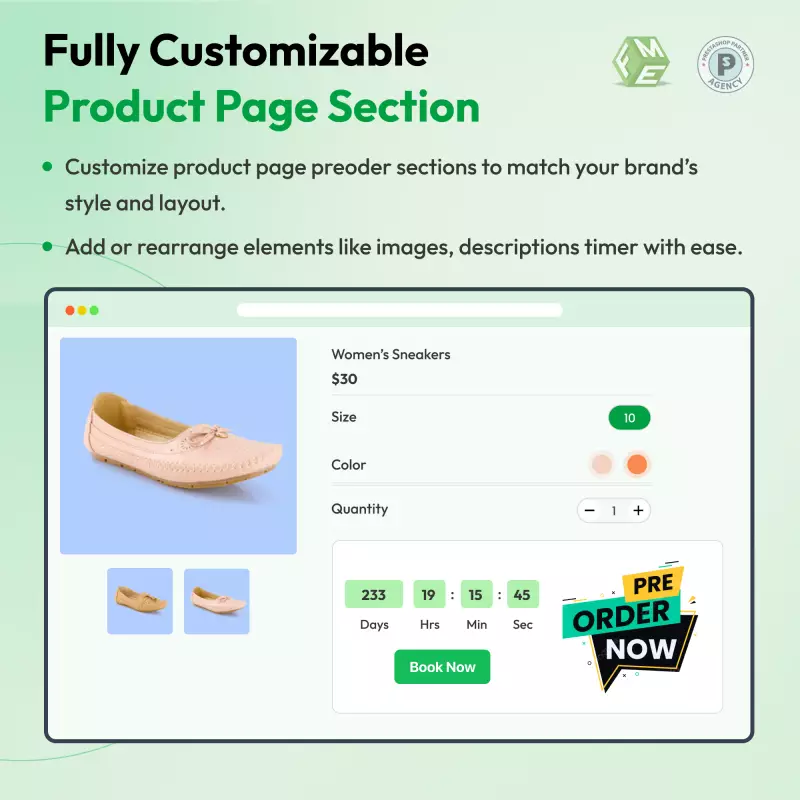
2. Design Settings:
3. Cron Settings:
Admin can do Cron Jobs by defining cron settings and placing the URL's (from the dashboard) in crontab or call them manually daily.
Learn more information about PrestaShop Pre order module by visiting the DEMO.
Discover powerful tools and flexible options designed to enhance your PrestaShop store's functionality and user experience.
Responsive design for consistent performance everywhere in the industry.

Implementing industry-leading best practices with exclusive offers tailored to your business needs.

Get everything you need without worrying about renewal fees or hidden charges.

Get lifetime access to every update, ensuring your platform stays modern and secure.

Stay worry-free with lifetime assistance from our experts at absolutely no cost.

Get started instantly with an easy, guided installation process anyone can follow.

Shop with confidence; Get a full refund if you're not completely satisfied.

Every product undergoes strict quality checks to ensure top performance and reliability.

Simplify multi-store management with centralized control and consistent performance.
Have more questions? Contact us, and we will get back to you in 48 hours.
See what changed in each release of this product.
Tell us what you need. We will respond with an estimate based on your requirements.

 +246
+246
 08/05/2026
 +70
07/28/2026
+70
07/28/2026
 +159
08/12/2026
+159
08/12/2026
PrestaShop Pre Order, an essential tool by FME Modules, empowers customers to reserve out-of-stock or upcoming products through flexible payment options, including full, partial, or dynamic payments. When customers pre-order, they benefit from timely email notifications about product availability, ensuring they don’t miss out.
Don’t let your inventory challenges hinder sales; leverage the PrestaShop Pre order Module to maximize opportunities, create a seamless shopping experience, and boost sales.
Explore the PrestaShop Pre order Module on the PrestaShop's official marketplace having over 49 reviews and 2014 downloads.