PrestaShop Private Shop | Manage Shop Visibility for B2B Users
Prestashop Private Shop

PrestaShop Private Shop | Manage Shop Visibility for B2B Users

  • best module Create Private Sales
  • downloads +146
    downloads!
  • version PrestaShop
    v1.7 - v8.x - v9.0

Enjoy the power of exclusivity with the Prestashop B2B Private Shop Module! You can now easily transform your store into a secure and private shop that only registered or authorized customers can access. It’s simply the best way of building trust, encouraging signups, and boosting engagement like never before. 

Just imagine your online store where:

  1. You allow registered users to browse products and place orders.
  2. You have control over the visibility of high-value products and high-end deals.
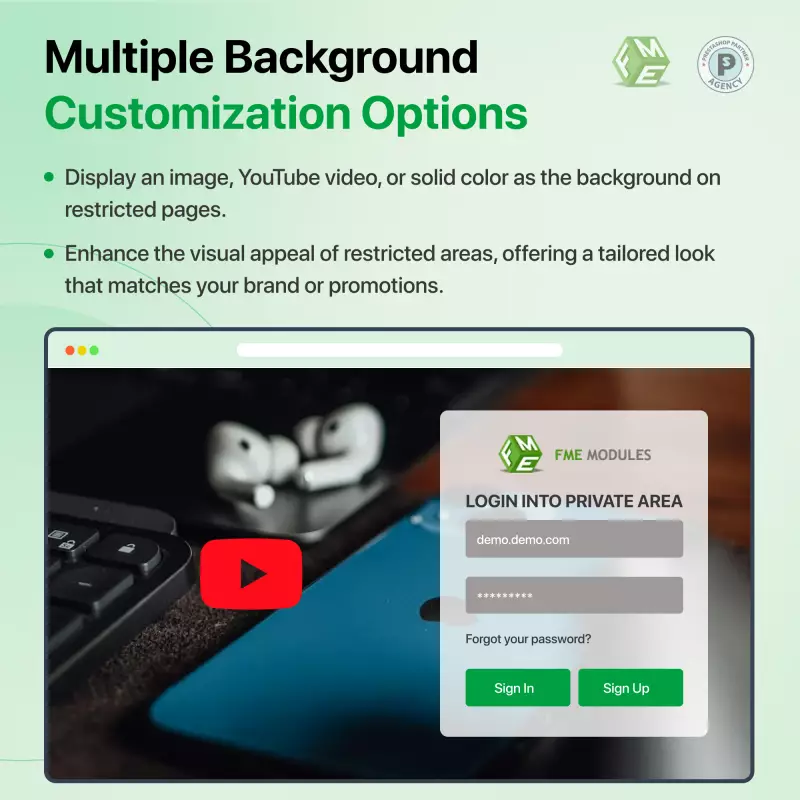
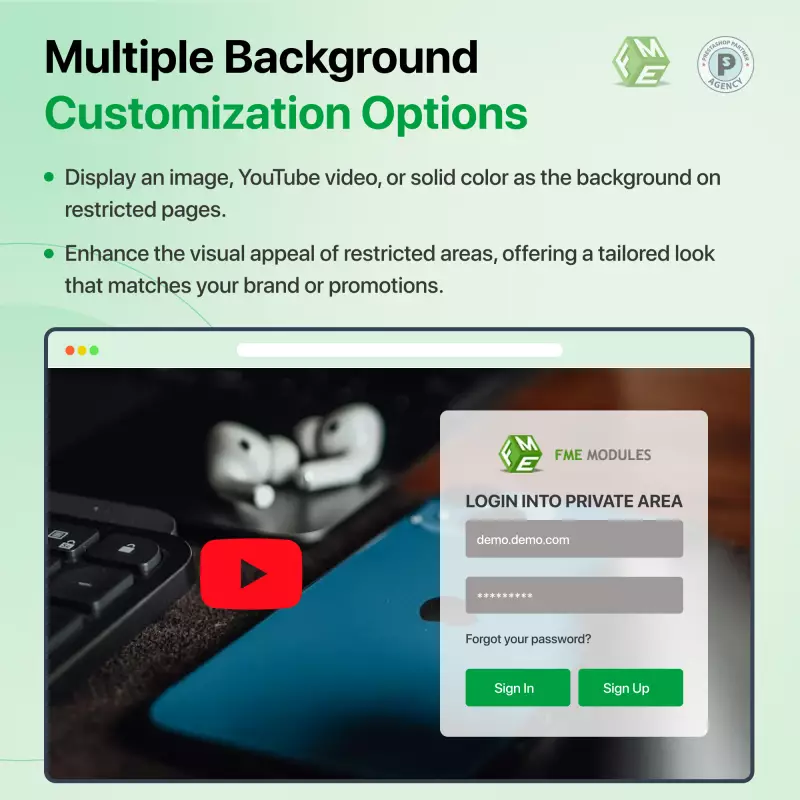
  3. You can effortlessly customize the logging page with an image or video background for brand identity and more.
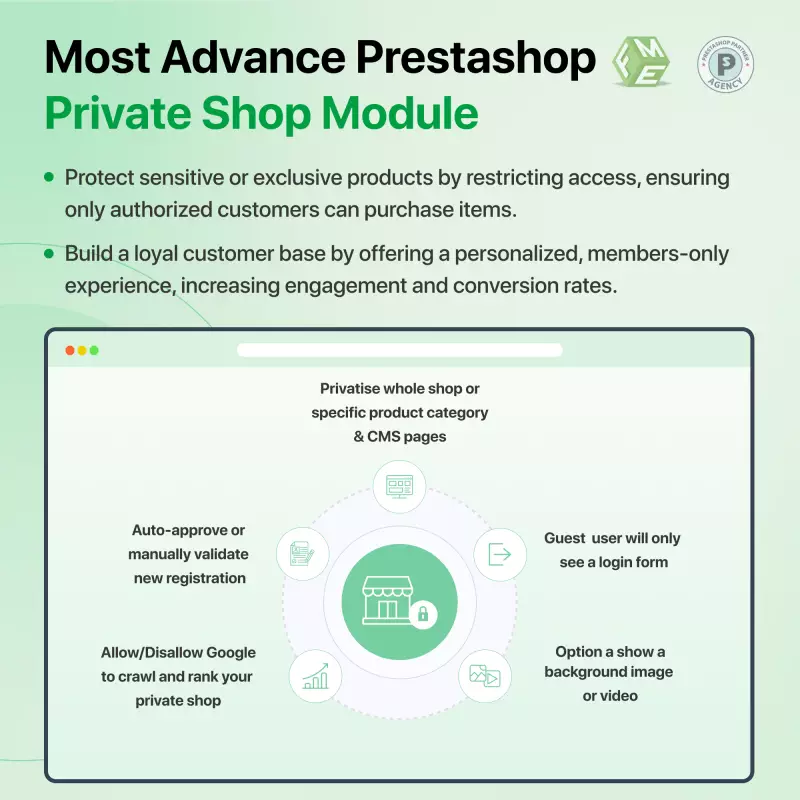
  4. You allow search engines to rank specific pages, ensuring your business is private and discoverable.

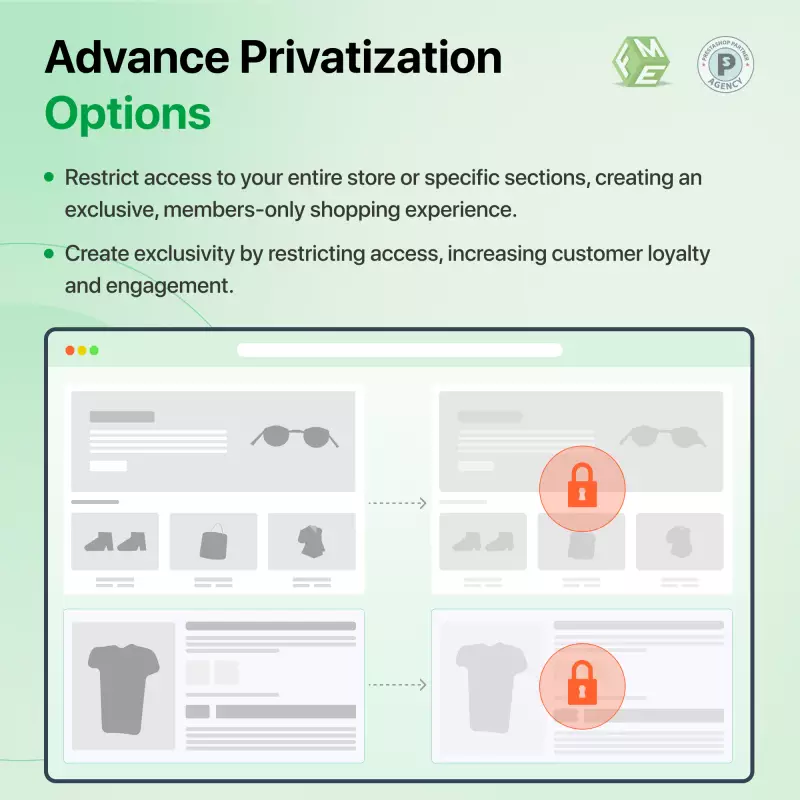
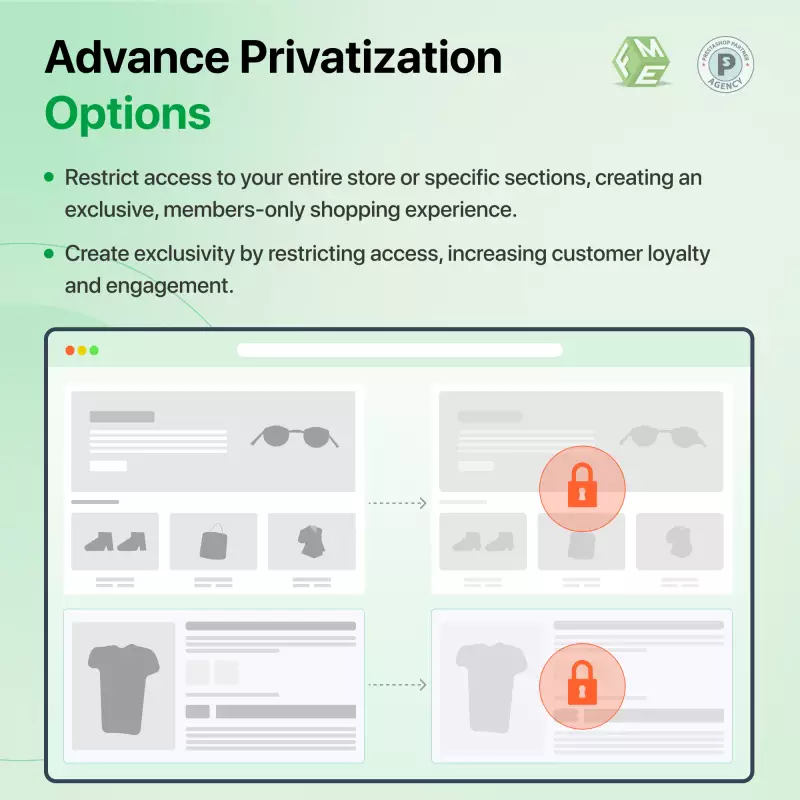
  1. The entire shop or some categories can be privatized.
  2. Requires registration from users to unlock access.
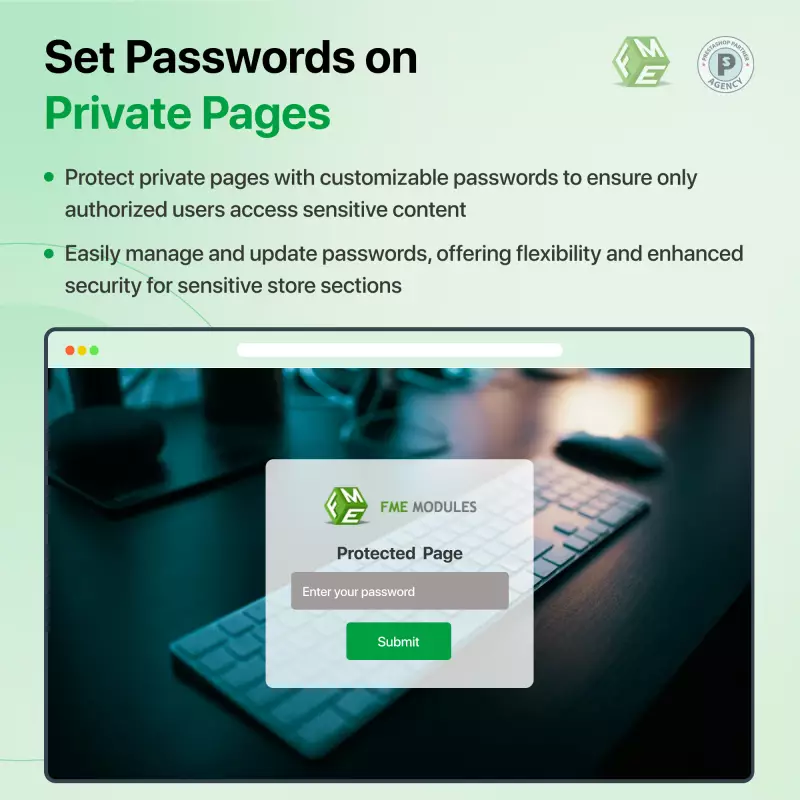
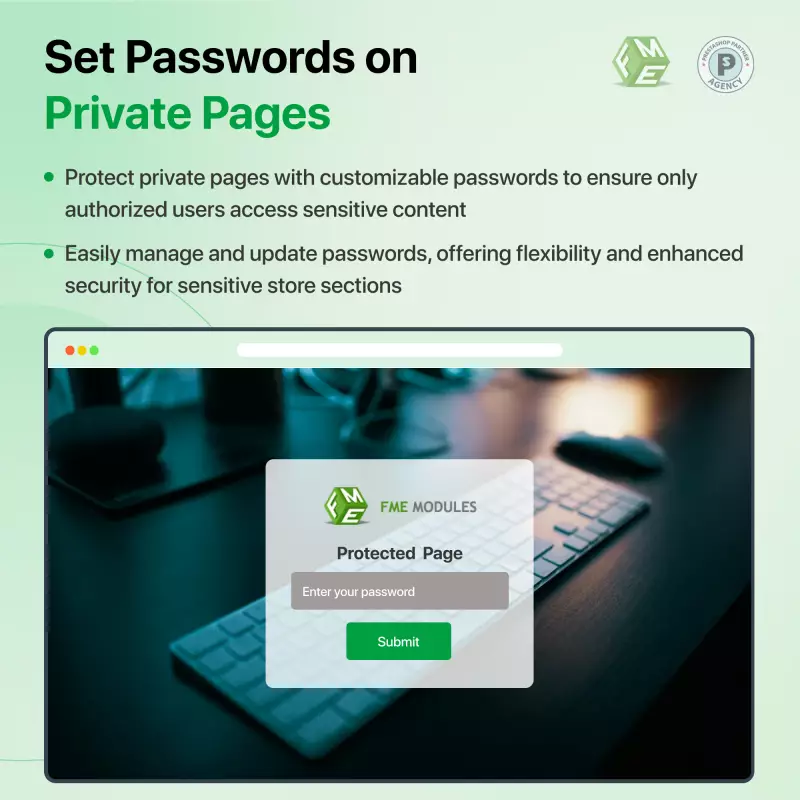
  3. Store owners can protect certain pages with a password.
  4. Manual and automatic signup approvals.
  5. Customize login/signup pages for users’ engagement.

Why Choose Us

  1. Best Prices and Offers
  2. Easy to Install with User-friendly interface
  3. No subscription fee
  4. Free lifetime support
  5. Free lifetime updates
  6. Money Back Guarantee
  7. Verified Quality by FME Modules
  8. Multi-Store & Multi-Lingual

Our Prestashop Private Shop Module is one of the top-rated modules on Prestashop's official marketplace with 98 reviews and 3941 downloads. Click to visit our Prestashop Private Shop Module on the PrestaShop Official Marketplace.

Prestashop Private Shop Module - Overview

You can include YouTube videos and solid colors for knowledge and brand awareness.

Unlock VIP Access Now

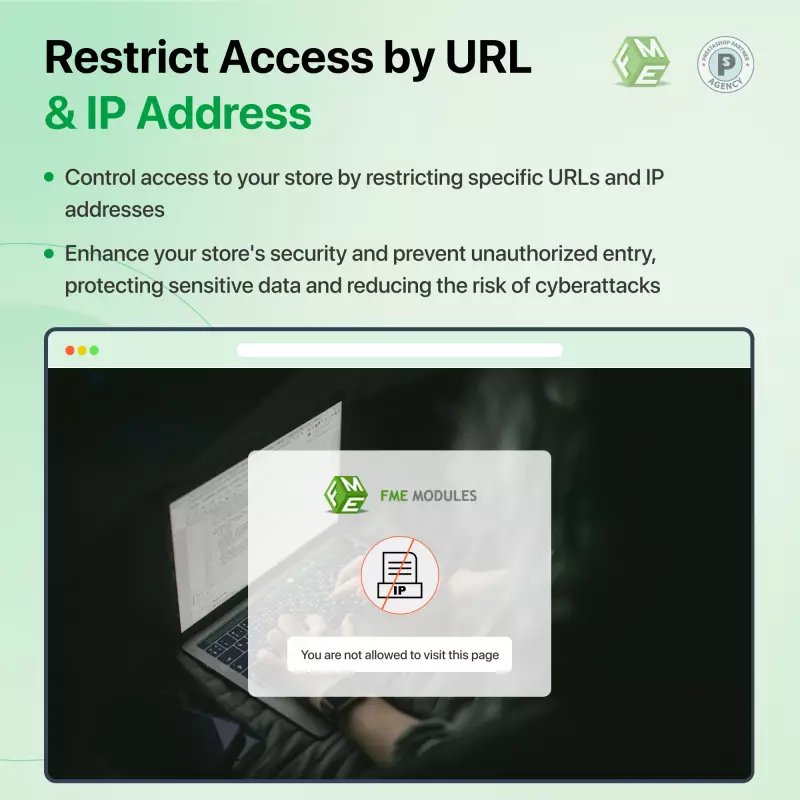
  • Restrict URLs and IP addresses with one click
  • Prevent Unauthorized entries

Not all your store visitors are serious buyers! Most unregistered users browse your products without any intentions of making purchases which leads to fewer conversions and a high bounce rate. Furthermore, your sensitive offerings might be exposed to competitors which may compromise the value of your store. 

Without control over access, you're missing out on creating a sense of exclusivity that can drive registrations and sales. Visitors may not feel compelled to register, and you lose the opportunity to turn casual browsers into loyal customers. Worse, search engines might index private pages, exposing content that should remain exclusive, risking your competitive edge.

The PrestaShop Private Shop Module by FME Modules solves this by giving you complete control over who accesses your store. Privatize your entire PrestaShop Webshop or specific sections, require mandatory login or registration, and create a secure, exclusive shopping environment. With customizable signup pages and approval workflows, you can motivate visitors to register while protecting your business from unnecessary exposure.

Case Study: How Mr A Built a High-Trust, High-Conversion B2B Store Using the PrestaShop Private Shop Module

Mr A is running a PrestaShop B2B distribution business that has been growing, but is also facing some problems. Everyone could see his whole catalog, wholesale pricing, dealer discounts, and exclusive product ranges. Not only did this have the wrong marketing magnets, but it also put his partners and pricing integrity in jeopardy. He wanted a safe, private and curated online space.

This was when Mr A adopted an advanced and easy-to-use PrestaShop B2B Private Shop Module by FME that helped him create the private shop, which can only be accessed by registered users or authenticated staff members.

The ensuing change in shape altered his business.

The Challenge

Mr A Faced 3 Major Problems Before He Found The Private Shop Module:

Unrestricted Access to Wholesale Pricing

All visitors could see:

  • Wholesale catalog
  • Negotiated dealer discounts
  • Bulk pricing

That was confusing for retail buyers and competitors; it undermined Mr. A’s pricing strategy and brand value.

Too Many Irrelevant Visitors

Thousands of casual dip-in visitors flocked to the stores.

  • Browsed without buying
  • Didn’t meet B2B requirements
  • Drained server resources
  • Increased bounce rates

Mr A wasted time speaking with unqualified leads.

B2B Clients Don’t Have As Much Branding Experience

Mr A’s legitimate business partners had hoped for:

  • A secure, private portal
  • Exclusive access to products
  • Confidential and protected pricing

But the default PrestaShop was not close to any of these points.

No Control Over Customer Registrations

Registration was open to anyone, and Mr A had no way of:

  • Approve users manually
  • Restrict access
  • Verify B2B legitimacy

Such as managing roles according to the undertaking type.

He needed more solid control, especially when working with high-end items.

Solution: B2B Private Shop Module for PrestaShop FME’s B2B module is dynamite when it comes to setting up private shops

In fact, after he had installed his new Private Shop Module in his existing store, he now had the power to run a privatised, professionally looking B2B portal that was otherwise closed to unregistered/ unapproved businesses!

With this module, he had full control over visibility and registration flow, page limitations, and could build an exclusive place for premium buyers.

Implementation & Key Features Used

Private Everything or by categories

Mr. A decided to privatise:

  • Wholesale-only categories
  • High-margin product ranges
  • Dealer-exclusive collections

The remainder of the store was public to further brand their visibility.

This mixed approach has enabled him to resonate equally well with B2B and B2C audiences.

Registration Required to Unlock Access

Now, visitors need to register or log in to view products.

Unregistered users saw:

  • A stylish signup page
  • Clear instructions
  • Strong messaging around exclusivity

This instantly upped the quality of leads.

Manual or Automatic Signup Approval

To remain in control, Mr A switched to manual approval for B2B signups.

This helped him verify:

  • Business validity
  • Tax information
  • Company profiles

For some categories, he enabled approvals to come automatically, streamlining the process where risk is low.

Protect Pages with Secure Passwords

For more sensitive stuff (dealer pricing sheets and partner-only downloads), Mr. A password-protected:

  • Specific landing pages
  • Policy documents
  • Contracted-offer pages

It added one more layer of privacy.

Branding on login & seating brand Login and signup pages

Mr. A customized as well to provide a high-end experience:

  • Background layout
  • Video header
  • Brand visuals
  • Messaging and CTAs

This immediately imparted professionalism to the partners, which raised sign-up trust.

SEO-Friendly Access for Search Engines

Mr. A has allowed Google to index:

  • Blog
  • Informational pages
  • Public product teasers
  • But it kept pricing and a full catalog of titles private.

This ensured:

  • Strong SEO traffic
  • High brand visibility
  • Zero exposure of restricted data
  • Findable but exclusive, the best of both worlds.

Results & Business Impact

65% Increase in Qualified Leads

  • Irrelevant visitors are denied access.
  • Only legitimate businesses joined, so the quality of leads was much higher.
  • Complete Protection of Confidential Pricing

No longer could competitors monitor or abuse:

  • Wholesale rates
  • Discount structures
  • Dealer pricing

Mr A now had even better relationships with his suppliers and distributors.

Stronger B2B Relationships & Trust

Business clients appreciated:

  • A dedicated login portal
  • Private catalog access
  • Personalized onboarding

Some partners even lauded the new system as professional.

Reduce Bounce Rate & Increase Engagement

And once users signed in, personalised prices and exclusive products helped weave them more tightly into the site.

  • Return volumes surged, with more and better conversions.
  • Quicker, More Relaxed Client Onboarding

Through manual approvals, Mr A screened out:

  • Casual users
  • Fake registrations
  • Non-B2B applicants

His sales team was left to concentrate only on top-notch business leads.

 6) Better Brand Positioning

The custom signup/login experience was visually powerful.

Right off the bat, visitors could be under no illusions that this was:

  • Exclusive
  • Professional
  • High-value

This raised the brand’s profile in the business as a whole.

PrestaShop Private Shop - Back Office Features

Uncover the exclusive back office features of the Private Shop PrestaShop module, designed to give store admins complete control over access and enhance the shopping experience for registered users.

1. Customizable Login and Signup Experience

  • Editable Titles: Customize the login and signup titles in your PrestaShop Private Shop module to match your brand.
  • Form Positioning: Change the position of the login/signup form (left, right, center) on the front end of your private shop PrestaShop.
  • Background Options: Choose between a background image or color for your private shop PrestaShop, with options for opacity and a temporary image.
  • Multi-language Support: Implement multi-language titles for the login and signup forms in your PrestaShop private shop.
  • Modern Themes: Select from a new contemporary form theme by FME Modules or use the default inherited from user theme styles in your private shop.

2. Registration Control and Management

  • Enable/Disable Registrations: Manage new private registrations in your private shop, PrestaShop, and disable the signup button if needed.
  • Auto-Approval Settings: Enable or disable auto-approval of new customer registrations in the PrestaShop Private Shop module. If off, review and activate registrations directly from the back office.
  • Notification Emails: Automatically send emails to users upon account activation and to the administrator upon new registration requests in your private shop.

3. Access and Visibility Management

  • Privatization Options: Privatize your entire PrestaShop webshop or select specific products and categories. Also, you can privatize your CMS pages using the PrestaShop Private Shop module.
  • IP Whitelisting: Allow specific IP addresses to access your private shop, enhancing security for your PrestaShop store.
  • SEO Control: Decide whether to restrict or allow Google to index your website and appear in search results for your private shop, PrestaShop.

4. Customer Management

  • Customer Lists and Details: View a list of all private customers, including options to view details and delete customers within your PrestaShop private shop.
  • Customer Group Restrictions: Implement restrictions based on customer groups in your Private Shop PrestaShop module for tailored access.
  • Filtration Options: Utilize multiple filtration options in the customers’ block/grid for easier management of your private shop.

5. Enhanced Interface and Features

  • Better Back Office Interface: Enjoy a user-friendly interface for managing your PrestaShop private shop.
  • Contact Options: Enable or disable contact buttons, and add a "Contact Admin" feature to facilitate communication in your private shop.
  • Custom Logo: Upload a custom logo for the private area of your PrestaShop private shop to reinforce branding.

6. Additional Customization Options

  • Custom Messages: Display a custom message for new customers upon registration in your PrestaShop Private Shop module, especially when auto-approval is disabled.
  • Access Toggle Options: Show/hide access options for selected parts of your private shop based on admin choices.
  • Privatization by Supplier/Manufacturer: Add options for privatization based on suppliers and manufacturers in your private shop PrestaShop.

Access Private CMS Page

Prestashop Private Shop - Front Office Features

Unlock a premium shopping experience with the front office features of the PrestaShop Private Shop module, designed to elevate customer engagement and streamline access for registered users.

1. Enhanced User Interface

  • Better Front Office Interface: Enjoy a streamlined and user-friendly interface designed for optimal customer engagement.

2. Private Login and Registration

  • Private Customer Login Form: Provide a secure login form exclusively for registered users.
  • Private Registration Form: Offer a dedicated registration form for new users to create accounts in your private shop.
  • Password Recovery: Include a "Forgot Password" option to assist users in recovering their accounts.

3. Page Protection and Customization

  • Theme Customization Options: Enable or disable the theme header and footer for a tailored look in your private shop.
  • Unique Page Protection: Protect specific pages (products, categories, CMS, and meta-pages) with a unique password for enhanced security.
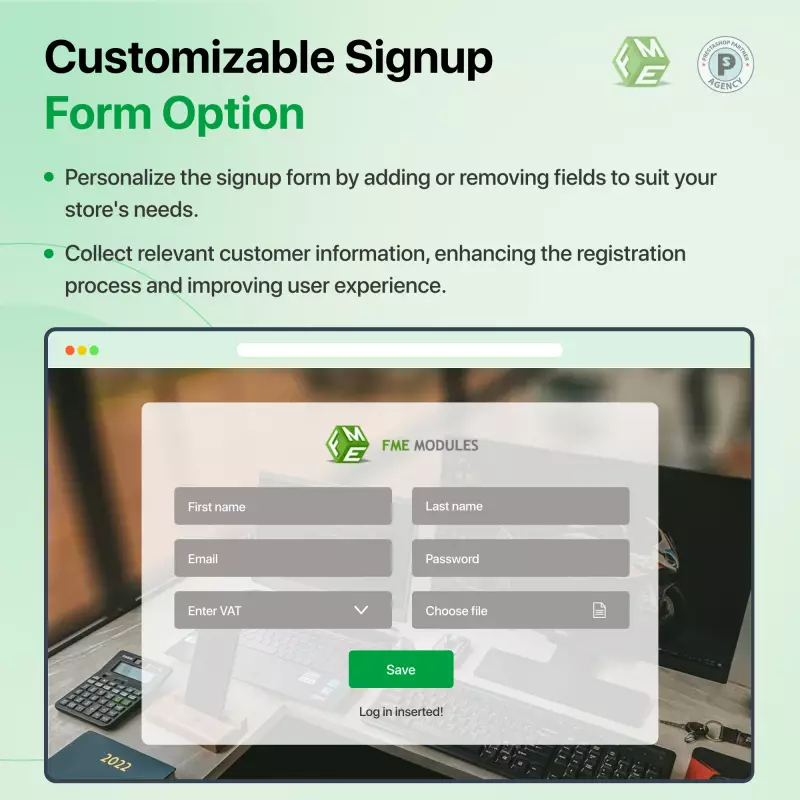
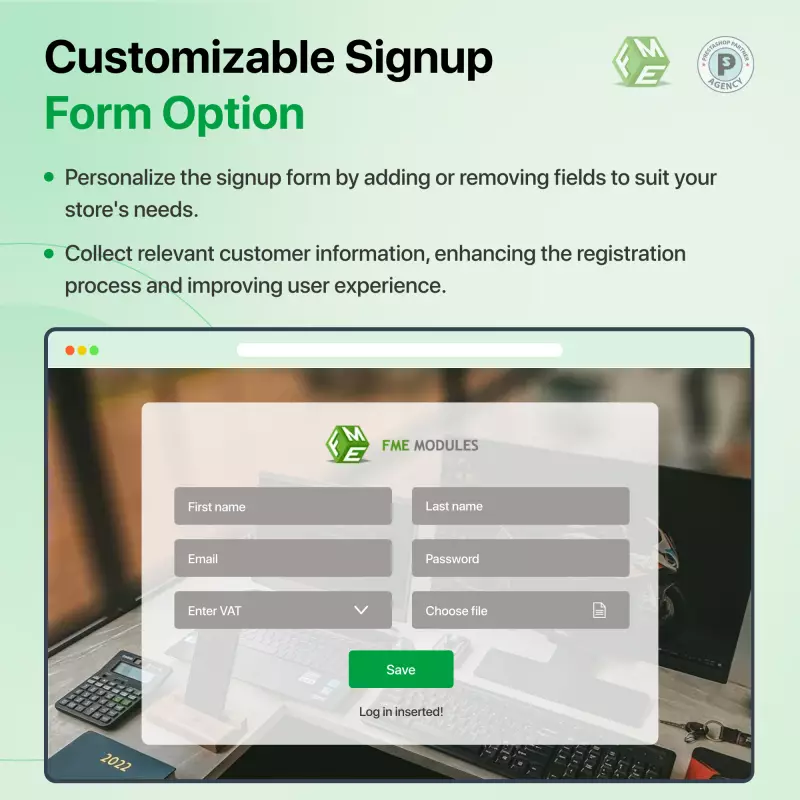
  • Custom Fields on Signup Form: Add custom fields to the signup form to gather additional information from new users.
Reviews & Ratings (79)
Frequently Asked Questions (4)
  • Can I protect specific pages with passwords?

    Yes, the private shop PrestaShop module includes an option to set password protection on any page, ensuring that only users with the correct password can access that content.
  • What are the signup approval options available in the module?

    Admins can enable auto-approval for new registrations or manually approve them, allowing for better control over who can access the store.
  • How can I manage search engine access to my private pages?

    The private shop PrestaShop module allows you to control whether Google can crawl and index your private pages, allowing you to keep sensitive content out of search results.
  • What customization options are available for the login and signup pages?

    Admins can customize titles, background images or videos, and form positioning. The module also supports multi-language titles for better accessibility.
Related Products
€59