


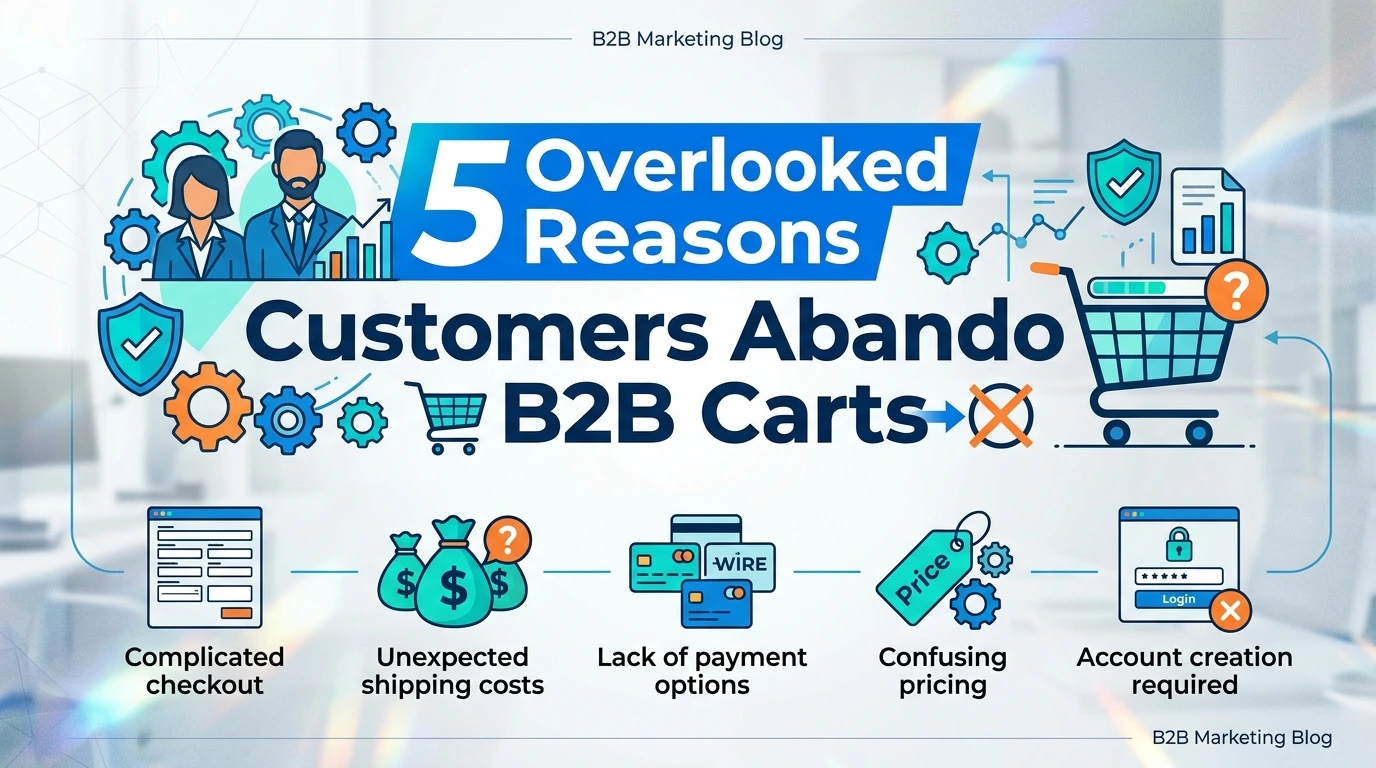
When a retail customer abandons a shopping cart, it is often blamed on price comparisons, distractions, or simple indecision. B2B buyers, however, operate very differently. Every purchase is tied to business processes, company policies, procurement approvals, and accounting requirements. If your checkout creates unnecessary obstacles, they rarely hesitate to leave and complete their purchase elsewhere.
This is why B2B cart abandonment is often driven by operational friction rather than impulse. Missing purchase order fields, inflexible registration forms, unavailable document uploads, or complicated checkout steps can instantly disrupt a business transaction worth hundreds or even thousands of dollars.
This checklist explores five commonly overlooked checkout flaws that could be costing your PrestaShop store valuable B2B revenue and explains how to fix them without rebuilding your entire ecommerce website.
Why B2B Checkout Is Different
Business buyers are not shopping for convenience alone. They purchase on behalf of their organizations and often need to follow strict procurement procedures before placing an order.
Unlike retail customers, they may need to provide:
- Corporate VAT numbers.
- Purchase order references.
- Department or cost center information.
- Tax exemption certificates.
- Delivery instructions.
- Authorized contact details.
- Freight preferences.
If your checkout process cannot accommodate these requirements, even interested buyers may abandon their carts because they simply cannot complete the transaction properly.
B2B Checkout Checklist
1. Does Your Checkout Capture Corporate Information Properly?
One of the biggest frustrations for wholesale buyers is encountering registration forms designed exclusively for retail shoppers.
Many PrestaShop stores only request basic customer information such as name, email address, and shipping details. While this may work for consumers, businesses often require additional billing information before an order can even be processed.
Imagine asking a procurement manager to enter a company VAT number or tax exemption ID inside an address field because there is nowhere else to put it.
- It immediately creates uncertainty.
- The accounting department may reject the purchase.
- The buyer questions your professionalism.
- The checkout suddenly becomes more difficult than it should be.
A business-friendly checkout should dynamically collect information such as:
- Company name.
- VAT number.
- Tax identification.
- Department name.
- Business registration number.
- Internal customer reference.
Making registration adaptable ensures every customer sees only the fields relevant to their business requirements.
2. Can Buyers Add Purchase Order Numbers and Other Order Details?
Purchase orders remain a standard part of corporate purchasing.
Many organizations cannot approve an order unless it includes a valid PO number linked to their procurement system.
Unfortunately, many ecommerce checkouts provide no place to include this information.
When buyers cannot add:
- Purchase order numbers.
- Internal reference codes.
- Project identifiers.
- Delivery instructions.
- Site access information.
- Warehouse notes.
They often pause the purchase and contact your sales team instead.
In many cases, they never return.
Giving customers the flexibility to include business-specific information directly during checkout creates a smoother purchasing experience while reducing unnecessary communication.
3. Can Customers Upload Business Documents During Checkout?
Business purchases frequently require supporting documentation.
A customer may need to provide:
- Tax exemption certificates.
- Official purchase orders.
- Compliance documents.
- Import licenses.
- Verification forms.
Many online stores still ask customers to send these documents by email after completing the purchase.
That creates unnecessary delays.
It also increases the chance that documents become lost, misplaced, or associated with the wrong order.
Modern B2B buyers expect to upload files directly during checkout so everything is submitted together in one streamlined workflow.
Document uploads improve efficiency for both customers and internal sales teams while reducing manual follow-up.
4. Is Your Checkout Designed for Businesses Instead of Consumers?
Many wholesale buyers purchase regularly.
They know exactly what they need.
They are not interested in lengthy retail style checkout experiences filled with unnecessary clicks.
A complicated five-step checkout process may seem acceptable for casual shoppers, but procurement professionals value speed above almost everything else.
An optimized B2B checkout should minimize friction by:
- Reducing unnecessary steps.
- Displaying relevant fields only.
- Remembering customer information.
- Keeping navigation simple.
- Making business information easy to review before payment.
The faster buyers can complete their purchase, the less likely they are to abandon it.
5. Are Your Shipping Options Flexible Enough for Corporate Orders?
Shipping requirements become significantly more complex in wholesale transactions.
Corporate customers often need shipping options that standard ecommerce checkouts simply do not provide.
For example, buyers may want to:
- Select preferred freight carriers.
- Use their own shipping accounts.
- Request split shipments.
- Specify warehouse delivery windows.
- Provide loading dock instructions.
- Choose palletized freight.
Without these options, logistics teams may refuse to approve the order, causing valuable sales to disappear before payment is completed.
Providing flexible shipping information during checkout creates confidence and helps eliminate costly misunderstandings.
Build a Better B2B Checkout Without Custom Development
Many merchants assume solving these checkout challenges requires months of custom programming and expensive development.
Fortunately, that is no longer the case.
Instead of modifying your PrestaShop store from scratch, you can implement powerful checkout enhancements using dedicated modules designed specifically for B2B ecommerce.
PrestaShop Custom Checkout Fields Module
One of the most effective ways to improve the checkout experience is by allowing customers to provide exactly the information your business requires.
The PrestaShop Custom Checkout Fields Module enables store administrators to add customized fields directly to the checkout process.
You can create:
- Text fields.
- Dropdown menus.
- Checkboxes.
- Radio buttons.
- Date selectors.
- Text areas.
This makes it easy for customers to submit purchase order numbers, department references, project codes, delivery instructions, and other business-critical information without leaving the checkout page.
PrestaShop File Upload Module
Document collection becomes effortless with the PrestaShop File Upload Module.
Instead of requesting files after the order is placed, customers can upload tax exemption certificates, purchase orders, compliance documents, and supporting paperwork directly from the cart or checkout page.
Everything remains attached to the order, reducing manual administration while improving operational efficiency.
PrestaShop Registration Form Module
The buying experience begins long before checkout.
The PrestaShop Registration Form Module allows businesses to collect detailed corporate information during account creation.
You can request company-specific data such as VAT numbers, business registration details, tax IDs, industry information, and custom fields before customers even begin shopping.
This creates cleaner customer records while making future purchases much faster.
Together, these modules transform a standard retail checkout into a professional B2B purchasing experience that meets the expectations of modern wholesale buyers.
Create a Checkout That Works for Business Buyers
Every unnecessary field, missing option, or complicated step introduces friction that can push valuable customers away.
Take a close look at your checkout process today. If your wholesale buyers cannot easily enter purchase order numbers, provide business information, upload required documents, or choose the logistics options they need, you may be losing revenue without even realizing it.
A frictionless checkout is not just about convenience. It builds trust, simplifies procurement, shortens the buying process, and increases conversion rates.
Do not let rigid forms limit your wholesale growth. Explore the FME Checkout Optimization Modules Suite and give your B2B customers the seamless purchasing experience they expect while helping your PrestaShop store convert more business buyers into long-term clients.
