


A skilled PrestaShop developer doesn’t just write code; they rely on a robust development environment and the right set of tools to build, test, and maintain online stores efficiently. In 2026, modern eCommerce development demands not only technical expertise but also streamlined workflows, automation, and collaboration.
This guide explains the essential tools, environment setup, and best practices every PrestaShop developer should follow to create secure, high-performing, and scalable online stores.
Setting Up A Local Development Environment
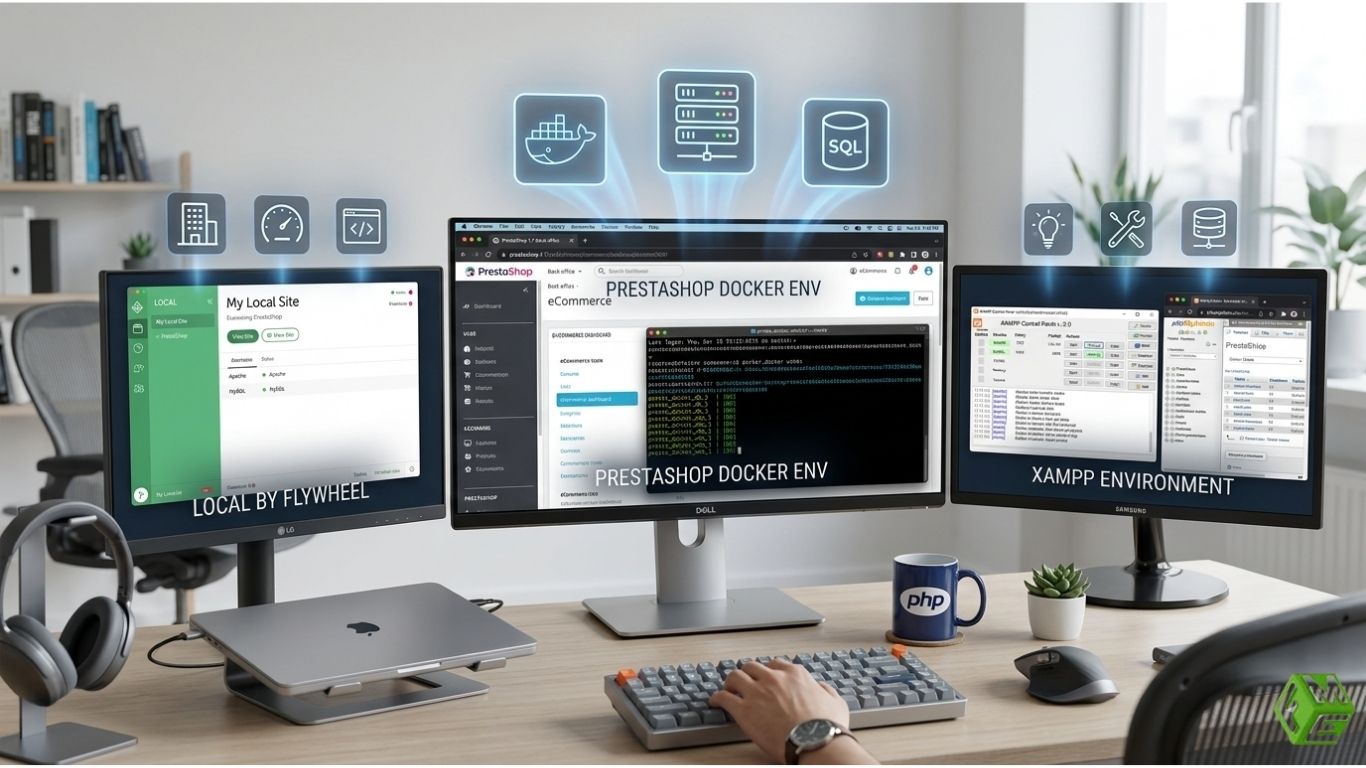
PrestaShop 9 is the ultimate open-source eCommerce platform for all kinds of businesses. A local setup enables testing of your changes in a safe environment without impacting the live store. Popular PrestaShop developer tools include:
- XAMPP, WAMP, MAMP: Give you a local server environment with PHP, MySQL, and Apache/Nginx.
- Docker: Provides containerised environments allowing replication of server configurations readily in development, staging, and production.
- Local by Flywheel or Dev Kinsta: Makes it easy to set up local WordPress/PrestaShop in preconfigured environments that shorten your development time.
Having a local setup allows developers to play around with the appearance of their stores, as well as any modules or custom code, without fear of bringing down a live store.
Popular and Effective Code Editors and IDEs
Writers of code need strong editors or integrated development environments (IDEs) with quick, easily accessible menus that maximize time in writing. The proper tool increases productivity, decreases errors, and greatly simplifies debugging. Here are some of the best PrestaShop developer IDE recommendations:
- Visual Studio Code (VS Code): Lightweight, highly customizable, with a vast array of extensions related to PHP and also Symfony, as well as PrestaShop development.
- PHP Storm: It is a paid IDE that specializes in advanced debugging, code auto-completion, and PrestaShop Symfony tools for larger projects.
- Sublime Text: Very lightweight and fast for quick edits or smaller modules.
These editors provide the fundamental features for professional PrestaShop development, including syntax highlighting, code completion, and version control integration.
Version Control & Collaboration in PrestaShop Development
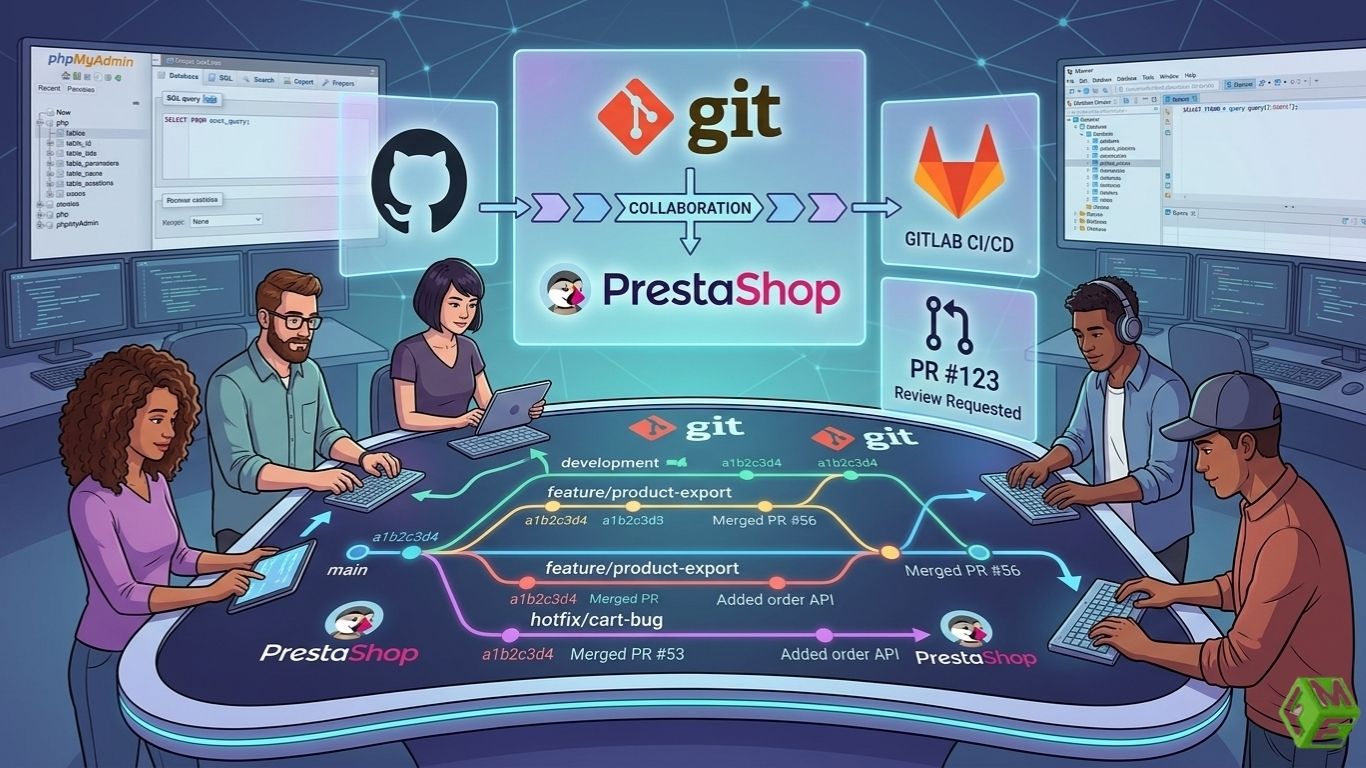
In 2026, the use of version control systems is common. It enables several PrestaShop custom developers to collaborate on the same project and eliminates conflicts while maintaining a log of the entire code modifications.
- Git: Source control to keep a history of code, branch and collaborate.
- GitHub, GitLab or Bitbucket: Repositories host with team collaboration and CI/CD integrated.
Version control at its core is essential for keeping the code both reliable and reversible as well, which ultimately plays to both sides of this equation when it comes time to push ongoing updates to a PrestaShop store or work on bigger team projects.
Database & Server Tools for PrestaShop Developers
Database management is essential for PrestaShop, since it heavily relies on them. Best practices include:
- phpMyAdmin or Adminer: Website interface for controlling MySQL databases.
- Database management tool: Sequel Pro or DBeaver.
- Mirror Live Environments: For Testing Upgrades (Or New Modules), or Fine-Tuning Performance.
A properly maintained database and PrestaShop development environment guarantees migrations run smoothly, queries are fast, and data integrity is upheld.
Debugging & Performance PrestaShop Developer Tools
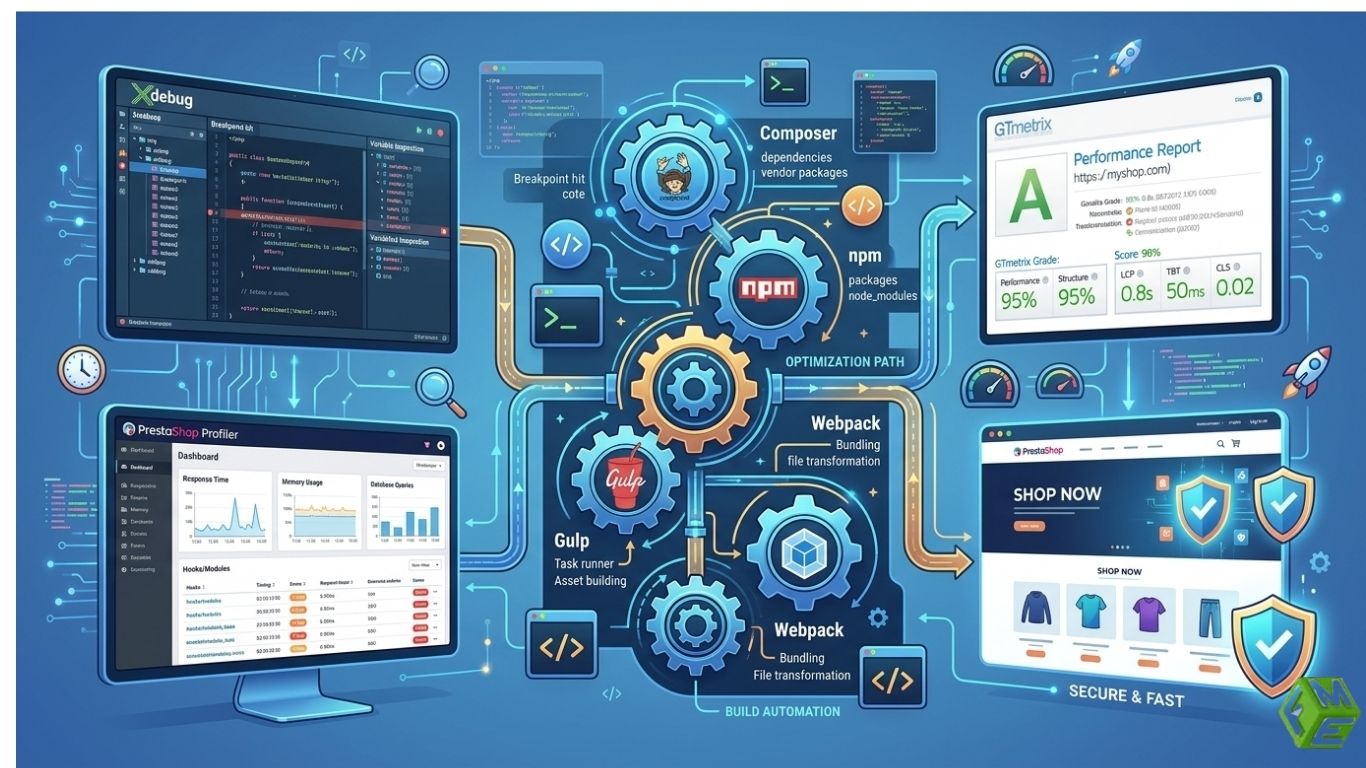
Maintaining high-performing PrestaShop stores requires ongoing testing and optimization. Developers use tools to troubleshoot and resolve issues, improve store speed & reliability.
- Xdebug or PHP Debug Bar: Trace the execution of the PHP code to debug complex modules.
- GTmetrix, Google PageSpeed Insights: Check website speed and performance bottlenecks.
- PrestaShop Profiler: built-in SQL queries to track module performance and page load times.
A PrestaShop developer will want to use these free tools when hired for the PrestaShop development project, so the store loads quickly and works well, providing a seamless shopping experience for customers.
Workflow Automation & Package Management
Modern PrestaShop development heavily relies on automation and package management, such as:
- Composer: Native PHP dependency and modules manager.
- npm/yarn: The package manager for frontend dependencies such as Javascript libraries and CSS frameworks
- Gulp or Webpack: Used for automating the process of minifying your code, compiling your JSX and watching files for changes, so development is faster
- Optimization: Automation not only saves time, it also significantly reduces errors while carrying out repetitive tasks such as asset compilation, module updates or deployment.
Best Practices for Environment Setup
- Isolated Environments: Local, staging and production instances to avoid disruptions in your live store.
- Version Control Everywhere: Keep track of all changes and create backup branches in case something mishap happens.
- Embrace Containerization: With tools like PrestaShop docker setup, server environments can be easily replicated, eliminating “it works on my machine” type problems.
- Reduce Repetitive Workflows: Use task runners and dependency managers to organize your workflow.
- Backup Regularly: Before making significant changes, ensure you have your database and code backed up.
- Performance & Security Monitoring: Conduct vulnerability testing frequently & performance metrics optimized in real time
Take Away
In 2026, a PrestaShop developer needs more than code to be professional; they need a systematic development environment and modern tools for building high-performing online stores. From local servers and IDEs to version control, debugging tools, workflow automation and the best practices needed for deploying stores that are secure, fast and ready to scale, the right setup streamlines development (and ensures its reliability).
