


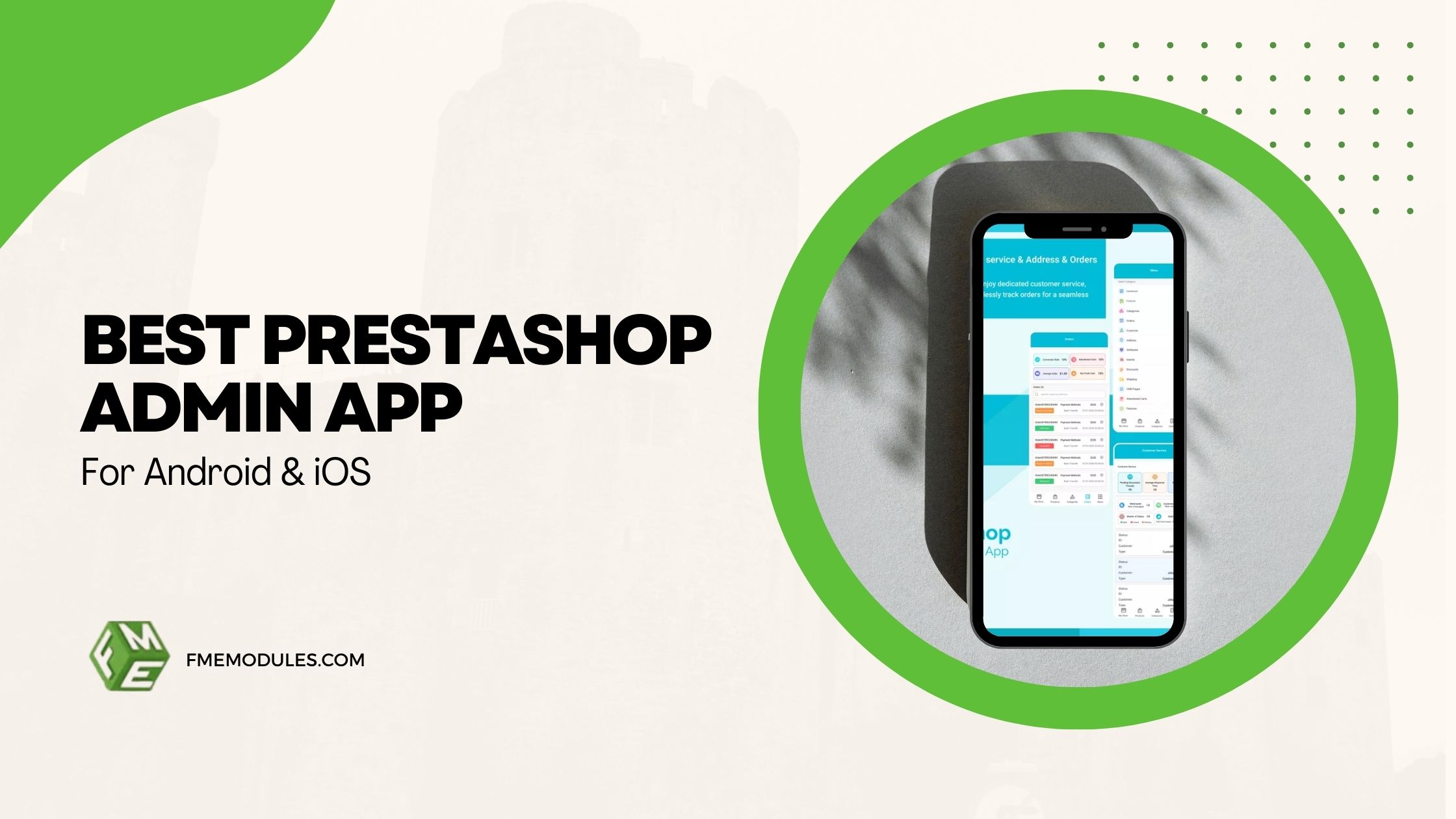
Ecommerce has become fully mobile-first, with store owners and managers handling orders, inventory, and customer queries from anywhere. In this environment, relying only on desktop access limits flexibility and slows down response times.
Choosing a PrestaShop admin app that works smoothly on both Android and iOS ensures that you and your team can manage your store regardless of device preference. In this guide, we’ll explore the essential features, performance expectations, and Android and iOS compatibility factors that define the best PrestaShop admin app solution.
Can You Manage a PrestaShop Store on Android & iOS Devices?
Yes, you can manage your store using a PrestaShop admin mobile app designed specifically for smartphones and tablets. These apps connect directly to your store and let you handle daily operations without logging in from a desktop.
There is a specific PrestaShop admin app for both Android and iOS. The operating systems powering these mobile devices differ, but the apps in use today have been designed to provide a consistent experience across both environments. No matter what device you have, from an Android phone or iPhone to a tablet, the experience is similar for real-time order and inventory visibility, customer lookup, store activity, and more.
The PrestaShop admin app for smartphones gives you quick mobile access to the back office while you’re on the go! Native apps are the contrast to accessing the back office via a mobile browser and were created for better usability, functionality, and performance. This makes it much more usable on the go for managing products, conducting sales checks, and updating orders.
From checking out new orders on the go to multinational stock listing whilst you’re not at your desk, a PrestaShop admin app means you can manage your store no matter where in this big, wonderful world you are!
What Does It Take to Make A PrestaShop Admin App the “Best” for Android & iOS?
Not all mobile solutions are created equal in terms of quality and reliability. There are a few key factors to consider in deciding which choice is best for you.
Compatibility
PrestaShop admin app support makes this a staple of your mobile experience. While managing Presta store from mobile, the app should work seamlessly on modern Android and iOS versions and across various screen sizes. It should also be kept up to date to ensure compatibility with the latest operating system versions.
Performance
Speed matters. The best admin app will load data quickly and sync in real time. Thus, when you make an edit on one device, it appears instantly everywhere. Whether you’re verifying orders or modifying inventory, your actions need to be uploaded to your store's database instantly.
UI/UX Design
A mobile-only app cannot be oversized. Uncluttered dashboards, easy navigation and touch-enabled controls help immensely with daily work.
Feature Availability
The top PrestaShop admin app Android and iOS tools offer the same resources across both systems, so there are no restrictions based on your device preference.
Security & Reliability
Strong authentication, secure communication, and access permission control are important. A top PrestaShop mobile admin app keeps all your sensitive store and customer data safe.
Core Features to Expect in a PrestaShop Admin App (Both Platforms)
Here are some of the essential features you should expect in a robust mobile app for PrestaShop admin:
Order Management
One of the most crucial functionalities that any PrestaShop admin app iOS and android must provide is order management. You should be able to see incoming orders immediately, check payment status, and easily update new orders from your device.
Modifying an order's status, confirming what has been shipped, or looking up customer information should be fast and intuitive.
Inventory & Product Management
Mobile inventory management is a must for efficiency gains. It is supposed to let you record new stock levels and allow backorders, ensuring that no more stock can be ordered than you have available at the time.
You should also see the ability to edit product information, including name, price, description, and visibility. These rapid changes are particularly helpful when on promotion, changing suppliers, or experiencing a quick uplift in demand.
Customer & Sales Monitoring
A robust mobile admin app manages customer profiles and order histories. This lets you promptly respond to questions or check order details, even when you are not at your desk.
An overall sales summary also helps you monitor performance in real time. Keep up to date with trends, sales, and revenue for your store by monitoring daily transactions on your phone to monitor your store's health at all times.
Real-Time Notifications
Push notifications are a key feature of the PrestaShop admin mobile app. Instead of checking the store for orders or stock level updates, alerts come in real time as new orders are made and when things get low or require more time to process.
These live notifications will help you stay up to date on what's happening in your store. You will be able to react much more quickly than before, minimizing delays and reducing the risk of errors.
Secure Admin Access
Without question, security must be part of the fundamental design of your app. Login credentials and token-based access are among the ways we authenticate your store data.
Access by role to restrict who on a team can access what. This limited access allows for secure remote administration.
Fortunately, the FME Modules PrestaShop Admin App offers all these features.
Android vs iOS: Comparison of Key Features and Performance
Things may fluctuate a bit in performance, depending on your hardware, but well-made apps make syncing fast and loading times seamless across the two systems. Today’s smartphones (both Android and iPhones) are fast enough to handle real-time syncing efficiently.
Experience variation between users generally depends on the platform's design style. Android applications generally comply with Material Design specifications, while iOS applications follow Apple’s interface philosophy. Libraries and user experiences can differ, but the features should remain the same.
Another consideration is the reliability of notifications. Both apps offer timely push notifications, but they can be affected by system-level settings like battery optimization or background restrictions. By doing this, we ensure all devices receive the same alerts.
The powerful PrestaShop admin app compatibility ensures teams working on different devices can work together effectively and efficiently, without missing any features or functions.
Device & OS Compatibility Explained
It’s also not a bad idea to ensure your mobile admin app is compatible with the latest versions of both Android and iOS. It’s important to keep things up to date to remain compatible with newer OS releases and security patches.
Smartphones are pervasive among store owners, whereas tablets offer more workspace and superior visibility. A great-looking PrestaShop admin app for our phones that scales well to tablets.
Doing so requires a stable internet connection and up-to-date apps. Smooth functioning is also ensured by ample device storage and memory.
Periodically updating your apps not only makes them work better on more devices but also runs them more securely and reduces bugs and issues. Opting for an improvement that continually evolves will ensure its reliability in the long run.
How to Download & Install A PrestaShop Admin App on your Android or iOS Device
Start by downloading the PrestaShop mobile admin app from the official app store, i.e., the Google Play Store for Android users or the Apple App Store for iPhone/iPad users.
Next, install the companion module from the FME Modules Official website on your PrestaShop store. This tool enables safe data exchange between your shop and app.
After you have it active in your store, connect the app to the store using API credentials or secure login. This joining facilitates real-time synchronization of order, product, and customer data.
Once connected, set up permissions and notifications. You can assign tasks to developers and set push alerts for orders and stock. Get set up correctly, and you'll be receiving good information on time and in control.
Now that your Android and iOS PrestaShop admin app settings are complete, you can start running your store right from your phone.
Common Issues & Compatibility Challenges (and How to Avoid Them)
Occasionally, compatibility issues arise after major operating system updates. If your device updates to a new Android or iOS version, ensure the app is updated as well to maintain stability.
Notification delays can occur due to battery optimization settings or disabled background processes. Adjusting device settings to allow background activity ensures consistent alerts.
Permissions misconfiguration is another common issue. If certain features are unavailable, review user roles and app access permissions.
To maintain smooth performance, keep your PrestaShop admin mobile app up to date, use a secure, stable internet connection, and periodically review device compatibility settings.
Is It Safe to Use a PrestaShop Admin App on Android & iOS?
Yes, when implemented correctly, mobile admin apps are secure. They use encrypted API communication to protect data transmitted between your device and your store.
Secure authentication mechanisms prevent unauthorized access, while role-based permissions restrict actions to approved users. These safeguards ensure that sensitive business and customer information remains protected.
Conclusion
The best PrestaShop admin app combines strong cross-platform compatibility, reliable performance, and complete feature access on both Android and iOS. With real-time notifications, mobile inventory control, and secure access, you gain flexibility without sacrificing control.
