Prestashop Hide Price and Add to Cart Button Module

Prestashop Hide Price and Add to Cart Button Module

Prestashop Hide Price and Add to Cart Button Module

  • best module Hide Price & Add to Cart Button
  • version PrestaShop
    v1.7 - v8.x - v9.0

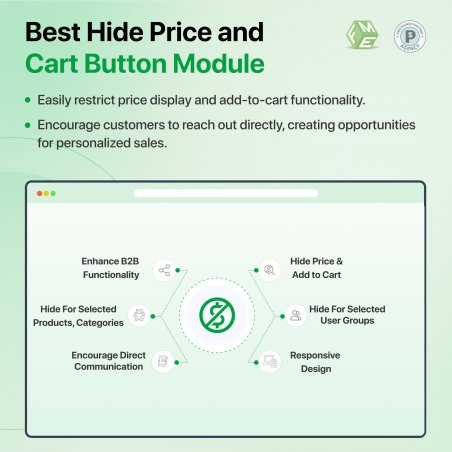
Prestashop Hide Price and Add to Cart Button is a handy plugin that allows merchants to restrict purchasing of products from users based on flexible conditions. Hide Price or Add to cart buttons from selected products, categories, or from non-logged-in customers. 

  1. Hide Price and add to cart button from particular customer group
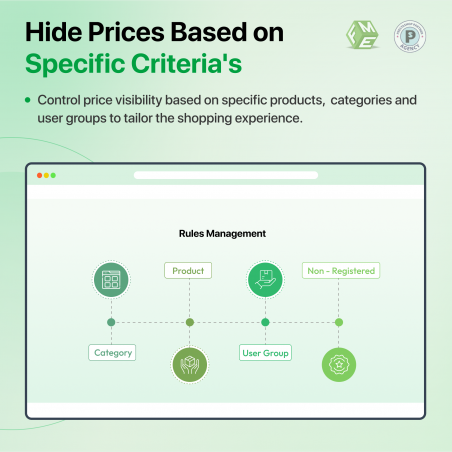
  2. Hide Price and add to cart button on products or categories
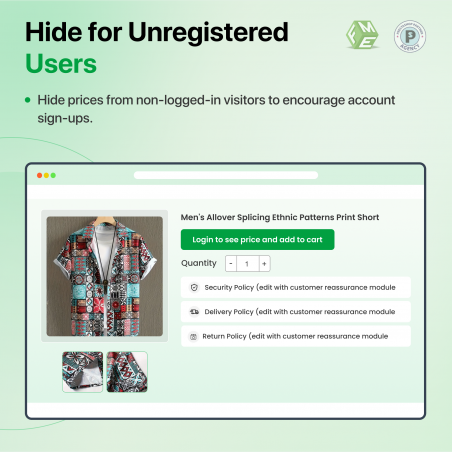
  3. Hide Price and add to cart button from non-logged-in customers

Click to visit our Prestashop Hide Price and Add to Cart Button on Prestashop Official Marketplace.

Hide Price and Add to Cart Button is a must-have module for your shop if you are dealing with B2B customers as well as normal users. It enables you to restrict purchasing of products by hiding their prices and add-to-cart buttons. Rules-based interface allows you to make rules as per your own unique requirements. 

Admin can hide add to cart button or price from non logged in customers meaning only those customers will be able to purchase a product who are registered with your site, they can see product images, read the description. Admin can also hide price or cart button for specific products or one or more categories. Similarly, there is an option to hide price or cart button for a particular customer group. 

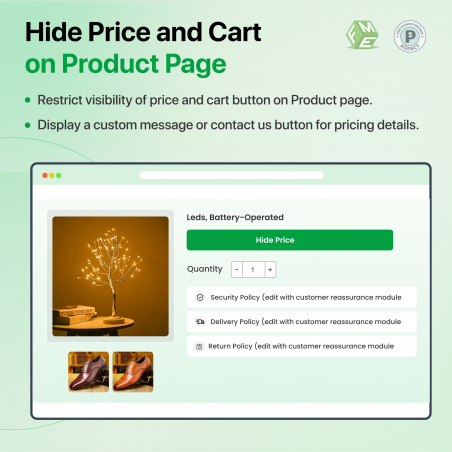
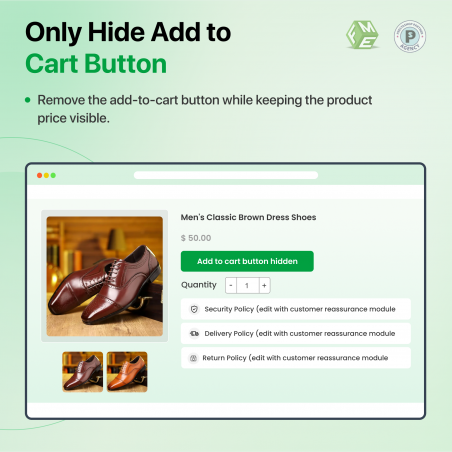
Admin can show price but hide add to cart button only.

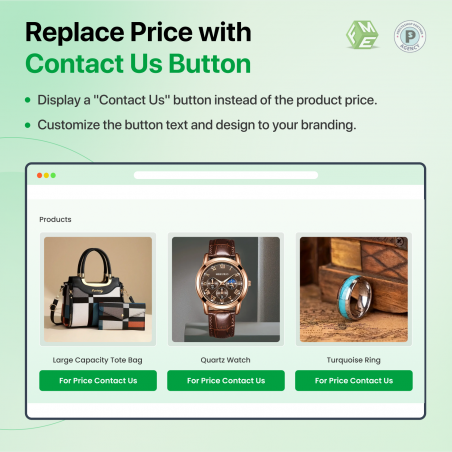
In place of price, modules give you the option to show a customizable message by which you can let visitors know why they are not able to complete the purchase. WYSIWYG Editors enable you to add multimedia i.e video or an image.

Features offered by Prestashop Hide Price & Add to Cart Button Module

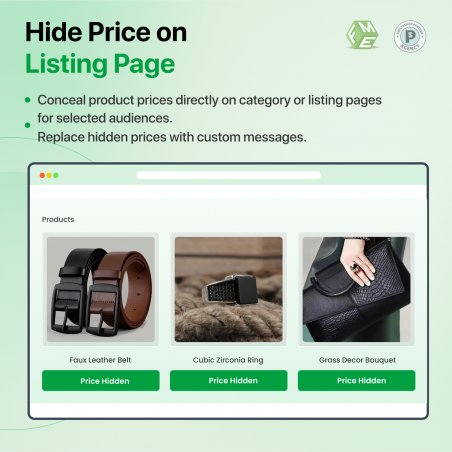
  • Hide Price and Add to Cart button on Homepage and Listing page
  • Display the customizable text in place of place or cart button
  • Option to hide only Add to Cart Button while showing the price
  • Option to choose a Rule type from four options
  • Hide price and add to cart button from products, categories, or customer groups
  • Hide price and add to cart button from non-logged-in customers
  • WYSIWYG editor to create customizable messages
  • Option to Prioritize rules

Case Study: How LuxVital Mastered B2B Pricing Strategy

The Challenge

As a major beauty wholesaler, LuxVital faced a common B2B dilemma: how to show their massive product catalog to the public while keeping professional wholesale prices exclusive to verified salons and clinics.
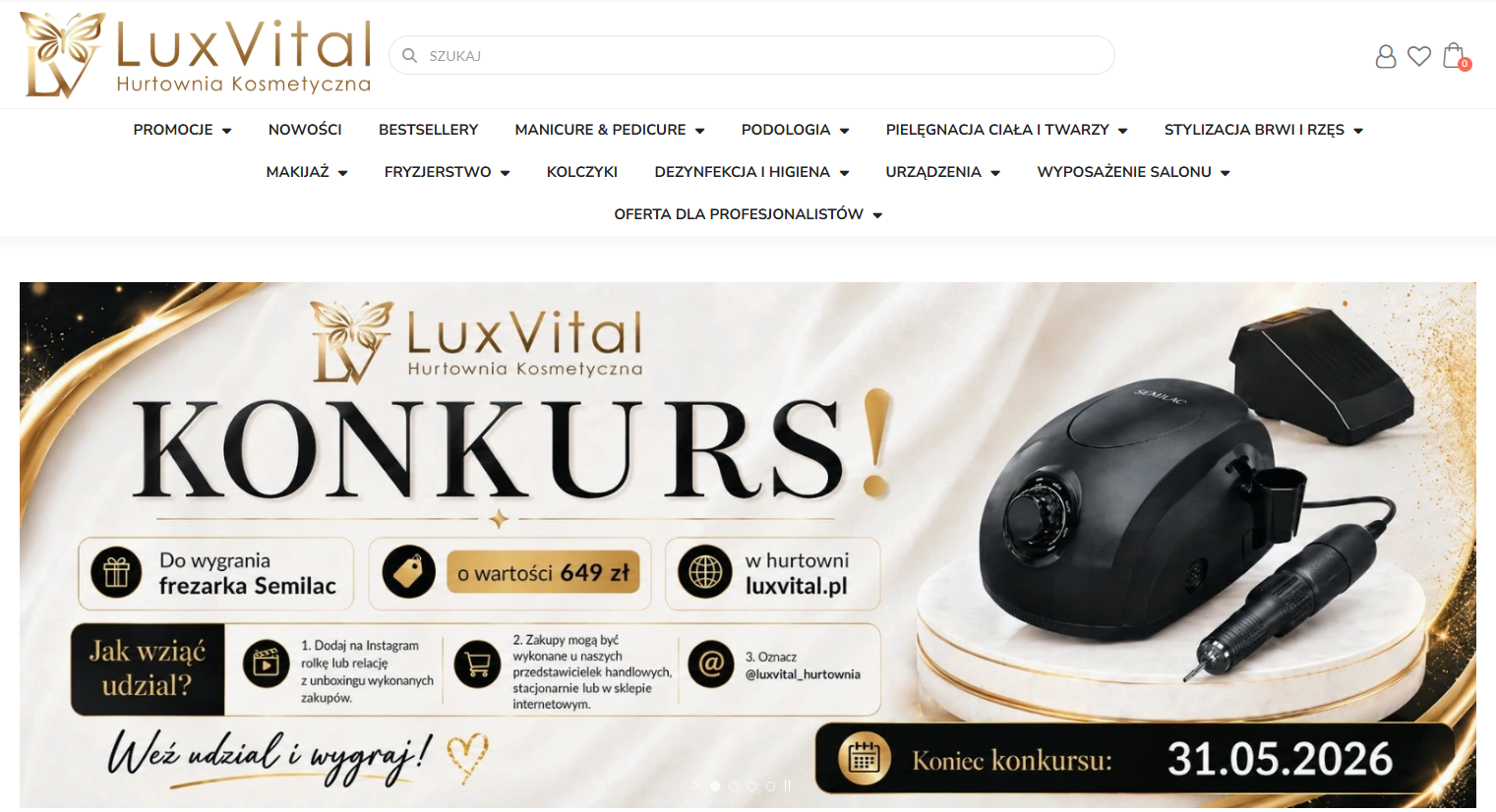
Key Issues:

  • Price Sensitivity: Publicly visible wholesale prices were causing friction with retail partners.
  • Unqualified Orders: Retail customers were attempting to buy professional-only chemicals and tools.
  • Low Registrations: There was no incentive for professionals to create a business account.

Prestashop hide price Module case study

The Strategy

LuxVital implemented the FME Hide Price Module to automate their B2B funnel:

  • Customer Group Targeting: Prices and "Add to Cart" buttons were hidden for guests/retailers but fully visible to verified "Professional" groups.
  • Custom CTAs: Replaced prices with "Login to View Professional Pricing" buttons, turning anonymous visitors into registered leads.
  • Selective Hiding: Applied rules globally across specific professional categories (e.g., Podology, Acid Peels) without manual per-product editing.

The Results

  • 30% Increase in B2B Registrations: The "Login for Price" hook significantly boosted professional sign-ups.
  • Market Protection: Secured wholesale pricing integrity, satisfying brand distributors and retail partners.
  • Improved Lead Quality: Eliminated accidental retail purchases of professional-grade products.
  • Seamless UX: Automated the gatekeeping process without slowing down the site or hurting SEO.
Reviews & Ratings (2)
€49