


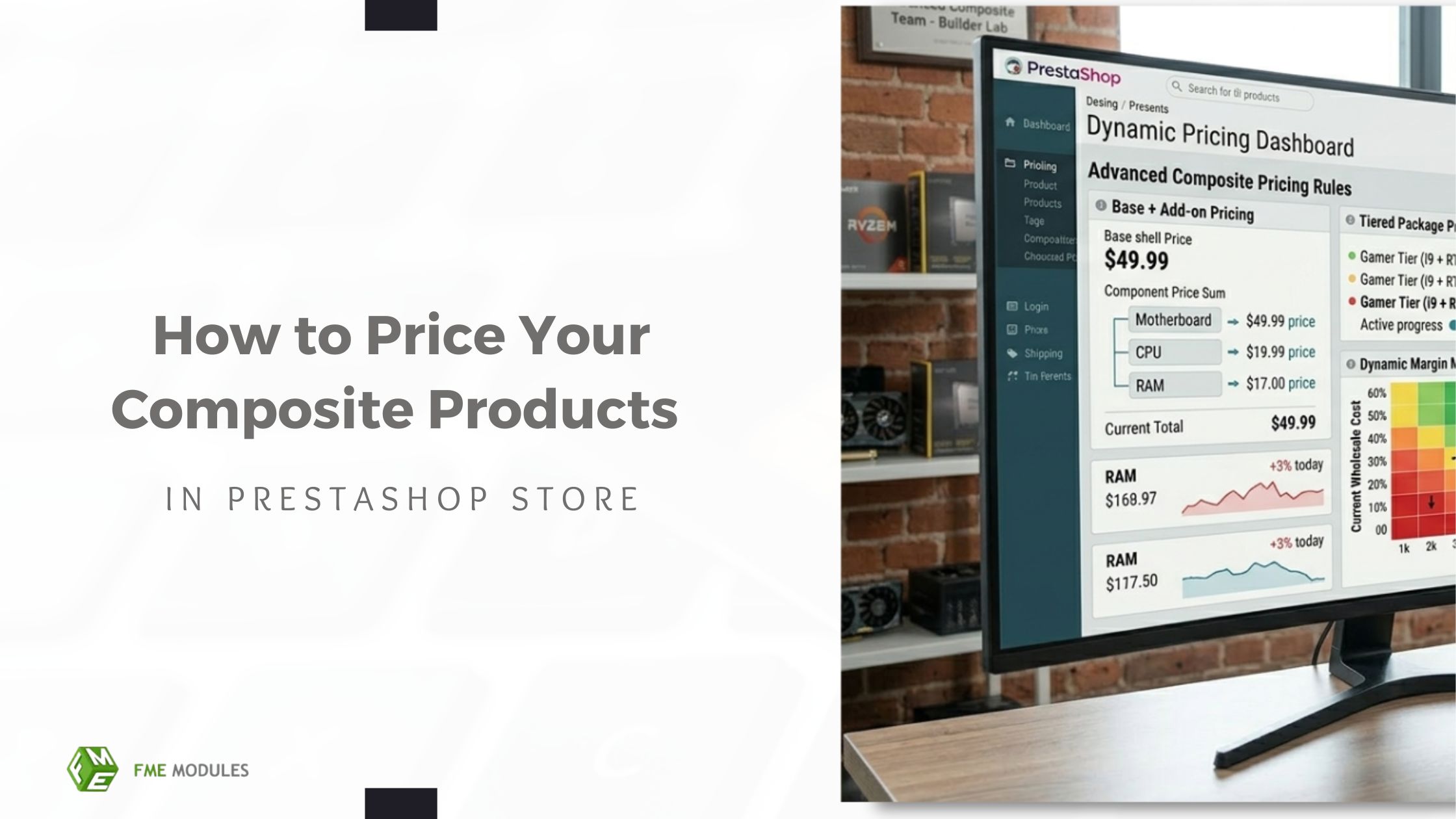
Pricing composite products is more complex than pricing simple items because multiple components, optional add-ons, and dynamic rules all affect the final cost. Many merchants make mistakes with mixed component costs, hidden fees, or leave potential AOV on the table.
The upside is that getting composite pricing right turns it into a strategic advantage. Transparent, component-based pricing lets you showcase upgrades, drive upsells, and build customer confidence. With PrestaShop, merchants can create flexible, profitable pricing for configurable products using dynamic pricing rules.
The Need For A Different Strategy on Composite Product Pricing
Unlike simple or flat-rate products, composite products consist of multiple items that contribute to the final price. Every decision a customer makes, from their processor of choice to the material used in production and the addition of an accessory, impacts the price model-wise, so a static approach will not suffice.
Effect of Pricing on Important Metrics:
Conversion Rate: By being clear and honest with your pricing, you can avoid cart abandonment.
Trust: When customers clearly understand how their choices affect total expense, they are confident.
Successful Upselling: Dynamic, explicit pricing incentivizes the purchase of higher-margin items without straining relationships.
Static pricing does not work in prestashop bundle builder because it cannot express optional components, discounted bundles, or additional paid services. As a Presta store owner, you should know that pricing is an essential part of your composite product strategy, not just a number, to optimize both revenue and user experience.
PrestaShop Composite Products Core Pricing Models
Based on your business goals and product complexity, composite products can be priced using different models. Deciding on the best model helps clarify things for clients and maximizes profitability. Plus, you can use the innovative Prestashop composite product builder module by FME modules to implement any model.
Component-Based Pricing Model
There is an individual price for each option available on the composite product.
- For high Prestashop product customization like custom PCs, furniture sets or multi-part kits.
- Transparency ensures that customers can see precisely how each selection affects the total.
- Allow for specific upsells, as premium components are visually showcased alongside their respective costs.
Example: The bare laptop is €800, the upgraded RAM is €120, and a better GPU adds €250. Customers instantly view the cost and value of each option.
Product Pricing Model (Base Price + Add-On Pricing)
For creating such a product builder model, the starting price is set for the basic version. For example, a basic smartwatch might cost $100 and include only the main features.
You can choose extra features or upgrades, and each one adds to the total price. For example, an extra battery might cost $20, a leather strap $15, and a premium app $10. If you choose all of them, the total becomes $145.
This kind of pricing is common for electronics like phones, laptops, and smartwatches, DIY kits like robotics or hobby electronics, and subscription services like streaming apps or software with premium features.
Example: € 500 for a set of furniture bases, while premium wood finishes, extra cushions, or a matching coffee table add €50–€150 per selection.
This model lowers the perceived entry price and gently encourages upgrades.
Fixed Bundle Pricing Model
This model includes bundle discounts to encourage the purchase of the entire collection.
It is most useful for subscriptions with a few products or offers.
Example: A €70 meal kit with all the ingredients. It may cost over €85 to buy each ingredient separately, adding to the value of the bundle.
Remember, don’t set fixed prices for products that you can highly customize; this limits your upsell and AOV potential.
Dynamic Pricing In PrestaShop Composite Products
With dynamic pricing, the total updates instantly as customers select options. This enhances transparency and builds trust.
Key Considerations:
- Real-Time Price Updates: The total is instantly updated on the product page whenever selections are made.
- Clarity: Highlight the incremental costs for each module or upgrade.
- Trusted by Customers: No hidden fees or last-minute charges at checkout!
- Upsold: Show optional parts and stacking price impact
Implementation Example: PrestaShop product configurator with a base price of €200. This instantly adds a premium feature (an extended warranty, for example), shows an increase of € 25, and updates the total amount to €225. Customers literally understand the incremental cost.
Pricing Psychology for Product Configurators
Pricing is not just math; it’s psychology. Good pricing strategies can help you drive upgrades, heighten perceived value and avoid sticker shock.
- Anchoring Prices with Base Products.
- Start with the entry-level base price to set expectations.
- Show how optional upgrades gradually add to the total.
- Avoid sudden, large price jumps that might scare buyers away.
Tiered Pricing for Upsells
- Use Good/Better/Best tiers to guide customers toward upgrades.
- Make premium options noticeable but not overwhelming.
- Price anchoring makes mid-level upgrades feel more affordable.
Showing Savings and Value Clearly
- Use labels such as “You save” or “Bundle value” to highlight benefits.
- Show the overall value compared to small parts to encourage smart purchases.
Composite Product Pricing Pitfalls: What Not To Do
When pricing products with multiple options or add-ons, there are some common mistakes to avoid. Paying attention to these pitfalls will help you keep customers happy, prevent confusion, and reduce abandoned carts.
- Optional Add-Ons: Always show the price for optional features so buyers know what extra costs to expect.
- Complex Calculations: Keep the pricing logic simple to avoid mistakes or confusing the customer.
- Price Discrepancies Across Pages: Ensure product page totals match cart and checkout totals.
- Mobile Pricing UX for Parity: On small screens, make totals, individual costs, and discounts easy to read.
- Don’t Let Sticker Shock Set In: Gradually raise the price in logical steps based on the configuration to reduce the psychological impact.
B2C Pricing Strategies
- For upsells, leverage emotional pricing (e.g., €49 vs. €50).
- Show off add-on accessories and premium options during configuration.
- Providing small, easily noticeable incremental upgrades to raise AOV without stressing consumers.
B2B & Wholesale Pricing
- Logic to handle volume threshold for bulk orders.
- Establish role-based pricing for enterprise clients or tiered accounts.
Complex deals require a contract-style configurator to both ensure transparency and adapt to negotiated prices.
Transparent Pricing UX: Best Practices
Clear pricing helps customers trust your product and avoid surprises. Here’s how to do it right:
- Show the price in real time whenever a customer selects an option.
- Break down the cost so they can see what each part or add-on costs.
- Make mobile layouts easy to read with totals, discounts, and add-ons clearly visible.
- Show the final total before checkout so there are no surprises..
Conclusion
Effectively pricing composite products in PrestaShop comes down to testing, iterating, and maintaining transparent pricing. Using a dedicated module simplifies managing dynamic pricing, individual components, and tiered upsells.
By regularly reviewing and refining your pricing strategy, you can maximize revenue while providing customers with a clear, enjoyable, and trustworthy shopping experience.
