


Fully Responsive
Responsive design for consistent performance everywhere in the industry.



 1 Review

 |
| verified
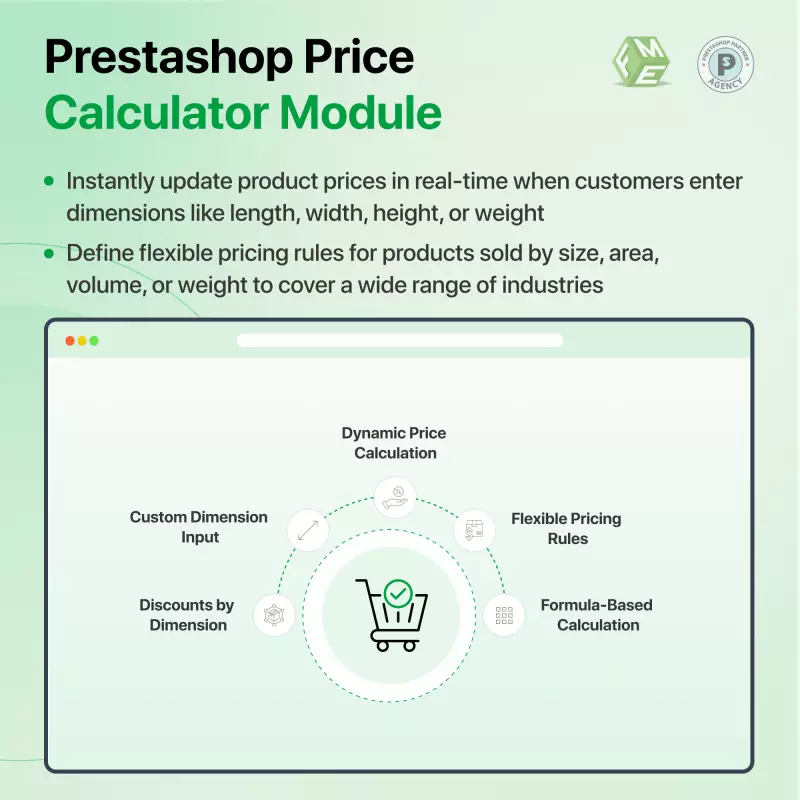
Prestashop's Unit Price Calculator Module can be a powerful tool for companies and users selling products based on their dimensions. This module simplifies complicated pricing calculations, improves customer service, and ensures accuracy. The user can easily calculate the price of products, e.g., length, width, and area.
Click to visit our PrestaShop Price Calculator on the Official PrestaShop Store.
 Life Time Support
 Money Back Guarantee
 Life Time Updates
2.0.7


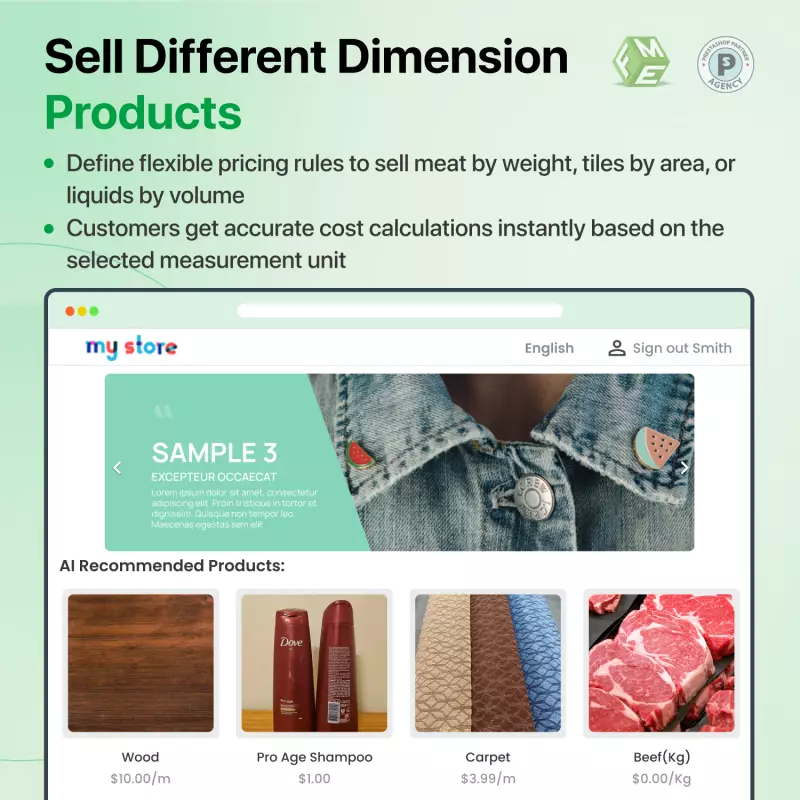
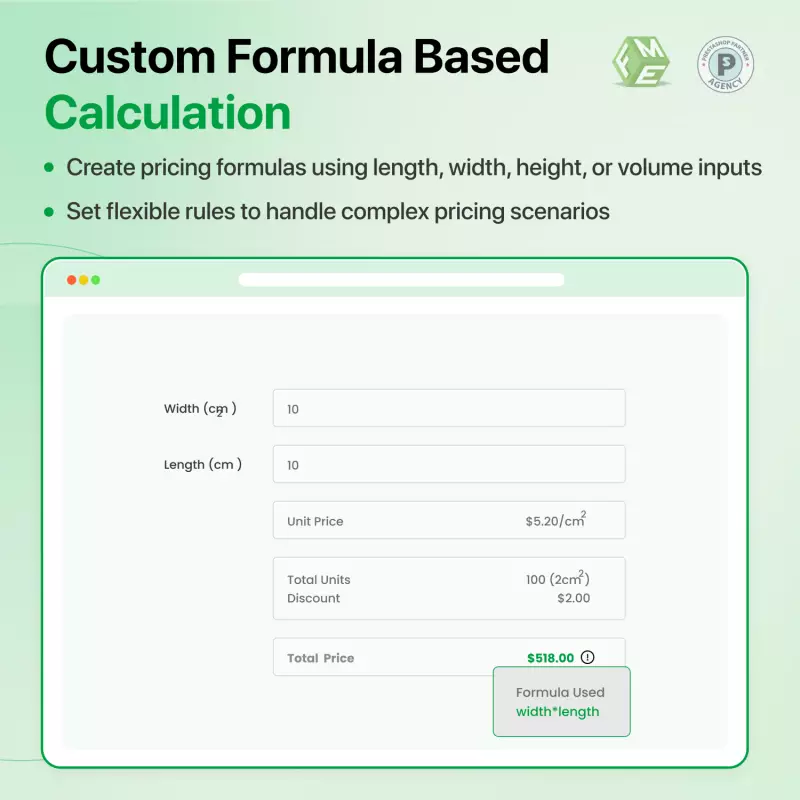
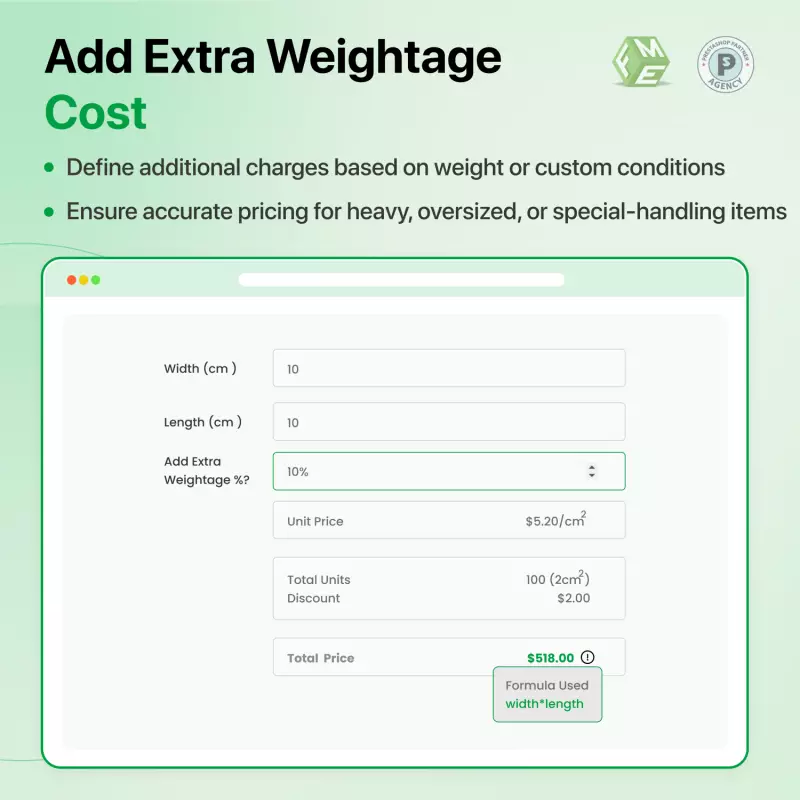
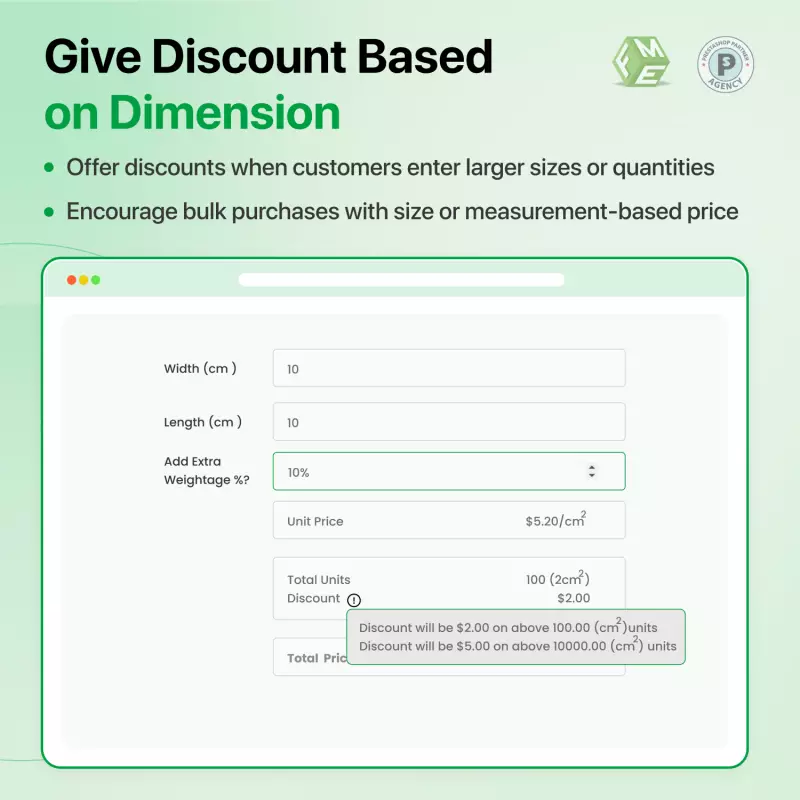
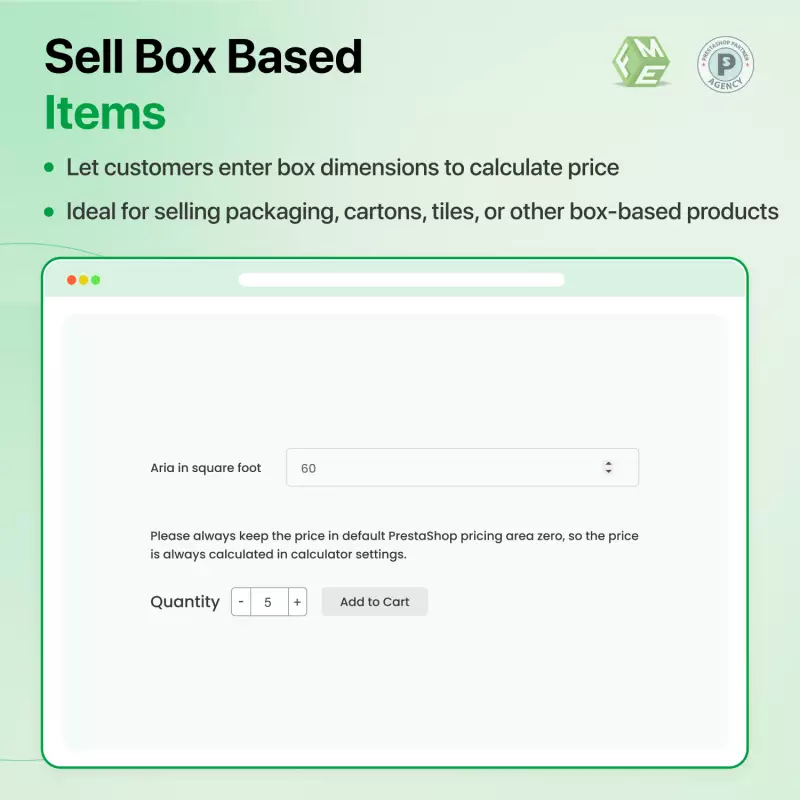
The Pricing Calculator module lets you easily and efficiently sell variable-size products. You can sell products at a per-unit price instead; rather than selling products at a fixed price, you can allow users to enter their requirements, and then our module will automatically calculate the exact price according to that size. Admin can also offer a special discount based on a specific size measurement or can also charge extra for that measurement as well.
Unit price calculation works in three steps:
Step 1: Set Price per Unit
The first thing the merchant needs to do is set the per-unit price of each product. The unit can be selected from the backend, like price per centimeter, millimeter, foot, inch, or meter, etc.
Step 2: Create Input Fields for Customers
The merchant then configures the input fields, such as length, width, height, and weight, depending on each type of product from the back end.
Step 3: Let Customers Put The Measurement Value
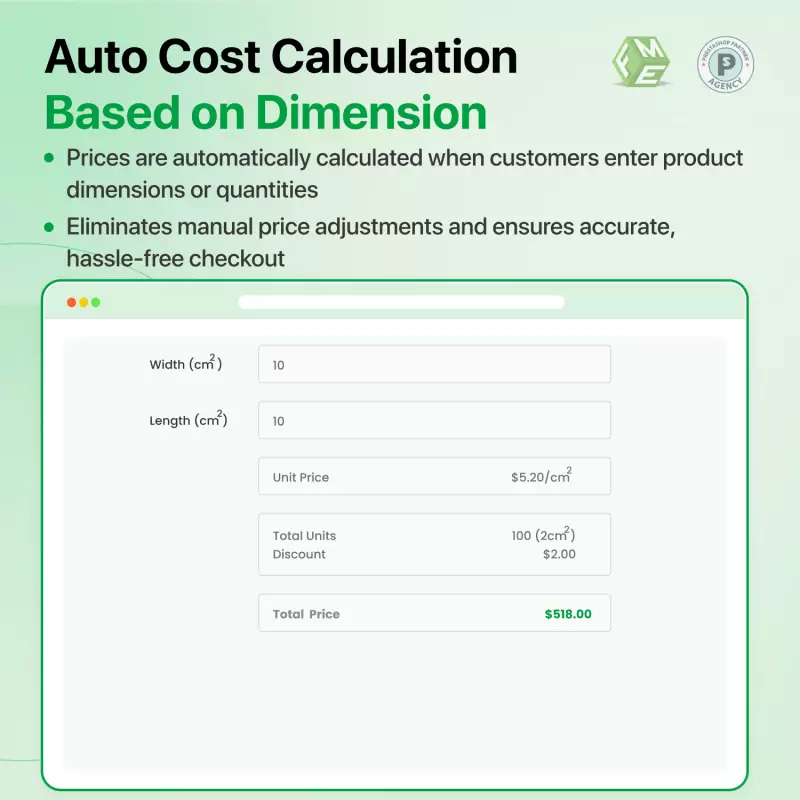
Once the customer inputs the measurement values, such as the length, width, and height of the product, this extension automatically calculates the total price of the product that the customer can add to the cart and checkout. The cost will change as the customer changes the measurement values.
Options include:
min=10;max=45;discount=10,20;size=15,30;area;percent;
Businesses need to have pricing strategies in place that are not only attractive but accurately reflect their product's complexity. A company that specializes in selling central cooling systems faced a significant challenge in providing accurate and customized quotes to its potential customers. Their traditional pricing method was not only time-consuming but also often led to mistakes, causing customer dissatisfaction and lost sales.
The main problem was that there wasn't a calculator for unit prices, which could take into account multiple factors affecting cooling system pricing. The customers needed an easy way to input different specifications, such as length and width, depth and height, or the number of hours a cooling system will be used each day.
Moreover, sales staff had difficulty providing quick and accurate quotes on the phone or in person. Customers were able to turn to competitors for more accurate and quicker pricing options.
To address these issues, the company implemented Prestashop's unit pricing calculator. Customers can input variables that are specific to them, such as their space dimensions and usage hours.
The company can easily calculate the price of the product based on inputs from the customer by creating a formula. For instance, if a customer wanted to calculate the price for a central cooling system, they could input their space's length, width, height, depth, and hours of usage. The formula set up in the backend would compute the price as follows:
Cooling Price = 3.78 * (Length * Width * Height * Depth) + Hours of Usage
The main key features of the Prestashop unit price calculator fme module.
Responsive design for consistent performance everywhere in the industry.

Implementing industry-leading best practices with exclusive offers tailored to your business needs.

Get everything you need without worrying about renewal fees or hidden charges.

Get lifetime access to every update, ensuring your platform stays modern and secure.

Stay worry-free with lifetime assistance from our experts at absolutely no cost.

Get started instantly with an easy, guided installation process anyone can follow.

Shop with confidence; Get a full refund if you're not completely satisfied.

Every product undergoes strict quality checks to ensure top performance and reliability.

Simplify multi-store management with centralized control and consistent performance.
Have more questions? Contact us, and we will get back to you in 48 hours.
See what changed in each release of this product.
Tell us what you need. We will respond with an estimate based on your requirements.

 +90
+90
 01/26/2026
 +416
10/21/2026
+416
10/21/2026
 +329
08/17/2026
+329
08/17/2026
 +58
07/28/2026
+58
07/28/2026
Prestashop's Unit Price Calculator Module can be a powerful tool for companies and users selling products based on their dimensions. This module simplifies complicated pricing calculations, improves customer service, and ensures accuracy. The user can easily calculate the price of products, e.g., length, width, and area.
Click to visit our PrestaShop Price Calculator on the Official PrestaShop Store.