


Fully Responsive
Responsive design for consistent performance everywhere in the industry.







 5 Reviews

 |
| verified
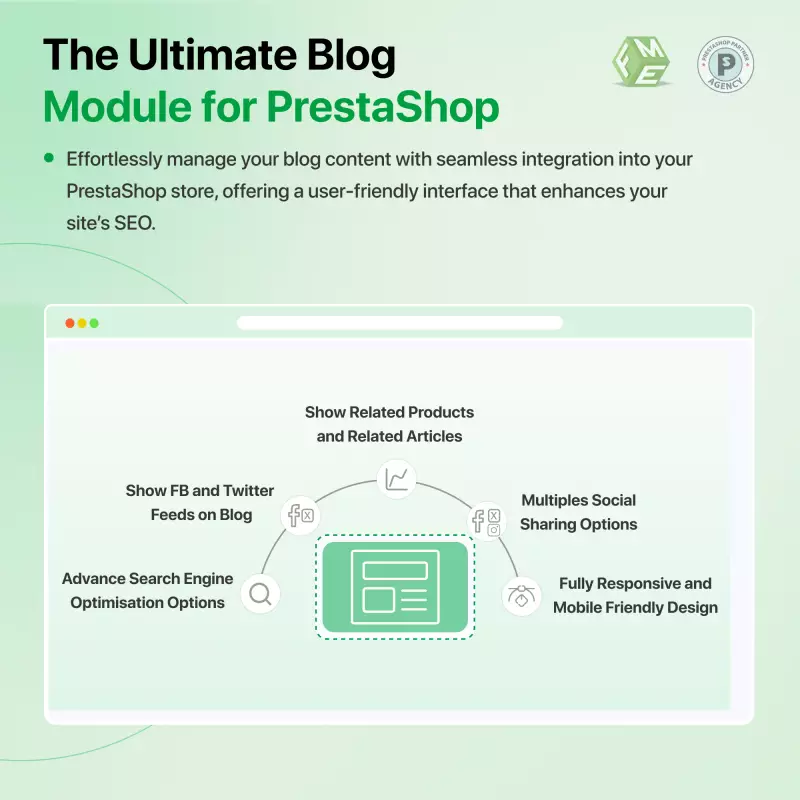
Attract more traffic to your Prestashop store and increase sales on your site. The PrestaShop AI Blog Module helps you bring more people to your e-commerce store and boost sales. You can easily install it without coding and start publishing SEO-optimized articles, product reviews, AI-generated posts, and more right away.
What Makes Our Blog Module The Best?
Imagine being able to attract new users to your Prestashop store and guide them toward your information pages and sales funnels boosting conversions and strengthening your brand identity. Now, with our enhanced AI-powered blog system, you can create engaging, optimized content faster than ever. The module includes an intuitive TinyMice editor, multimedia integration, dynamic navigation, and AI-assisted content creation to deliver better customer engagement.
Note: You need paid API key from ChatGPT/Gemini
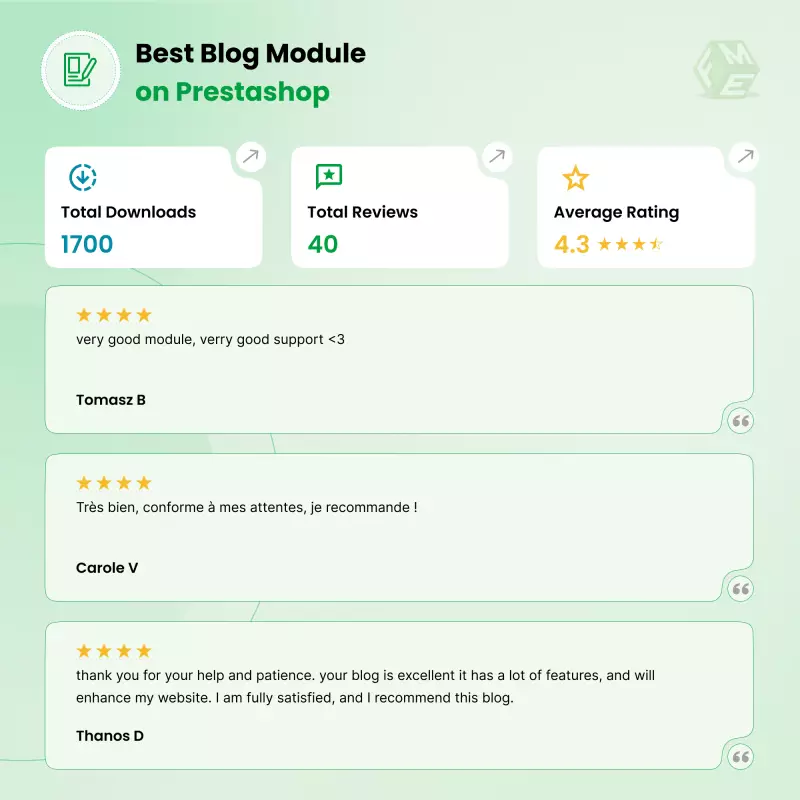
Discover the smart Blog PrestaShop on the official marketplace, featuring over 41 reviews and 1619 downloads.
 Life Time Support
 Money Back Guarantee
 Life Time Updates
4.3.0


Are you having a hard time getting more people to your Prestashop-built e-commerce store? Even though your products can be problem solvers for most people, there are still fewer visitors than desired. Worry not, as the Prestashop Blog Module has got all your answers.
With this innovative addon, you can easily publish SEO-optimized blog posts, product reviews, and even news to attract more users who are searching the relevant stuff.
So no need to wait further, get better customer engagement and more sales with the Prestashop Blog Module.
Unlock the full potential of your PrestaShop store and elevate your online presence with our cutting-edge PrestaShop Blog Module. With this powerful tool, store admins can easily configure, manage, and run a complete blog inside PrestaShop—no coding required. It’s designed to boost your website’s traffic, enhance user engagement, and strengthen your brand authority.
Stay ahead in the digital landscape with the SEO-optimized PrestaShop Blog Module by FME Modules. This all-in-one article system acts as a powerful alternative to external platforms like WordPress, giving you full control over your content while helping you drive organic traffic and improve search rankings.
With built-in support for AI content generation (ChatGPT & Gemini), you can instantly create high-quality articles, product reviews, guides, FAQs, and more. This dramatically reduces content creation time and helps you publish optimized posts consistently.
By publishing multiple engaging blog posts enriched with images, videos, and multimedia, you not only capture the reader’s interest but also improve content retention. The ability to organize posts into categories ensures better navigation, improved user experience, and effortless content management.
In the competitive world of e-commerce, effective content marketing is crucial for driving traffic and engaging customers. The PrestaShop Blog Module offers a powerful solution for store owners looking to enhance their online presence. As there are tons of free blog modules available on different platforms, choosing the best one becomes a bit difficult. By enabling admins to create and manage multiple multilingual blogs, this PrestaShop article module allows businesses to reach a broader audience and cater to diverse customer needs.
With the ability to publish compelling PrestaShop blog posts in various languages, store owners can improve their site’s SEO and increase organic traffic. This multilingual capability not only enhances user experience but also establishes brand authority in different markets. As a result, businesses can expect a significant boost in their search engine rankings, leading to higher visibility and more potential customers.
Moreover, the user-friendly interface of PrestaShop's simple blog makes it easy to add images, videos, and categories, creating SEO-rich, engaging content that resonates with readers. By organizing PrestaShop blogs effectively, admins can drive deeper engagement, keeping visitors on the site longer and increasing the likelihood of conversions.
Ultimately, the Blog PrestaShop Module serves as a strategic tool that not only enhances content management but also increases the e-commerce sales.
Today, just getting your e-commerce store online is not enough, as you have to take care of so many things, or it won’t appear in the potential buyer searches. Mr.A is a PrestaShop store owner who sells lifestyle and home accessories.
Although the products were of good quality and priced competitively, Mr. A had difficulty attracting organic traffic to his site. His product pages weren’t ranking well in search engines, and most of the visitors that did land on his store didn’t stick around long enough to look around.
Because that’s when Mr. A came across the PrestaShop Blog Module by FME, a revolutionary content marketing powerhouse created to help PrestaShop store owners get started with SEO-friendly blogs: one where they could share engaging posts and grow organic traffic over time.
Mr. A turned his e-commerce store into a content brand hub, educating customers, ranking better on Google, and turning readers into buyers in just a matter of months.
Mr. A had three big problems in his store before the integration of the Blog Module in his store:
Low Organic Traffic
Mr. A had been leaning on paid ads to get people into his store. His SEO was poor because he didn’t have a website with content stuffed with keywords. Without the fresh, new articles that he had failed to create, Google had scant cause to place his store high in search results.
Weak Brand Identity
His PrestaShop shop had great products, but there was no story around them. They could not form any emotional connection with the brand or learn about product trends, uses, or value.
Limited Customer Engagement
Visitors who arrived on product pages either bought something or left within a heartbeat. There were no opportunities for interaction, no blog, comments, reviews, or posts that would keep customers engaged between orders.
Mr. A was looking for a complete solution to grow traffic, better SEO, and engagement, with no coding or having to hire developers.
Mr. A recently purchased PrestaShop Blog Module by FME, which is a robust and user-friendly blogging system to make any PrestaShop store a complete content content-rich solution.
This system empowered him to write keyword-rich blog posts, tutorials, and product reviews, which led back naturally to his store’s product pages.
Mr. A would now be in full control of design, structure, and content, and could begin to communicate with his customers. This is smart because that makes my shop look more visible, informative, and trustworthy.
Key Features That Made the Difference
Here are some of the prominent features that helped Mr.A achieve success in no time:
Simple Integration: No Coding Necessary
The FME Blog Module is designed with the novice in mind. Mr. A was able to install it in minutes and began blogging with the WYSIWYG (What You See Is What You Get) editor.
And he didn’t have to know HTML or CSS; the visual editor made it easy to format text, add images, and embed videos.
Now, Mr. A could write to his heart’s content without even worrying about search engines potentially penalizing him and the contents, since much of the contents would now have chances to appear on Google's first page-credit goes to new idea Y. The result was a significant rise in his organic traffic.
Professional Blog Design & Layout
With numerous layout options and templates to make his own, Mr. A could tailor the blog’s design to match that of his store’s entire branding.
The clutter-free, easy-to-read design made the blog look like a charm on all devices – desktop, tablets, and mobile, which caused an increase in read time per session.
Here are the prominent results that Mr.A witnessed during a few months of implementing the Blog Module:
65% Increase in Organic Traffic
The new SEO-ready blogs received thousands of new visitors via Google and Bing.
Keyword-heavy articles helped his site rank for many search terms, and the consistent organic traffic he pulled in was steady, without the ups and downs of paid ads.
40% More Time Spent on Site
Browsers spent much more time reading blogs and associated wares.
Articles with inline product links organically directed readers to make purchases, which significantly increased the store’s average session duration and conversions.
Boost in Product Sales
Blog followers regularly clicked on linked products in the posts. Product page views rose 38% from the blog section, and thus, more sales.
Stronger Brand Authority
Through sharing visually stunning and informative content, Mr. A established his brand as an authority in the market.
His customers soon started to trust his suggestions for them, which led to better customer retention and brand loyalty.
Improved Customer Engagement
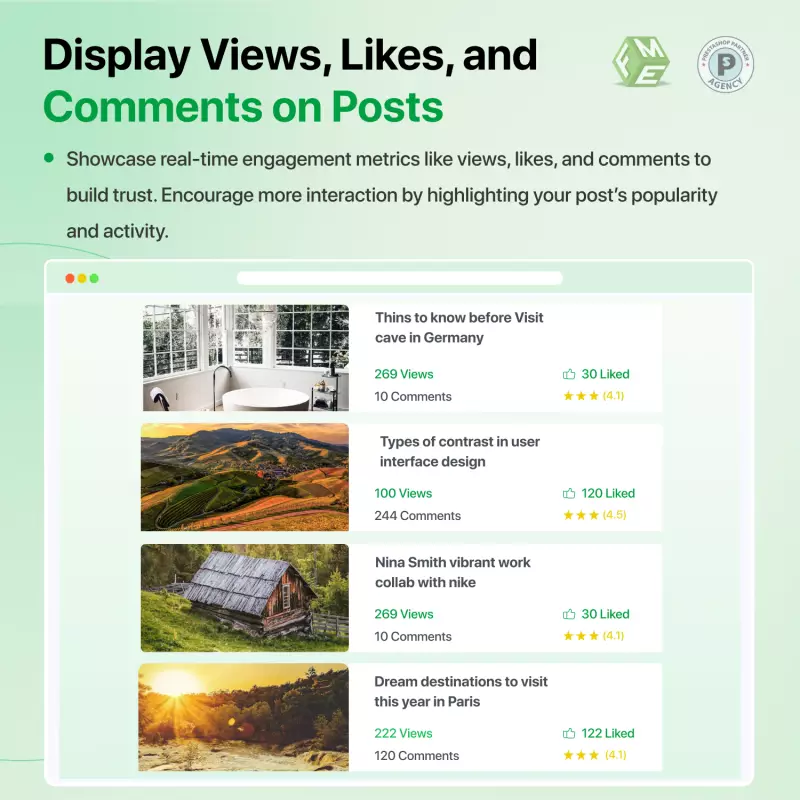
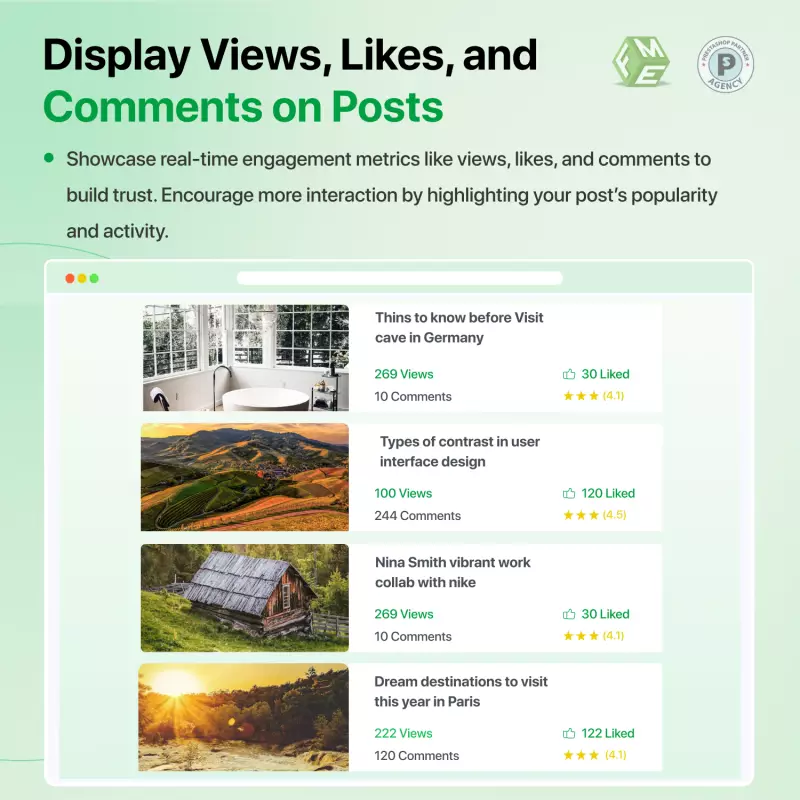
It was all about engagement: Commenting, liking, and sharing posts were ways one-time visitors became contributors.
Customers had more of an emotional connection with the brand, and the regular email updates kept them coming back.
Explore the detailed features of our professional PrestaShop Blog Module to maximize your online presence and engagement!
Our PrestaShop simple blog module allows you to create and publish well-optimized blog posts. It helps you grab user's attention and ultimately a higher organic traffic.
i. WYSWING Editor: Utilize a WYSIWYG editor to create your posts, incorporating media and other additional valuable content to craft an engaging post.
ii. Permalink: Make the permalink natural by integrating natural language also to make it friendly both for Bots and readers.
iii. SEO META's: Make use of Meta titles, Keywords, and Descriptions to enhance the visibility of a post on search engines.
iv. Post Scheduling: You can schedule your drafted post at your desired date. You can use this feature if you have a lot of content to publish.
v. Preview Post: Option to review the changes you made in the post. This will help you to have a front-end view of your post.
vi. Blog Summary: Give readers an idea of what you are discussing in the post. This you can do by adding a brief summary of your entire content.
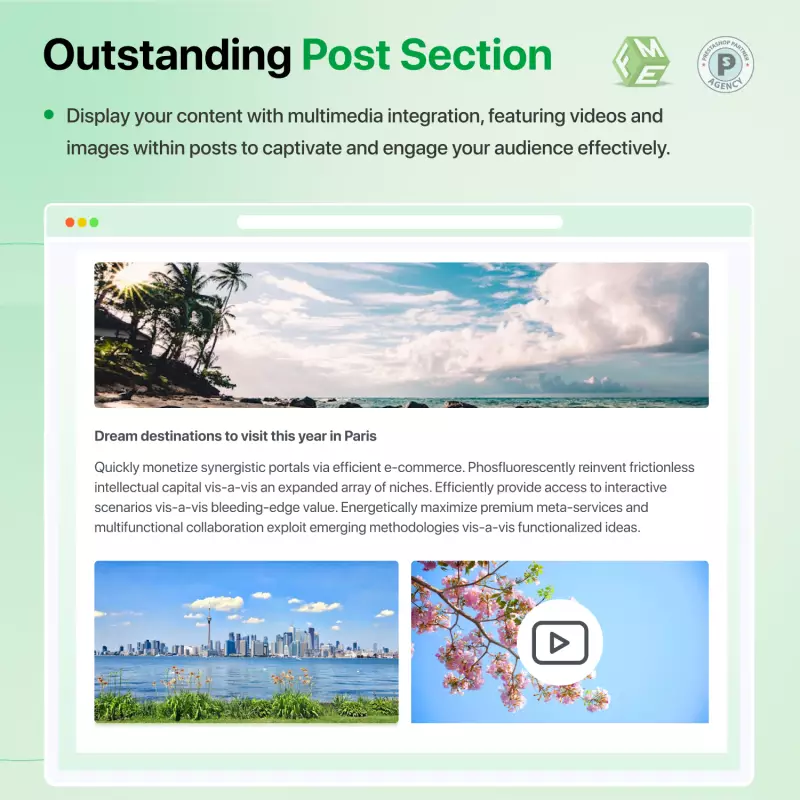
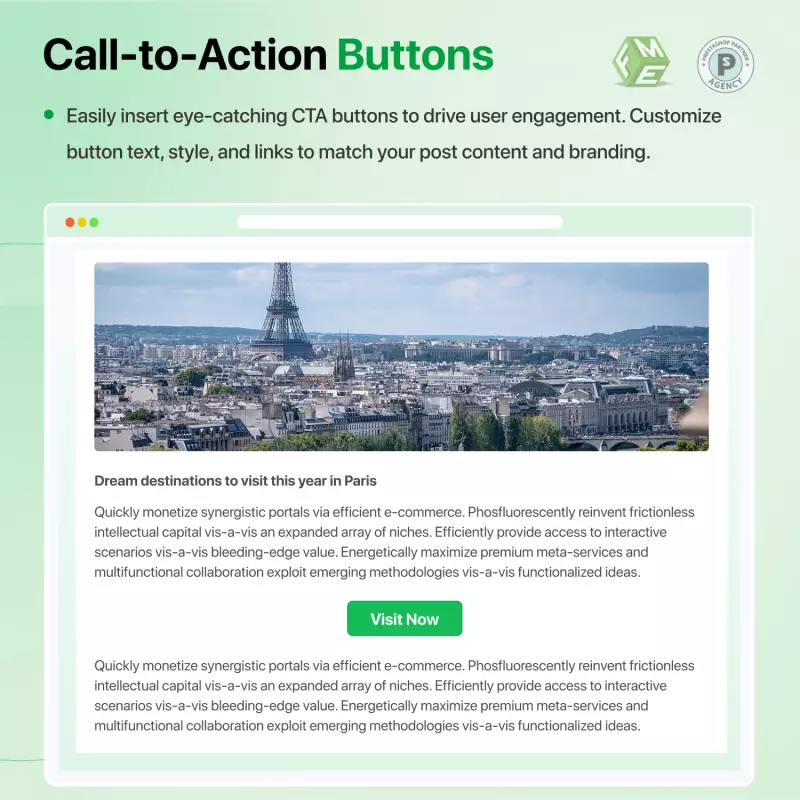
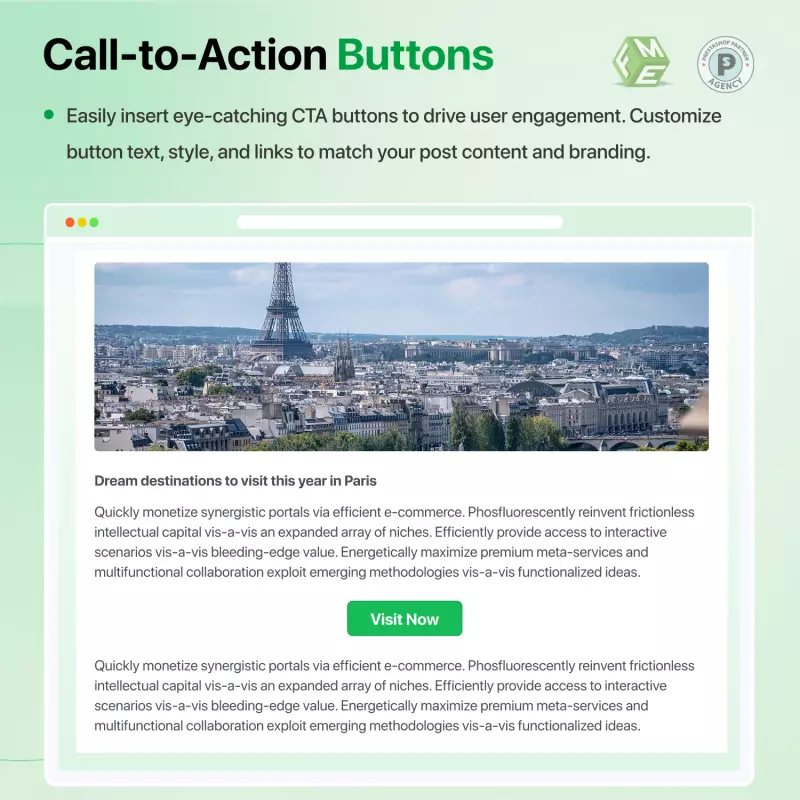
A blog is not confined to textual content only that’s why this simple blog PrestaShop module is well equipped with multimedia options. You can add images and videos to the post and make these posts eye-catching.
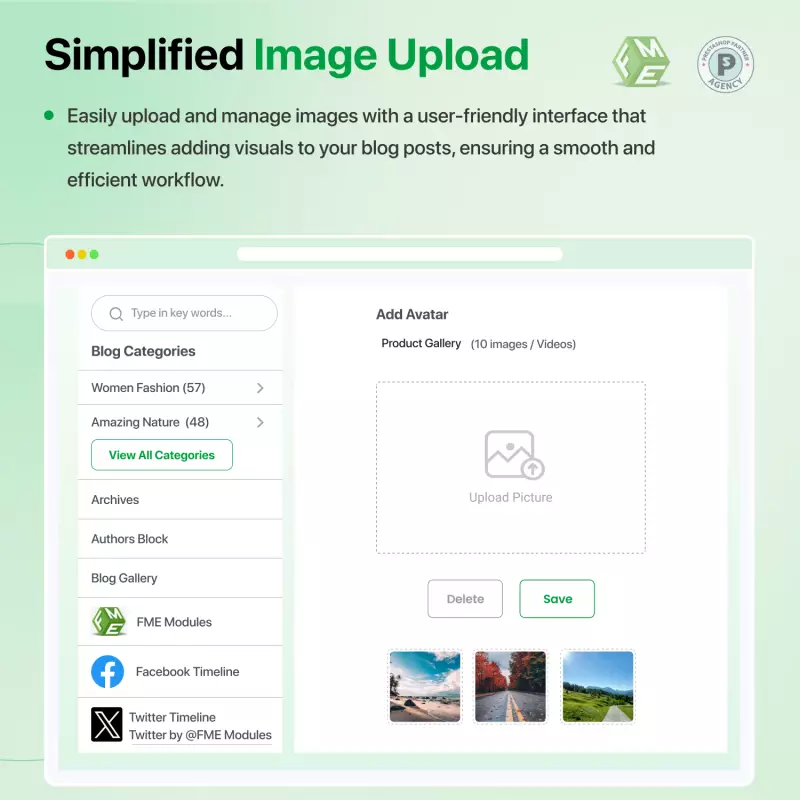
Select multiple files from the computer system and upload them all at once or individually using the PrestaShop blog module. it makes the posts attractive and worth reading.
Admin can create a complete video gallery by selecting videos from their personal computer and uploading them to the PrestaShop Blog posts.
Improve the bounce rate of the PrestaShop store by adding related posts and products in the blog so that readers can reach out to more posts while reading one. This can be done easily by integrating the PrestaShop blog module.
You can display recent posts on your store homepage. This will increase you blog engagement and user will stay informed about the latest events happening.
You can easily navigate your users from product pages to the relevant blogs of your site.
Smart blog PrestaShop allows you to create multiple categories in the blog section that classifies posts and sort them accordingly.
a. Add Title and Description: You can write a custom title and description for each category to differentiate it from other ones.
b. Friendly URL: Make a friendly URL for each category that is easy to understand
c. Category cover image: You can upload a cover image to make the category pages more attractive.
d. Configure Meta details: Add Meta title, keywords, and description to ensure each category page gets indexed in search engines.
e. Assign Position: Enter the position for each category to sort them into a series that looks logical.
f. Manage User Access: Select the user groups (Visitors, Guests, Customers) from the list to let the those selected users view the category.
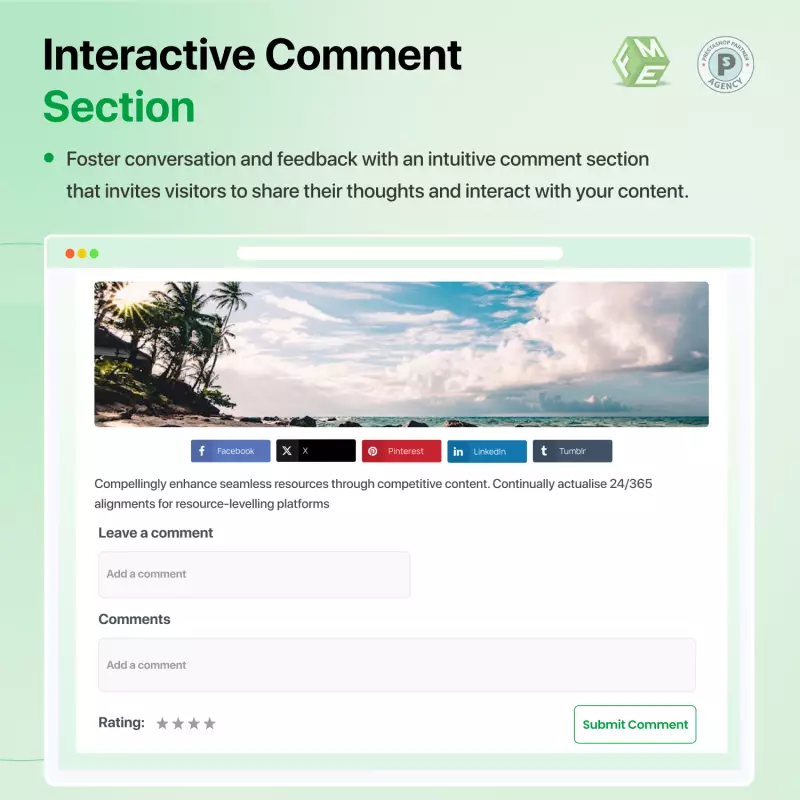
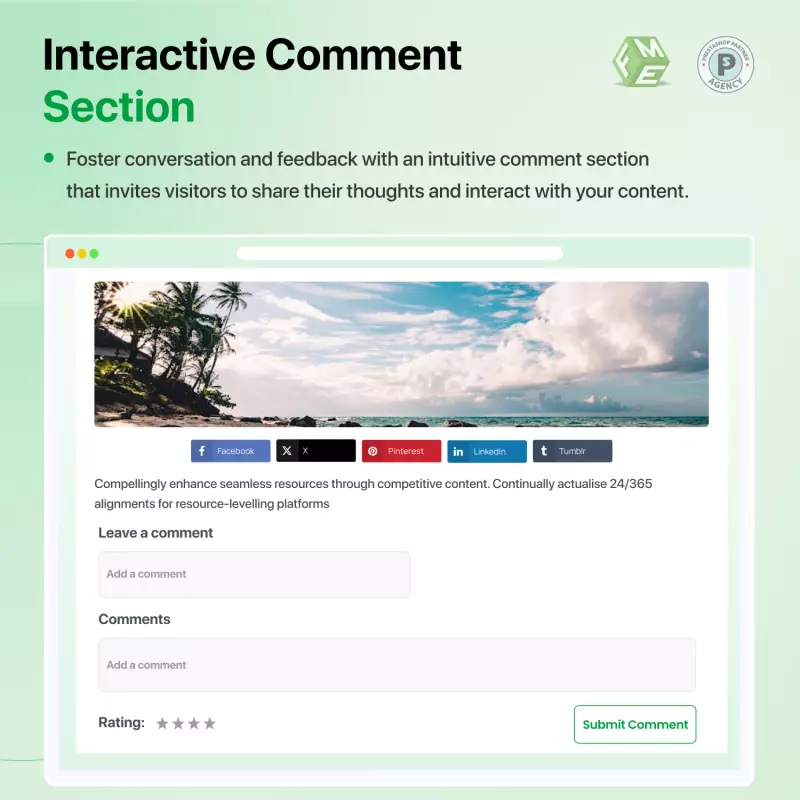
The PrestaShop blog module enable a comments section that encourages users to participate in the blog section, where they can share their opinions about the published post.
You can set the auto comments to approve mode if you think most of the readers are the good ones, so you don't have to approve each one. Configure Google Recaptcha and stay free from spammers.
Allow Facebook comments by users which they can do via their Facebook accounts. This option can save you from spammers, commenting with fake emails.
With a simple file import, you can carry forward an entire WordPress blog to your PrestaShop blog site. It simplifies managing your store and blog in a single control panel.
Adding sliders to the blog section using the PrestaShop blog module, promotes the products and services more effectively, as admin can choose themes and effects that capture readers' attention. This engagement leads to increased interest in special offerings. Here are the options one can avail:
In addition to the post, PrestaShop article module offers extra blocks to incorporate, letting you improve the user experience in finding the content on your blog. You can add a search box, a categories block, and a blog tab on product pages.
Add a search block to your Prestashop blog and let the readers search posts and articles with a word or phrase. It simplifies exploring the blog for relevant content.
Embed a categories block on either the left or right side of your blog to let the users quickly browse posts of a category they are searching for.
Show your blog archives to let the readers find what you have already published on the blog.
Enable a block for the recent posts to display the recently published blogs on your website. Try these options for customization:
PrestaShop blog module allows you to add business social profiles to the blog section. This will let the users connect with your brand on their favorite social networking sites.
Enable Facebook block, add the URL, and your official FB page will show up on your website. let the users like your page and keep updated.
You can add Twitter handler of your business as well. Enable the block, configure settings, and invite users to follow your page.
Allow users to subscribe to the RSS Feed and get the recently published blogs into their feed reader application. This will save their time in knowing about a content update without sharing their details.
Using the smart blog PrestaShop, you can display a feed from external sources to your audience. Try these configuration options.
With PrestaShop Blog, you can add numerous banners to your blog that may promote your products, deals, discounts, and amazing offers.
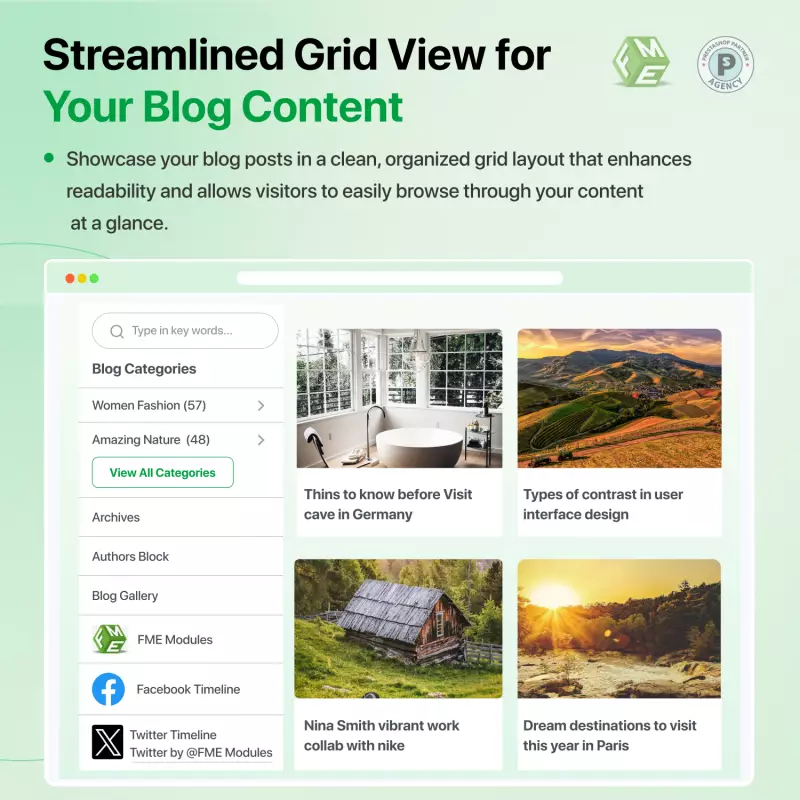
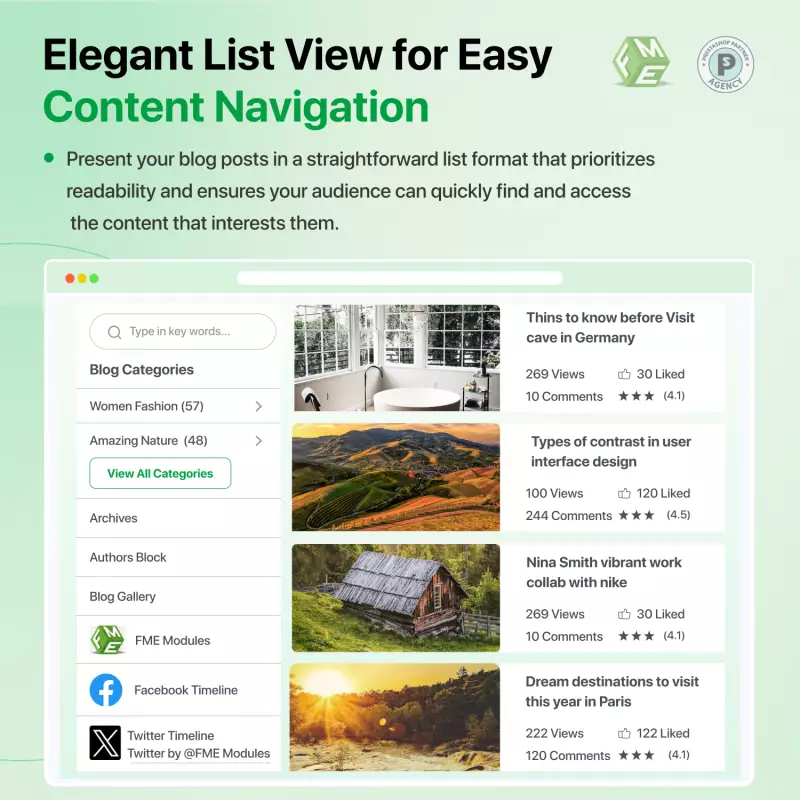
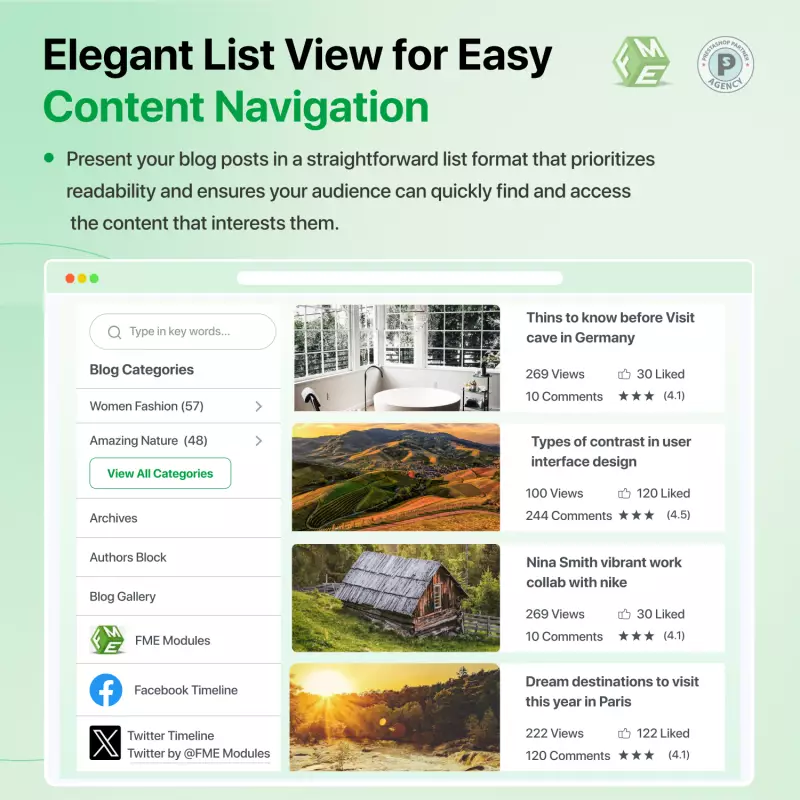
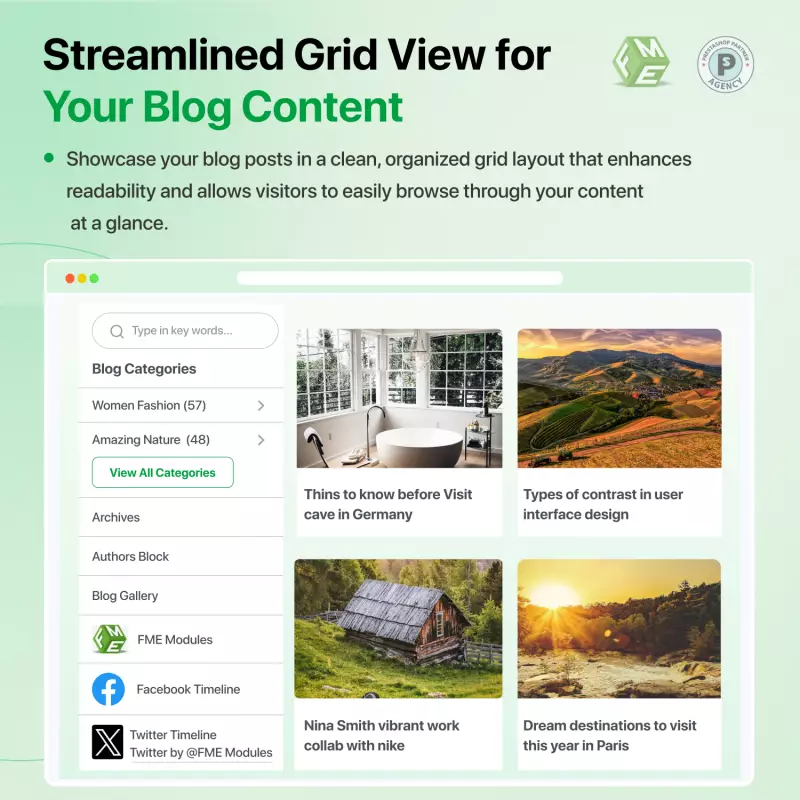
Select a layout that is more appealing and viable for your PrestaShop blog. You can also choose a theme and a listing view for the posts to make the front end more enticing and captivating.
Starting with the basic blog settings to create a PrestaShop blog, search engine friendly and reachable. Admin can choose to display the Date and comment counter or the Read More links to the posts. Admin can access all of these options by starting with the basic configurations.
Discover powerful tools and flexible options designed to enhance your PrestaShop store's functionality and user experience.


Responsive design for consistent performance everywhere in the industry.

Implementing industry-leading best practices with exclusive offers tailored to your business needs.

Get everything you need without worrying about renewal fees or hidden charges.

Get lifetime access to every update, ensuring your platform stays modern and secure.

Stay worry-free with lifetime assistance from our experts at absolutely no cost.

Get started instantly with an easy, guided installation process anyone can follow.

Shop with confidence; Get a full refund if you're not completely satisfied.

Every product undergoes strict quality checks to ensure top performance and reliability.

Simplify multi-store management with centralized control and consistent performance.
Have more questions? Contact us, and we will get back to you in 48 hours.
See what changed in each release of this product.
Tell us what you need. We will respond with an estimate based on your requirements.

 +221
+221
 09/02/2026
 +108
07/22/2026
+108
07/22/2026
Attract more traffic to your Prestashop store and increase sales on your site. The PrestaShop AI Blog Module helps you bring more people to your e-commerce store and boost sales. You can easily install it without coding and start publishing SEO-optimized articles, product reviews, AI-generated posts, and more right away.
What Makes Our Blog Module The Best?
Imagine being able to attract new users to your Prestashop store and guide them toward your information pages and sales funnels boosting conversions and strengthening your brand identity. Now, with our enhanced AI-powered blog system, you can create engaging, optimized content faster than ever. The module includes an intuitive TinyMice editor, multimedia integration, dynamic navigation, and AI-assisted content creation to deliver better customer engagement.
Note: You need paid API key from ChatGPT/Gemini
Discover the smart Blog PrestaShop on the official marketplace, featuring over 41 reviews and 1619 downloads.