


Fully Responsive
Responsive design for consistent performance everywhere in the industry.



 71 Reviews

 |
| verified
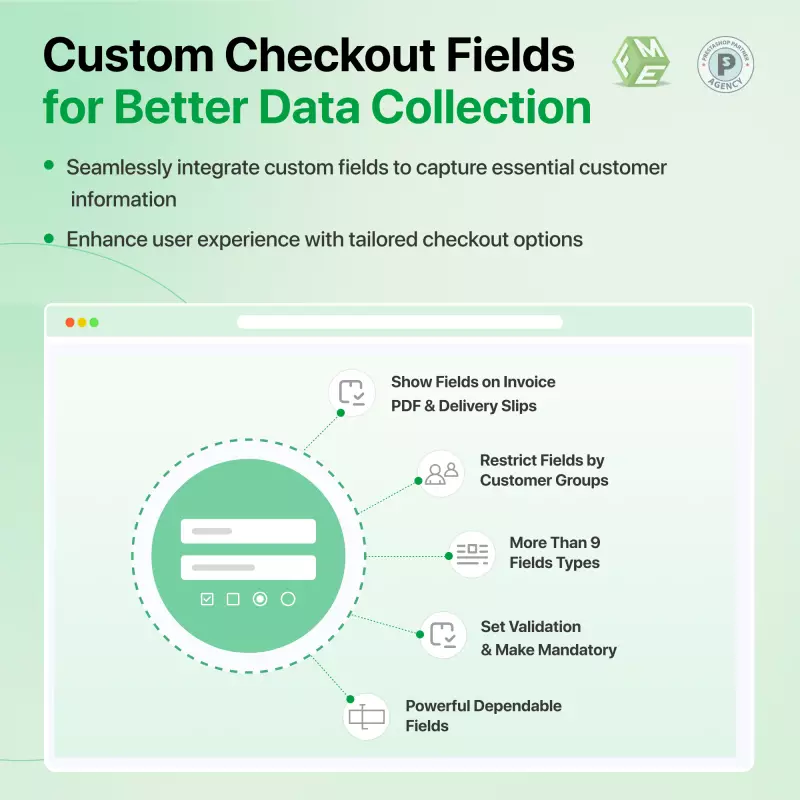
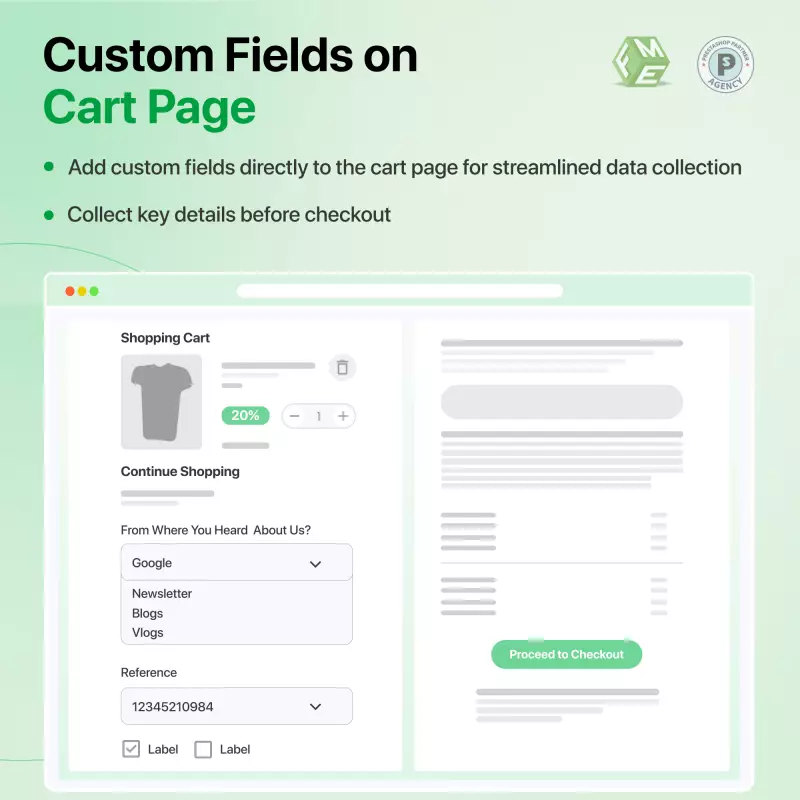
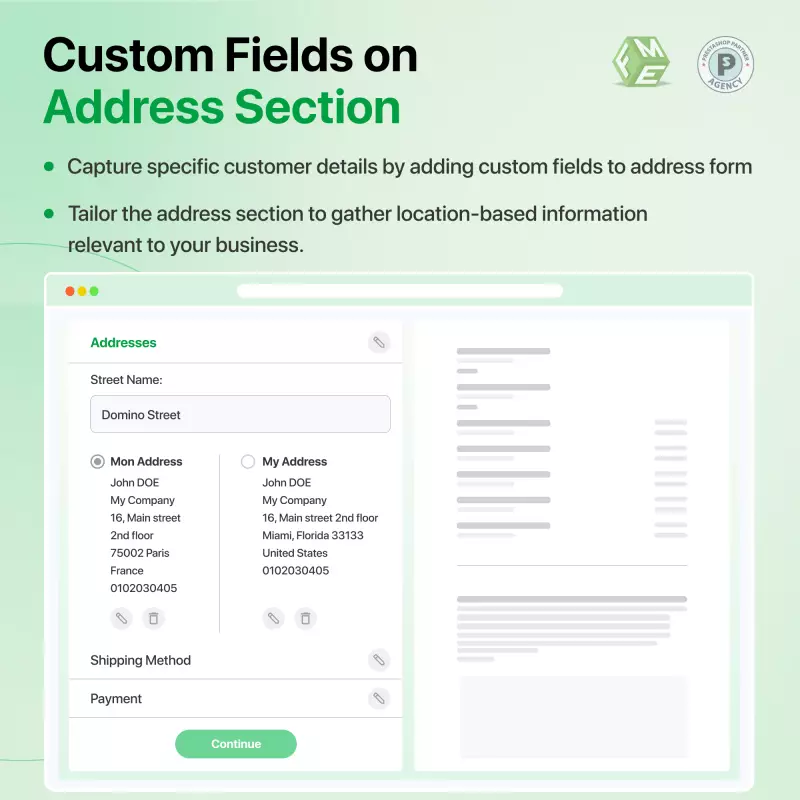
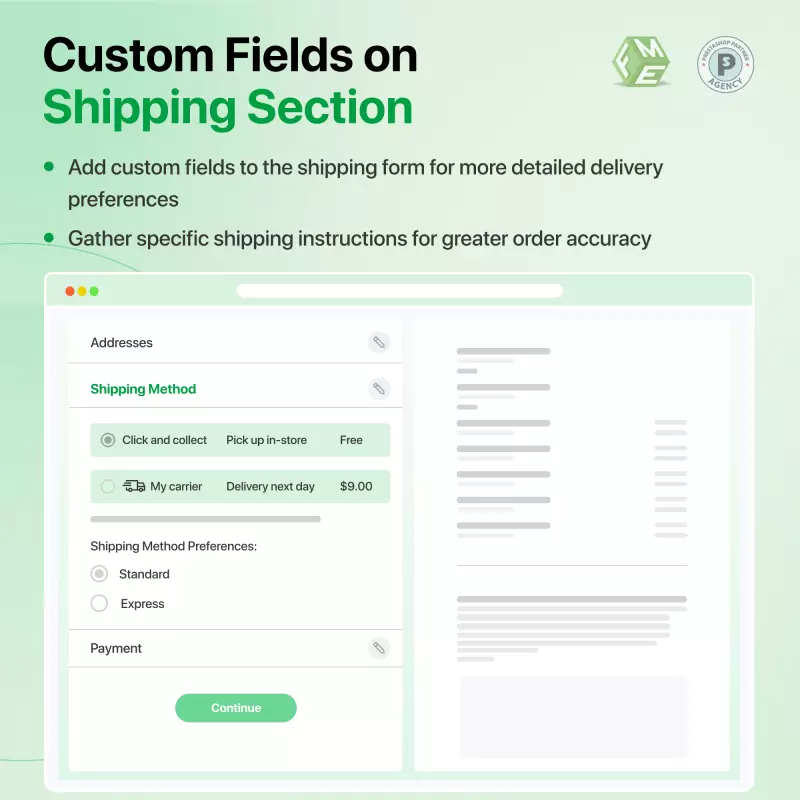
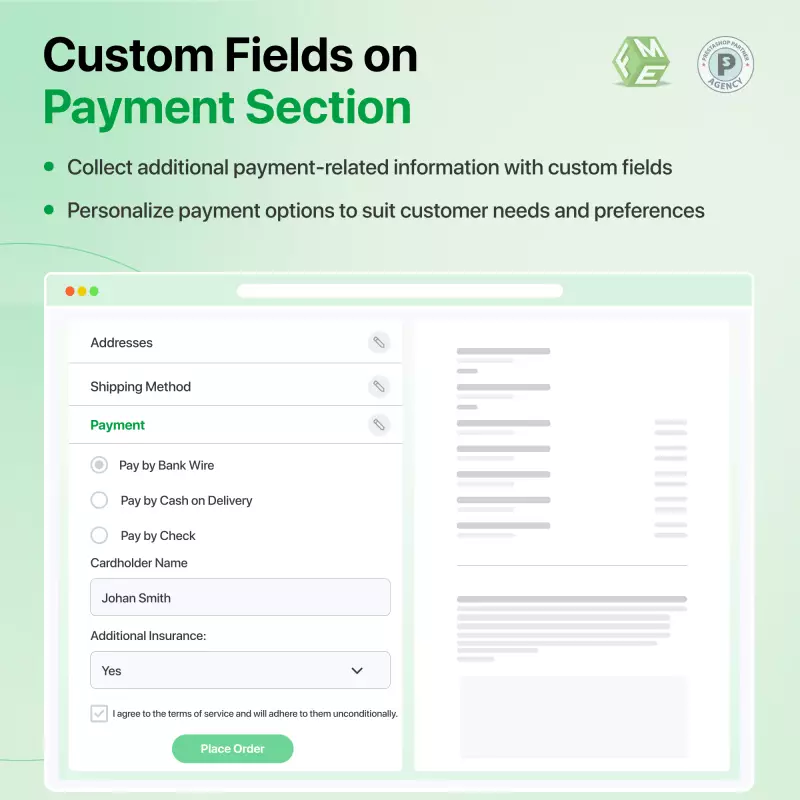
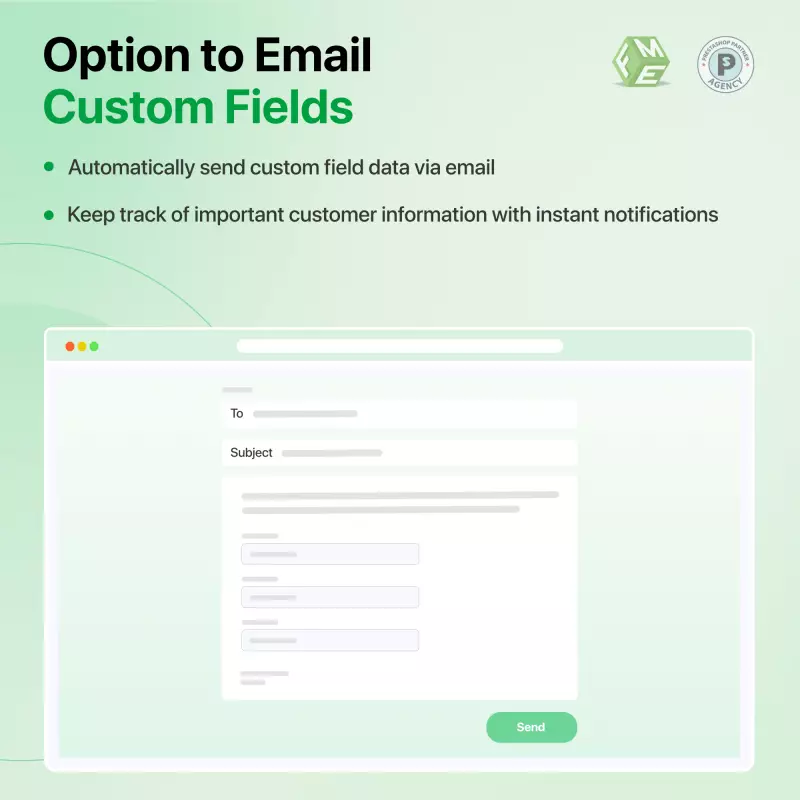
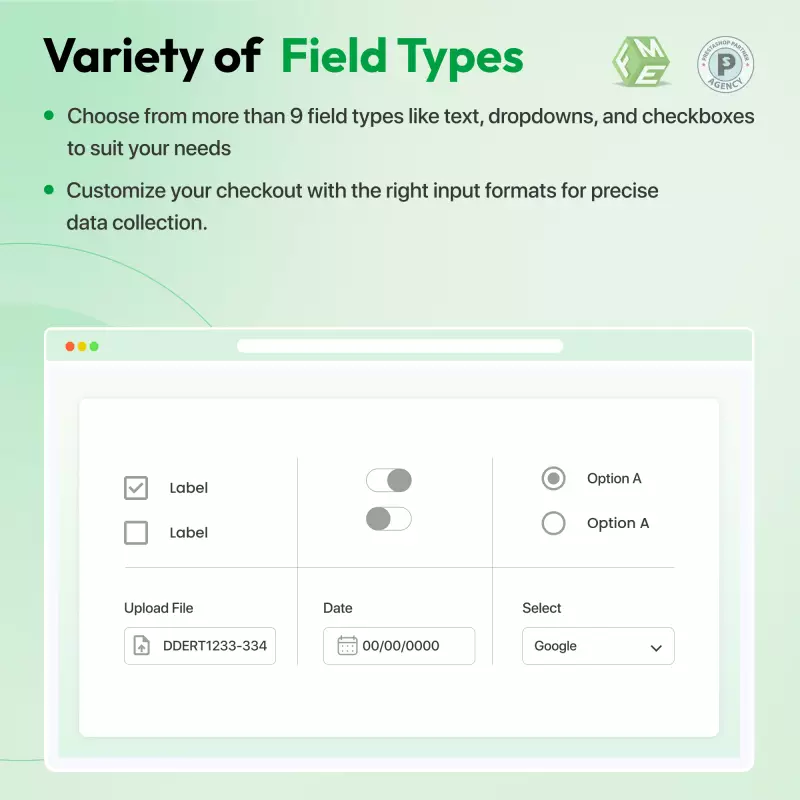
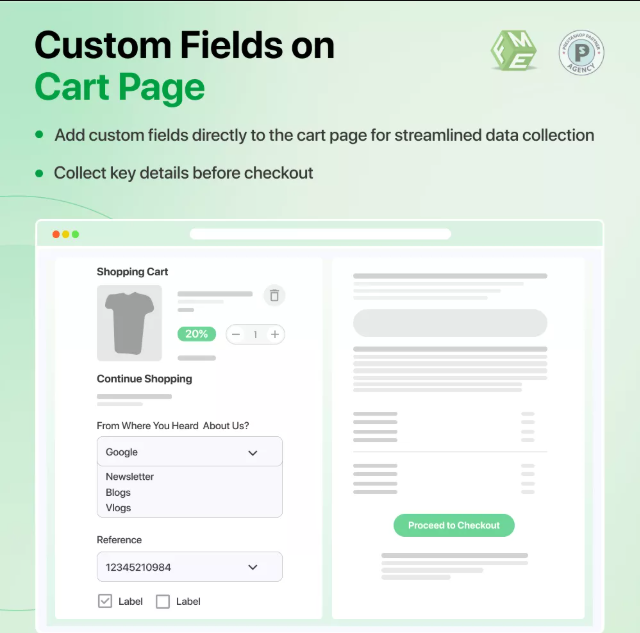
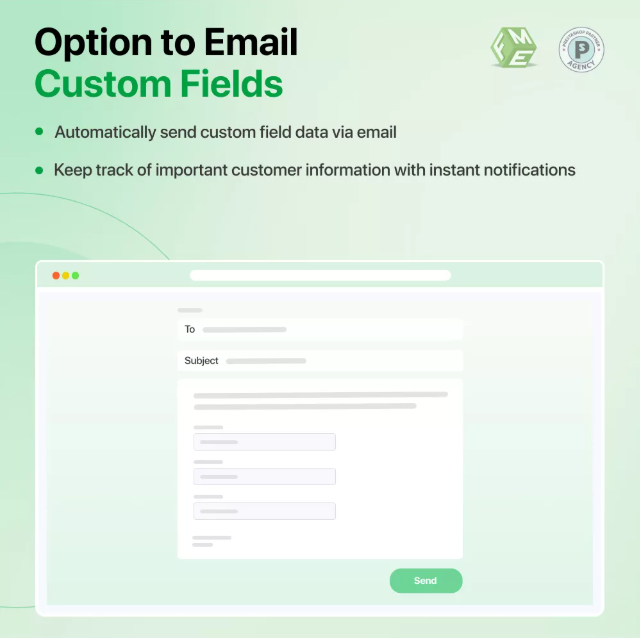
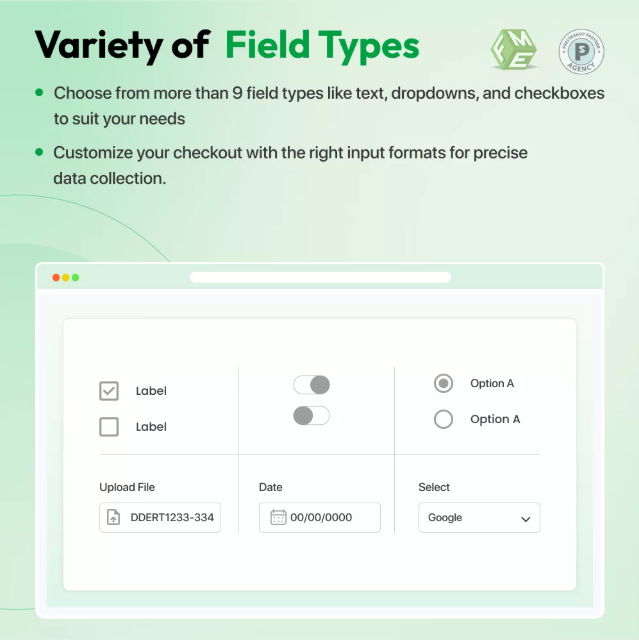
This innovative PrestaShop Custom Checkout Fields module lets the admin add custom fields to the checkout and order pages. Store owners can easily add 10 field types to checkout, i.e., text fields, dropdowns, checkboxes, and many more, for collecting extra customer information.
Our PrestaShop custom Checkout Fields Module is highly rated on the PrestaShop Marketplace, boasting 68 reviews and 3723 downloads.
Smart Upgrade Suggestion: Need both registration and checkout field customization? Get Advanced Custom Fields – includes both features for just €69 (save €39!).
 Life Time Support
 Money Back Guarantee
 Life Time Updates
3.0.0


Are you ready to enhance your checkout process and gather essential customer information to personalize the shopping experience?
With the PrestaShop Custom Checkout Fields Module, the admin can collect vital information during checkout or order steps. This allows merchants to tailor recommendations, improve user experience, and gather important details for order processing, such as previously held licenses. Elevate your store's performance and make every customer interaction more meaningful.
Transform checkout with one click
PrestaShop custom fields offer unique benefits to the merchants. For example, the message-only field lets customers share specific messages with merchants during checkout, while checkboxes and radio buttons provide insights into customer behavior. This information, gathered by Advanced custom fields, PrestaShop can enhance the shopping experience and inform better business decisions.
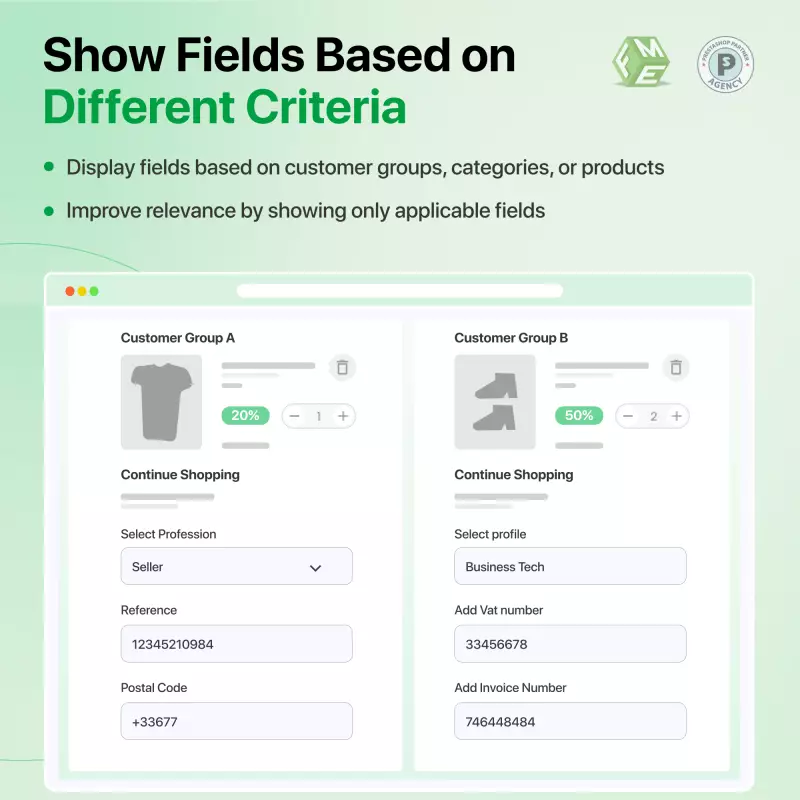
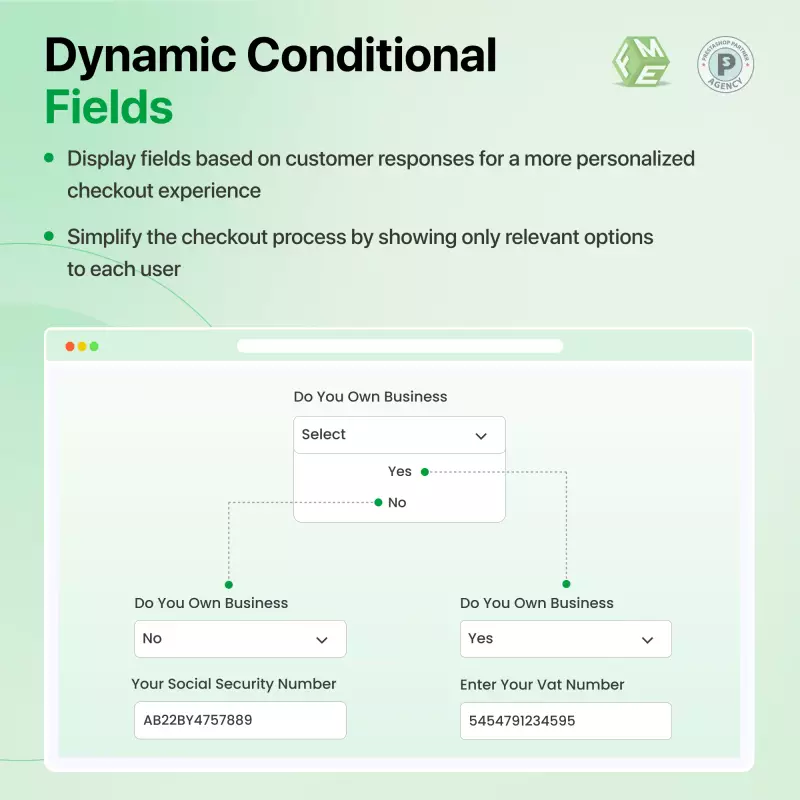
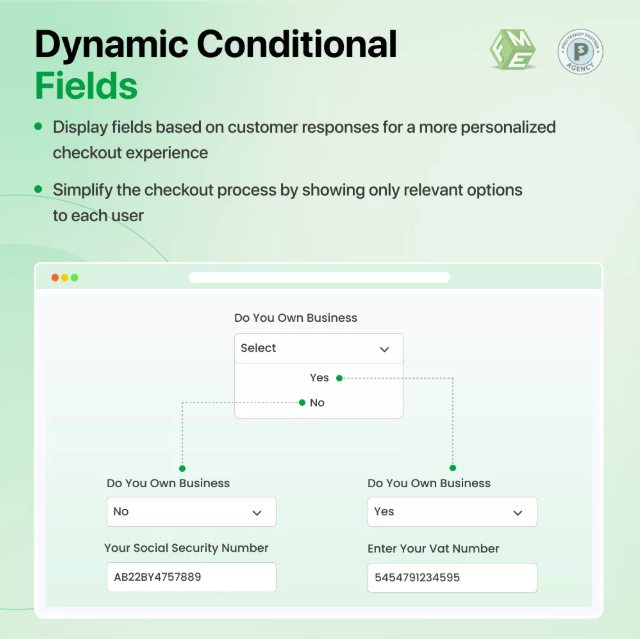
One of the standout features of the Custom Fields PrestaShop is the conditional field functionality. This allows merchants to tailor the checkout experience based on customer input. For instance, if a customer selects "Yes" for a field labeled "VAT Confirmation," a corresponding field appears for them to enter their VAT number. Conversely, if they select "No," that field remains hidden.
This dynamic approach to implementing checkout fields not only streamlines the checkout process but also reduces customer confusion. Additionally, admins can create distinct sections with PrestaShop's Additional product fields and custom headings, enhancing clarity during checkout and order steps.
ABC Store is looking to improve customer engagement and streamline order processing. By implementing the PrestaShop Checkout Fields Module, the store admin can add custom fields during checkout.
ABC store decides to introduce a "Preferred Contact Method" field. When customers select their preference, email, or phone, the PrestaShop checkout module dynamically reveals a corresponding input field for contact details. This customization, made by PrestaShop's additional product fields, is possible through the conditional field functionality of the advanced custom fields in the PrestaShop module.
As customers provide the additional information, the ABC store gains valuable insights into communication preferences. This allows the team to tailor their marketing efforts and improve customer service.
Make registration easy and flexible
With the enhanced checkout experience, the ABC store collects essential customer data and fosters stronger relationships with its clients. This leads to more informed business decisions, ultimately driving sales growth and improving customer retention.
Synneo, a French e-commerce retailer, faced the classic PrestaShop hurdle: a multi-step checkout process that created friction and increased cart abandonment. They needed a more fluid, transparent interface to convert browsing into sales.
By implementing FME Modules' custom checkout, Synneo transitioned to a streamlined, accordion-style single-page layout. This module consolidates personal data, shipping, and payments into a cohesive view.
.png)
Reduced Friction: A prominent "Order as a Guest" button bypasses mandatory registration, removing a major psychological barrier for new users.
Real-Time Calculations: The module dynamically manages complex logic, such as the "Free Shipping on Valentine's Day" promotion seen in the interface, ensuring the subtotal and taxes (€5.00) update instantly.
Trust Integration: The layout maintains high visibility for trust signals, including eKomi badges and secure login prompts, directly within the conversion path.
The implementation minimizes the "click-to-buy" distance. By providing a transparent summary alongside flexible guest options, Synneo significantly reduces user drop-off, ensuring that the technical process aligns with the brand's professional standards.
Unlock the full potential of your PrestaShop store with the below-mentioned features provided by the Custom Fields PrestaShop Module and learn how to avoid factors that can ruin any checkout experience.
Easily create forms on CMS pages
Check the demo for more details of this PrestaShop Custom checkout fields module.
Discover powerful tools and flexible options designed to enhance your PrestaShop store's functionality and user experience.
Responsive design for consistent performance everywhere in the industry.

Implementing industry-leading best practices with exclusive offers tailored to your business needs.

Get everything you need without worrying about renewal fees or hidden charges.

Get lifetime access to every update, ensuring your platform stays modern and secure.

Stay worry-free with lifetime assistance from our experts at absolutely no cost.

Get started instantly with an easy, guided installation process anyone can follow.

Shop with confidence; Get a full refund if you're not completely satisfied.

Every product undergoes strict quality checks to ensure top performance and reliability.

Simplify multi-store management with centralized control and consistent performance.
Have more questions? Contact us, and we will get back to you in 48 hours.
See what changed in each release of this product.
Tell us what you need. We will respond with an estimate based on your requirements.

 +125
+125
 04/23/2026
 +329
08/17/2026
+329
08/17/2026
 +71
07/27/2026
+71
07/27/2026
This innovative PrestaShop Custom Checkout Fields module lets the admin add custom fields to the checkout and order pages. Store owners can easily add 10 field types to checkout, i.e., text fields, dropdowns, checkboxes, and many more, for collecting extra customer information.
Our PrestaShop custom Checkout Fields Module is highly rated on the PrestaShop Marketplace, boasting 68 reviews and 3723 downloads.
Smart Upgrade Suggestion: Need both registration and checkout field customization? Get Advanced Custom Fields – includes both features for just €69 (save €39!).