


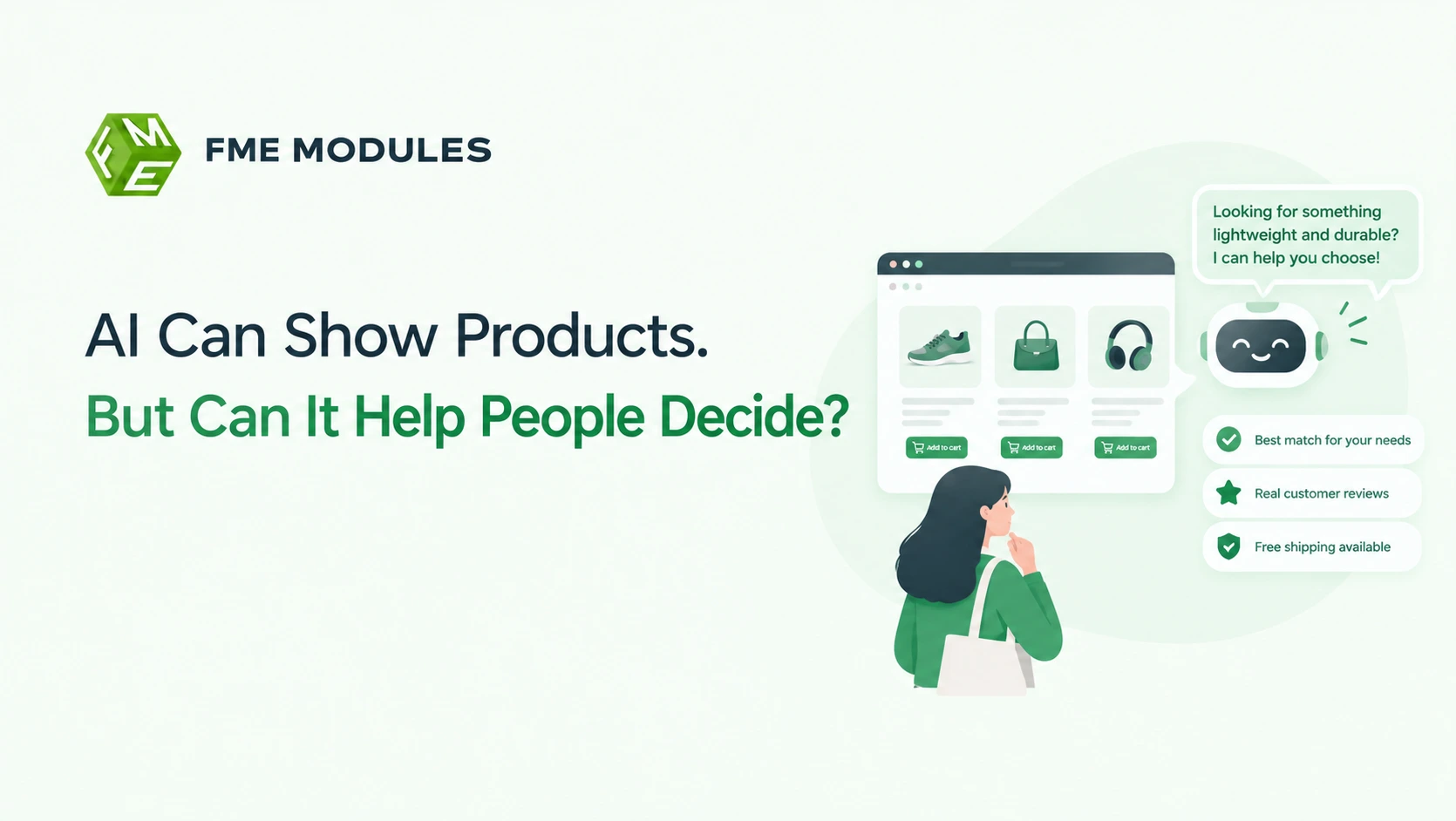
Online shoppers often face too many choices and too little guidance. Simply displaying products may not be enough to help them compare options, understand their needs, and choose the right item.
AI can make product discovery more helpful by offering personalized recommendations and answering specific questions. Let’s explore how AI can guide customers toward confident buying decisions instead of leaving them to figure everything out themselves.
Why Product Recommendations Alone Leave Shoppers Stuck
AI decision support goes beyond product recommendations by helping shoppers narrow choices, compare trade-offs and reach a decision. It asks questions, weighs criteria and explains why an option fits the customer's stated needs.
Recommendation widgets rarely narrow anything. A shopper looking for a laptop lands on a product page, scrolls to the bottom, and finds "You may also like" filling the screen with further laptops. They started with one decision and now have several. Nothing has told them which one suits someone who mostly writes documents, travels often and wants long battery life.
This is decision fatigue, and it shows up in the numbers. Research on choice overload in online recommender systems found that adding a fourth product lowers purchase probability compared with displaying three.
The knock-on effects are familiar to most PrestaShop merchants:
- A customer adds two similar products to the cart to "decide later", then buys neither.
- Filter usage rises while conversion falls, because filters sort products without explaining them.
- Support tickets arrive asking which item fits a specific need, a question the catalogue never answers.
Recommendations widen the shelf; decision support narrows the choice, and narrowing is what closes a sale.
What is AI Decision Assistance in Ecommerce?
AI decision assistance is the use of machine learning and generative models to help a shopper reach a confident buying choice, not to keep them browsing. A recommendation engine answers "what else might you like?" Decision support answers "which of these is right for me, and why?" On PrestaShop, that difference shows up in product pages, faceted search and the cart.
Three mechanisms do most of the work here:
- Guided filtering that collects intent before showing results, rather than after
- AI comparison layers that rank a shortlist against stated criteria such as budget or compatibility
- Conversational assistants that answer pre-purchase questions in context, including post-purchase support threads
The commercial case is measurable. Research on choice overload in a grocery setting found that a greater percentage of shoppers purchased jam when the display offered fewer options, as reported in the Moser choice overload study.
For a PrestaShop merchant, this reframes the catalogue. A large store does not need bigger carousels stacked three deep. It needs a path from a specific requirement to two sensible options, with the reason each one fits spelled out on the page.
AI Product Recommendations vs Decision Support Tools: How They Differ
Recommendations and decision support get lumped together because both sit on the same product page, but they solve different problems.
| What it does | Recommendation engine | Decision support |
|---|---|---|
| Primary question | "What else is similar?" | "Which option fits my needs?" |
| Where it sits | Product pages, cart, email follow-ups | Category pages, search results, product comparison |
| Data it leans on | Browsing and purchase history | Attributes, filters, customer questions, reviews |
| Typical PrestaShop surface | Native "Viewed products" and "Customers also bought" blocks | Faceted search, comparison tables, guided selling modules |
| Best moment to use it | Shopper is still browsing | Shopper has narrowed down and is hesitating |
A recommendation engine widens the aisle. It works well when someone lands on a single product and needs context, or when you want to lift average order value with a bundle suggestion. Decision support narrows the aisle, and earns its place when your catalogue has variants that look alike on paper: three coffee machines with near-identical specs, six laptop bags in similar sizes, a dozen phone cases across four models.
Where they overlap is personalisation data. Both can use what a shopper has already viewed or filtered to shape what appears next, but the intent differs. Widening choice risks choice overload, and research on adding a fourth product to a recommender list found it lowered purchase probability compared with showing three.
Most PrestaShop stores need both, but not in the same slot. Recommendations belong after the shopper has committed to a category. Decision support belongs before, in the moment they are weighing options against each other.
How Does AI Actually Help Customers Make Purchase Decisions?
Decision support is a sequence of small jobs, not a single clever algorithm. Each removes a different kind of uncertainty, and most shoppers hit them in roughly the same order.
Needs Elicitation
This replaces the blank search box with questions. A shopper browsing PrestaShop categories for a waterproof jacket gets asked where they walk, how often, and whether they need it to pack down small. The store learns the job to be done instead of guessing from keywords.
Criteria Weighting
Once the store knows the need, it works out which attributes matter most and in what order. Price sensitivity, brand loyalty, delivery speed, warranty length and compatibility all compete. The system ranks the shopper's priorities rather than applying the same default sort to everyone.
Comparison Generation
Instead of showing twelve similar products in a grid, the module builds a short side-by-side table: two or three options, matching attribute rows, differences highlighted. Adding a fourth product lowered purchase probability compared with displaying three, which is exactly why narrowing beats adding.
Trade-off Explanation
This is the step that builds trust. Plain-language sentences such as "this one costs less but ships in five days rather than two" turn a feature matrix into a reason the shopper can accept, answering the objection before it becomes an abandoned cart.
Confidence Scoring
Confidence is not a product ranking. It is a stated match level- low, medium or high- based on how many of the shopper's criteria the option satisfies. When confidence is low, the honest move is to ask one more question rather than push a product and lose credibility.
Where these steps end is where human support begins. An unanswered "will this fit my setup?" message undoes every ranking calculation above it, so a fast response path matters as much as the algorithm, which is the job the PrestaShop Help Desk Module handles by turning customer queries into tracked, prioritised tickets with pre-made reply templates. Decision support narrows the choice, then hands the shopper to a human before doubt turns into a lost sale.
Where Decision Support Plugs into A PrestaShop Store
Decision support is not one feature bolted onto your shop. It is a layer that runs across several touchpoints, each catching the shopper at a different moment of doubt: category listings, the search bar, product pages, the cart, and post-purchase emails. Instead of displaying inventory, each surface narrows the field.
Category and Listing Pages
Category pages are where choice overload bites hardest. A large grid of coffee makers gives a shopper no way in. Guided navigation, built with PrestaShop's layered navigation and attribute combinations, lets a visitor answer two or three questions (budget, capacity, brand) and watch the grid shrink to a handful of relevant products.
Used well, filtering is decision support. Used poorly, it is another wall of checkboxes. The difference is whether the filters map to how customers actually describe their problem, not how your warehouse organises stock.
Product Finders and Guided Search
A product finder module turns browsing into a short conversation. The shopper answers a few questions and receives a shortlist rather than a catalogue. This suits stores selling technical or size-dependent goods, where the wrong choice is expensive to return.
Search deserves the same treatment. Autocomplete that suggests categories, attributes and use cases, not just product names, shortens the path from intent to a confident click.
Product Pages and Live Chat
On the product page, the decisive question is usually comparative: is this the right one for me? Comparison blocks, compatibility notes and clear delivery information answer it on the page itself.
When the answer needs a human, a support workflow picks up the thread. The FME Help Desk Module turns a customer query into a ticket with a priority, a department and a reply template, so a sizing question does not sit unanswered in a generic inbox while the shopper buys elsewhere.
Cart & Post-purchase
- Cart suggestions that resolve an objection (a missing accessory, a compatibility part) rather than padding the basket.
- Post-purchase follow-ups that confirm the choice was right, which reduces returns and builds the confidence to buy again.
- Order confirmation pages that offer the natural next purchase, once the decision is already made.
Choosing The Best AI Tools to Help Customers Decide What to Buy
Pick the tool that sits closest to the data your PrestaShop store already holds. The more a module reads from your native catalogue, customers and orders, the less you have to export, sync or explain to a shopper. Ask three questions of any vendor before you commit: where does the tool pull product attributes from, how does it behave in your second and third language, and who is accountable for customer data?
Start with how the tool connects. A native PrestaShop module installs through the back office, respects your existing categories, combinations and stock levels, and stops working if you disable it. An external integration connects through your store's API or a data feed, which suits multi-channel shops but adds a sync step that can fall behind on price or availability.
Then check the languages. If you sell in several languages alongside English, the guidance a customer sees has to match the language of the product page they are on. A tool that only speaks one language will quietly push shoppers back to guessing.
- Catalogue sync: confirm whether the tool reads attributes, combinations and stock in real time or on a schedule.
- Language coverage: test it on a secondary storefront before rollout, not after.
- Data handling: ask where shopper queries and chat transcripts are stored, and whether they are processed in line with EU data protection rules.
- Team workflow: check that questions it cannot answer can be handed to a member of staff rather than dropping into a void.
That last point shapes the choice. A decision assistant that answers until it cannot, then hands the shopper to a colleague with the context intact, keeps the sale alive. For stores that route these handoffs through one place, the PrestaShop Help Desk Module at $69.00 turns those escalations into tracked tickets.
Write your criteria down as a short checklist and score each candidate against it. Compatibility with your PrestaShop version, your theme and your multistore setup matters more than a long feature list.
Common Pitfalls When Adding AI Decision Support To A Store
Most decision support projects fail for boring reasons, not technical ones. The AI works. The questions are wrong, the data is thin, or nobody told the customer support team what changed.
Asking Too Many Questions Before Showing Anything
A decision assistant that opens with eight qualifying questions feels like a form, not help. Shoppers who wanted a quick answer leave, and every extra prompt adds friction. Ask one or two questions and offer a sensible default. Let shoppers refine afterwards, not before.
Building on Messy Product Data
Decision support is only as good as your PrestaShop catalogue. If attributes are missing, sizes sit inside free-text descriptions, or compatibility is described differently on every product page, the assistant will produce confident nonsense.
- Clean up the Features tab so key attributes are structured, not buried in prose.
- Standardise variation names instead of mixing "colour", "color" and "finish" across categories.
- Remove discontinued combinations that still appear in search results.
Fix the catalogue before the AI layer. Bad product data doesn't just weaken decision support; it teaches the assistant to guess.
Hiding the Assistant Behind A Login
Guests browse most PrestaShop catalogues. If the assistant only appears for registered customers, you have built it for the smallest slice of your traffic. Guests should be able to ask questions and even raise a ticket. The PrestaShop Help Desk Module supports guest tickets, so an unanswered question from a logged-out visitor does not simply vanish.
Leaving No Route To A Human
Every assistant hits a wall eventually: a bespoke order, a warranty dispute, a bulk enquiry. If there is no visible path to a person, shoppers assume you have none. Route those moments into your help desk with a clear priority so urgent issues reach the right department rather than sitting in a generic inbox.
How To Get Started: A Practical Checklist for PrestaShop Merchants
Rolling out AI decision support across a whole catalogue at once is how projects stall. Start narrow, prove the uplift, then widen.
- Audit your product data first. Decision tools lean on structured attributes: size, compatibility, material, warranty, use case. Open a few key products in the PrestaShop back office and check whether those fields exist in the Features and Attributes tabs.
- Pick one high-consideration category. Choose where shoppers hesitate longest: electronics, spare parts, supplements or furniture. Avoid low-stakes items where choice is rarely a problem, and categories with thin product copy.
- Choose the decision layer that fits the gap. If your problem is scattered support queries at the point of hesitation, a structured ticket and query system such as the PrestaShop Help Desk Module gives the team one place to answer them, with departments, priorities and reply templates. Available for $69.00. If your problem is filtering, a guided selling or quiz module plugged into your existing catalogue is the better fit.
- Run it on a subset of traffic. Enable the tool for one category for a few weeks before a full rollout. Track search exit rate, add-to-cart rate on assisted sessions, and support tickets tagged to that category.
- Measure assisted conversion, not just revenue. Compare sessions where the tool was used against equivalent sessions where it was not. The signal you want is fewer abandoned decisions, not simply higher traffic.
Keep the first cycle short. A focused pilot gives you real evidence about which questions your shoppers actually need answered.
What AI Decision Support Means for PrestaShop Stores
AI decision support is the use of automation to help a shopper choose between options, rather than simply presenting more of them. In a PrestaShop store, it works across three surfaces: the catalogue (what gets shown and in what order), the search bar (what the shopper is actually asking for), and the checkout (removing the last hesitation). The goal is not a bigger product grid. It is a shorter path to "this is the one".
Choice does not automatically sell. A well-known field experiment found that a far greater percentage of shoppers purchased jam when offered a smaller selection than a larger one. That gap is the entire argument for decision support: narrowing beats expanding.
Why Showing More Products Stops Working
Most PrestaShop stores are built around discovery. Categories get deeper, filters multiply, and the assumption is that a shopper who sees enough options will eventually pick one. In practice, the opposite happens. A customer comparing a long list of coffee machines rarely feels helped. They feel tired, open a new tab, and compare there instead.
Research on recommender systems found that adding a fourth product to a comparison lowered purchase probability compared with showing three. The effect is small per screen but compounds across a browsing session, especially on mobile where only two or three products fit above the fold.
Decision support assumes the shopper wants to stop choosing, not keep choosing.
Three signals tell you a store needs it more than another batch of product photos:
- High traffic on category pages, low add-to-cart rate from those same pages.
- Support inbox filling with "which one should I get?" questions rather than technical faults.
- Strong performance on your bestseller list but flat performance on everything else in the same category.
Where Decision Support Plugs Into A PrestaShop Store
PrestaShop gives you more native hooks for this than most merchants expect. The catalogue, the search controller, the product page and the cart each expose templates and hooks you can extend through a module, so you do not need to rebuild the theme to add guidance.
In The Catalogue
Category pages are where overload starts. A useful pattern is to lead with a small, opinionated set ("best for small flats", "best for large families") before the full grid. This can sit in a CMS block or a custom module hooked into the category template. The point is to give the shopper an entry point that removes comparison, not another filter.
In Internal Search
Shoppers rarely type specifications. They type "something for a cold office" or a partial product name with a typo. PrestaShop's default search matches on product names and references, which fails on intent. Improving synonym handling and result ordering inside the search controller is often the highest-return change available, because search visitors convert at a different rate to browsers.
On The Product Page
This is where decision support becomes explicit. Side-by-side comparison of two or three attributes, a short "who this is for" line, and clear stock or delivery messaging all reduce the last hesitation. PrestaShop product pages are template-driven, so these blocks can be added without touching core files.
At Checkout & in Support
The final drop-off point is rarely price. It is an unanswered question. A shopper who cannot confirm whether a part fits their model abandons and emails you instead. Capturing that question in a ticket system, rather than a generic contact form, keeps it connected to the order and the customer record, which makes follow-up far easier.
Where Recommendations Alone Fall Short
Recommendation modules answer "what else might you like?". Decision support answers "which of these is right for you?". They are different jobs, and treating one as the other is the most common mistake in PrestaShop stores.
| Dimension | Product recommendation module | Decision support |
|---|---|---|
| Core question | What else is similar? | Which one fits my situation? |
| Typical placement | Homepage, product page, cart cross-sell | Category entry, search results, comparison blocks |
| Effect on choice set | Expands it | Narrows it |
| Best signal used | Browsing and purchase history | Stated need, attributes, stock and fit |
| Failure mode | Endless carousel, ignored by shoppers | None if the logic is honest; wrong guidance if not |
Recommendations also depend on data volume. A newer PrestaShop store with few orders does not have enough behavioural history to power collaborative filtering well, so the carousel ends up showing bestsellers in a new wrapper. Decision support built on product attributes works from day one because it relies on your catalogue data, not on traffic.
There is a place for conversational help too, and shoppers are receptive to it. Survey data cited by Yale Insights found that a majority of consumers are experimenting with generative AI or using it regularly. The caveat is that a chatbot answering "which one?" needs accurate catalogue data behind it, or it will confidently recommend the wrong product.
A Practical Rollout Order for PrestaShop Merchants
You do not need to change everything at once. Work in this order, and each step makes the next one easier to measure.
- Clean the attribute data first. Decision support is only as good as the features, sizes, compatibility fields and weight values you already store. Empty attributes produce empty guidance.
- Rewrite category entry points. Replace the default grid-first layout with a short guided block that points to two or three sensible products and explains the difference between them in one line each.
- Fix internal search synonyms. Map the words customers actually type onto the product names and attributes you sell under, so "warm coat" finds your insulated jackets.
- Add a comparison block to your highest-traffic product pages. Two or three alternatives, matching rows, the trade-off stated plainly.
- Connect questions to a tracked channel. Route "which one?" enquiries into a help desk with priorities, departments and pre-made replies, so the answer arrives while the shopper is still interested.
- Review after four to six weeks. Compare assisted sessions against unassisted ones, and use the questions that landed in your inbox to decide what the catalogue copy should say next.
The sequence matters because each step feeds the next. Better attributes make search synonyms possible, better search reduces support load, and a lighter support load gives you time to improve the pages that generate the most questions.
Verdict: Turning Browsing Into a Decision
Product recommendations answer a question shoppers did not ask. They are useful once a customer has settled on a category, but they do nothing for the person stuck between three near-identical options. Decision support is the part that closes the gap by learning the need, weighting the criteria and explaining the trade-off in language a shopper can act on.
For most PrestaShop merchants, the honest starting point is not a new AI layer at all. It is the catalogue data underneath it, and the questions already landing in your support inbox. Fix those two, and every decision tool you add afterwards has something real to work with.
If those questions are the bottleneck in your store, the PrestaShop Help Desk Module | Customer Support Management System at $69.00 gives you multiple departments, back-office replies, guest ticket management, pre-made reply templates and email notifications, so a shopper deciding between two products gets an answer before they give up and buy elsewhere.