


Fully Responsive
Responsive design for consistent performance everywhere in the industry.



 No reviews yet

 |
| verified
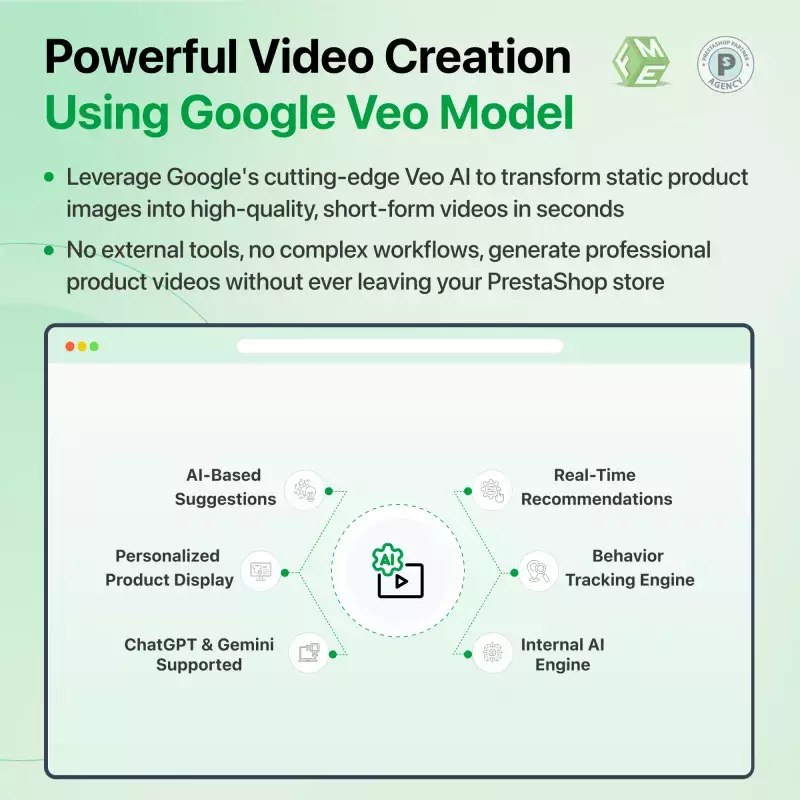
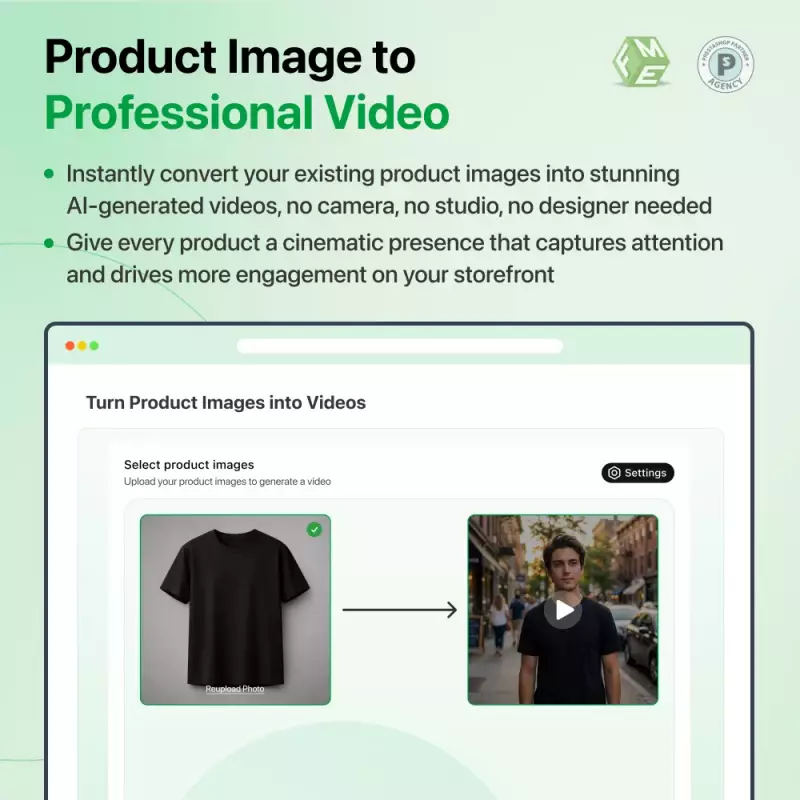
Stop losing customers to boring static images. Convert your product photos into professional AI-generated videos in seconds, powered by Google Veo, built right into PrestaShop.
Note: Requires paid Google Gemini API keys (simple setup). Our expert support team is ready to help with configuration anytime.
 Life Time Support
 Money Back Guarantee
 Life Time Updates
1.0.0
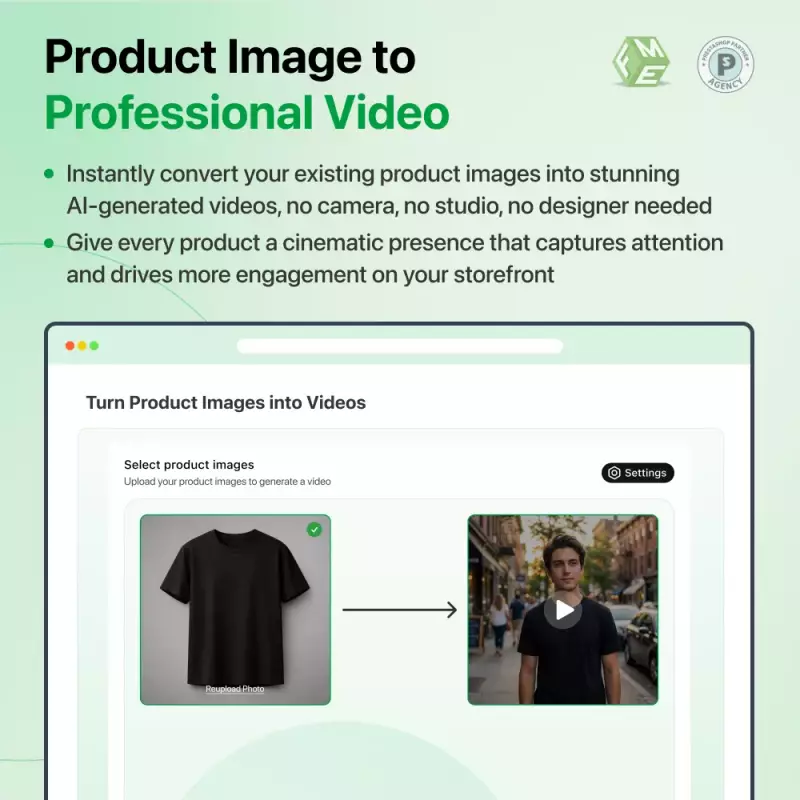
Static images no longer cut it in todays competitive e-commerce landscape. Shoppers engage more, stay longer, and buy more when they see products in motion. Our AI Image to Video Module bridges that gap by turning your existing product photography into short, cinematic videos, without a camera, studio, or design team. Everything runs inside your PrestaShop store, powered by Googles Veo AI model.
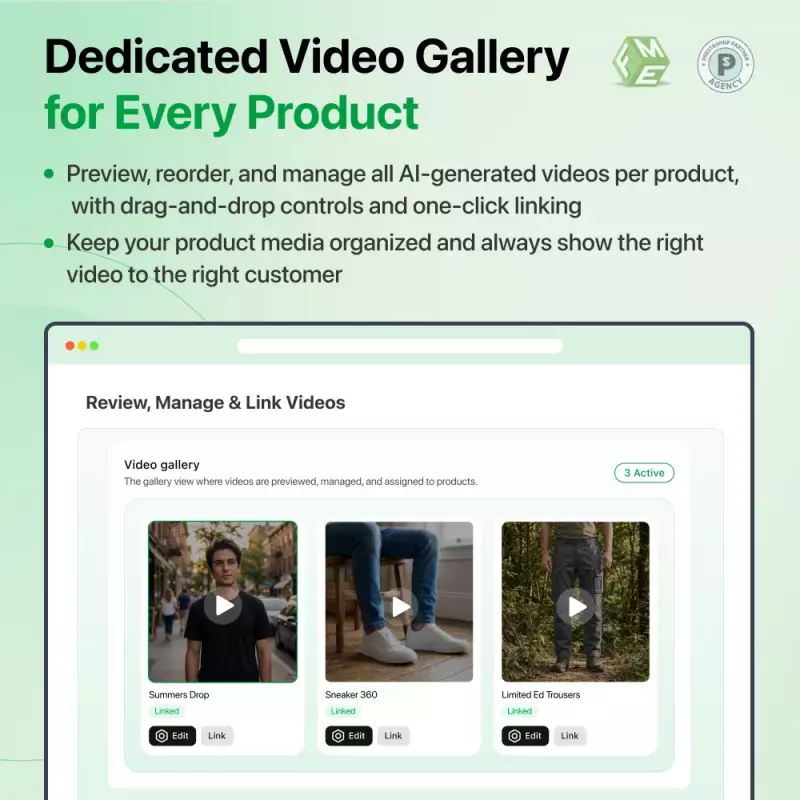
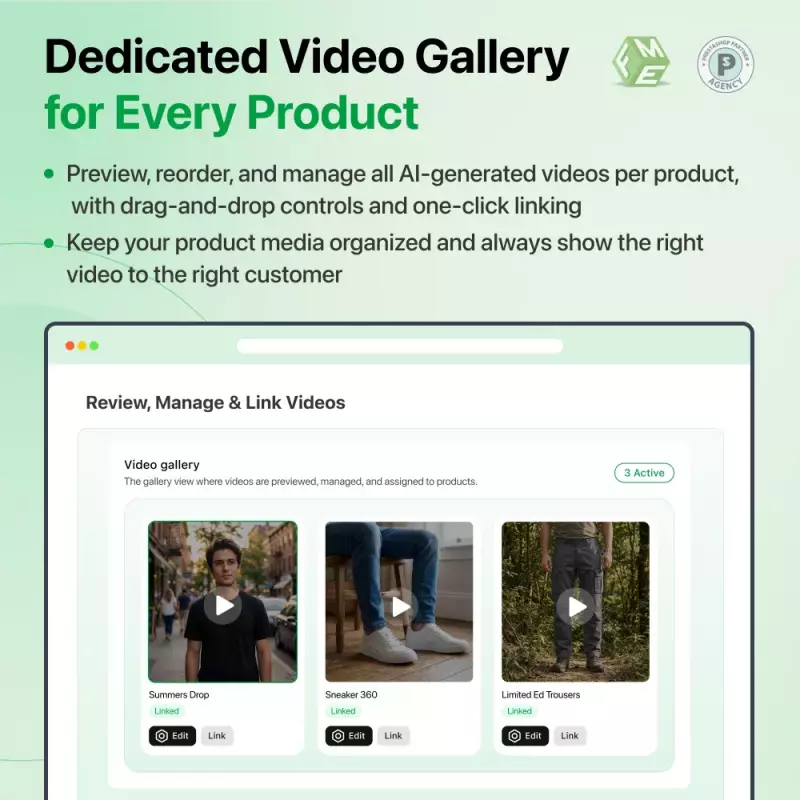
No complicated setup or third-party platforms. Open any product in your catalog, hit the Generate Video with AI button, pick up to two images from the product library, and submit. The module queues the job and processes it silently in the background. When the video is ready, you get a notification and can review it instantly inside the product editor, preview it, approve it, and push it live in one smooth flow.
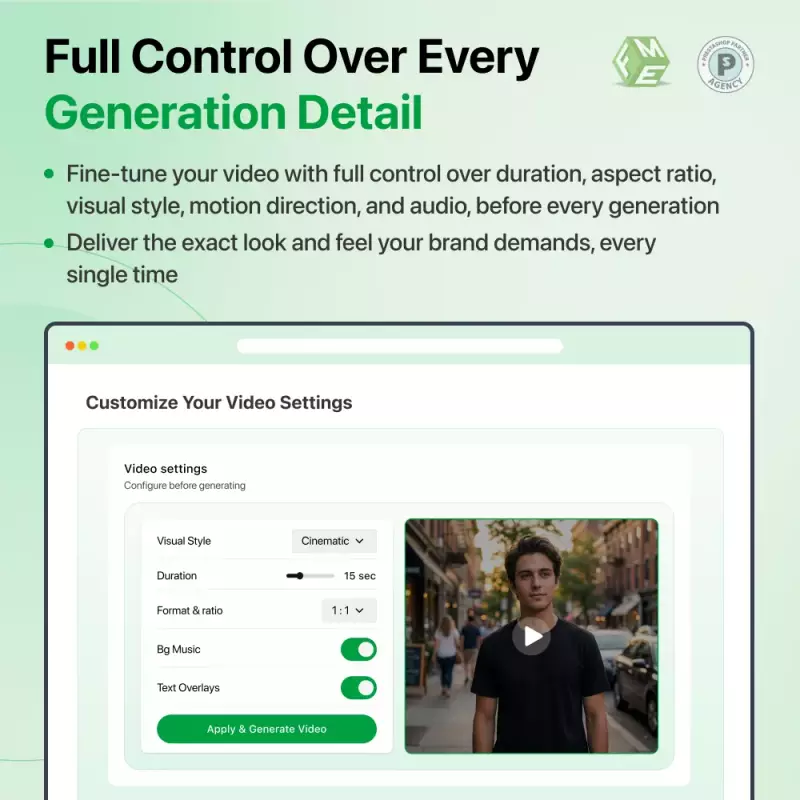
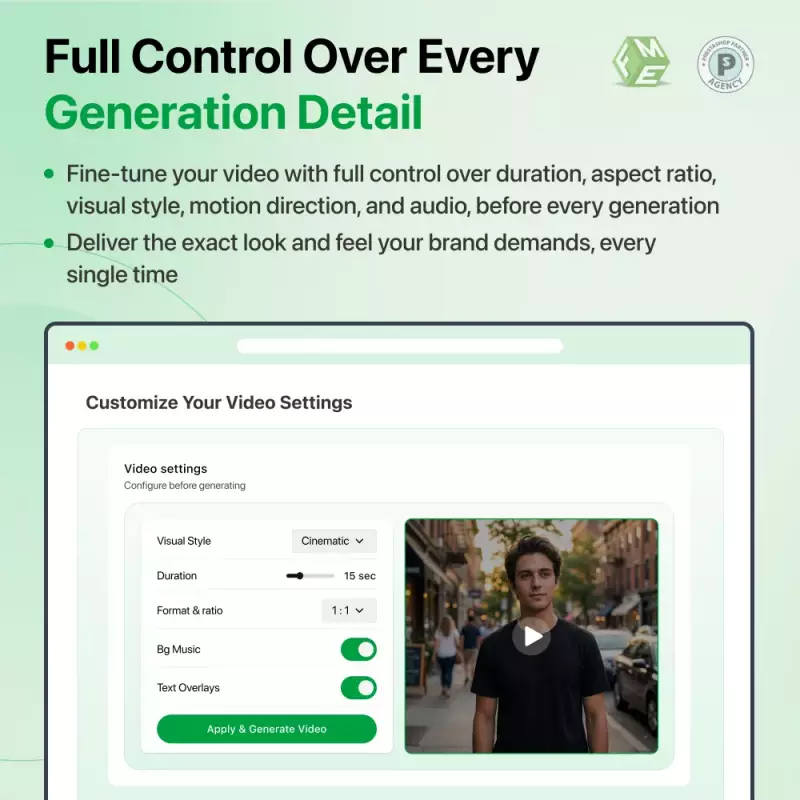
Not every product needs the same treatment. Fine-tune each generation independently, select the Veo model that suits your quality requirements, decide how long the video runs, choose between portrait and landscape orientation, dial in the mood and visual style, and use dual-image input to define exactly how the motion starts and ends. The result is a video that looks intentional, not auto-generated.
Your storefront gallery becomes a mixed-media experience the moment videos go live. Customers browse thumbnails, click into the carousel, and videos play inline, no redirects, no pop-ups, no third-party embeds. You decide the presentation order per product: lead with visuals, lead with video, or activate the built-in split testing to serve both versions to real shoppers and measure which one performs.
Gut feeling only goes so far. The analytics dashboard gives you hard numbers — how many shoppers saw the video version, how many saw the image version, and how each group converted. Compare add-to-cart rates side by side and use those insights to roll out the winning format across your entire catalog with confidence.
Manually generating videos one by one works for small catalogs, but for larger stores, automation takes over. Define rules to target specific categories or product segments, set a generation limit per rule, and let the cron job run the queue on its own schedule. A monthly cap keeps your Google API spend predictable no matter how large your catalog grows.
Please Note: Video generation costs are charged directly to your Google Gemini API account — not through this module. Budget approximately $0.40–$0.60 for a 4-second video and $0.80–$1.20 for an 8-second video. For high-volume stores, these costs can add up quickly. Use the built-in monthly generation cap and keep a close eye on your Google Cloud billing dashboard to stay in control of your spend.
Discover powerful tools and flexible options designed to enhance your PrestaShop store's functionality and user experience.
Responsive design for consistent performance everywhere in the industry.

Implementing industry-leading best practices with exclusive offers tailored to your business needs.

Get everything you need without worrying about renewal fees or hidden charges.

Get lifetime access to every update, ensuring your platform stays modern and secure.

Stay worry-free with lifetime assistance from our experts at absolutely no cost.

Get started instantly with an easy, guided installation process anyone can follow.

Shop with confidence; Get a full refund if you're not completely satisfied.

Every product undergoes strict quality checks to ensure top performance and reliability.

Simplify multi-store management with centralized control and consistent performance.
Have more questions? Contact us, and we will get back to you in 48 hours.
See what changed in each release of this product.
No changelog entries have been published for this product yet.
Tell us what you need. We will respond with an estimate based on your requirements.
Stop losing customers to boring static images. Convert your product photos into professional AI-generated videos in seconds, powered by Google Veo, built right into PrestaShop.
Note: Requires paid Google Gemini API keys (simple setup). Our expert support team is ready to help with configuration anytime.