


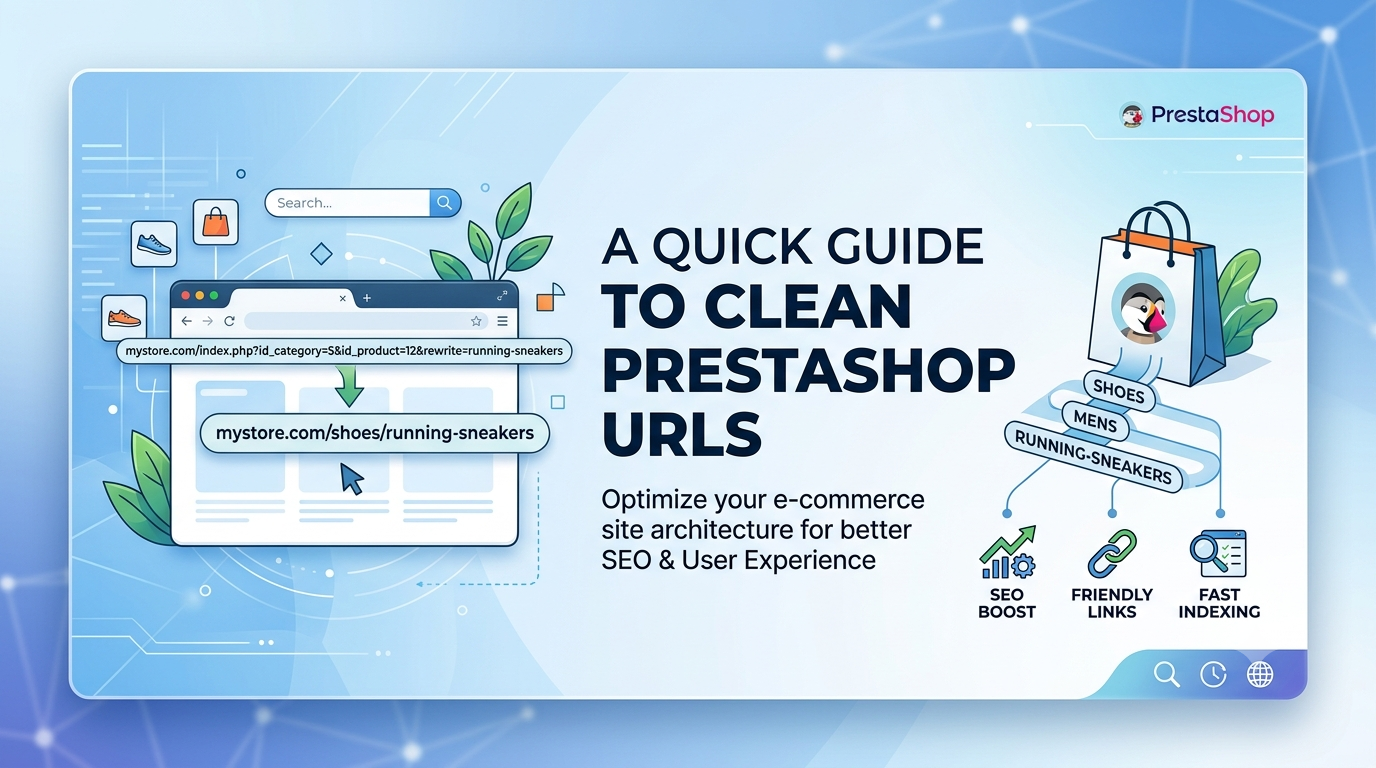
Take a look at your product URLs. If they contain numbers and IDs before the product name, such as /123-product-name, your store is using PrestaShop's default URL structure. While these IDs help the platform identify pages internally, they add unnecessary clutter that makes your URLs look less professional and harder to read.
Clean URLs are easier for customers to understand, simpler to share, and more appealing in search engine results. However, removing IDs is not as simple as changing a setting in the PrestaShop back office. Doing so incorrectly can break your website, generate hundreds of 404 errors, and negatively impact your SEO.
The good news is that you can safely remove IDs from your product, category, supplier, manufacturer, and CMS URLs without affecting your store's functionality. In this guide, you'll learn why clean URLs matter, why PrestaShop keeps IDs by default, and how to remove them safely using the FME PrestaShop Pretty URL Module.
Why Should You Remove IDs from PrestaShop URLs?
A clean URL structure is one of the simplest ways to improve both user experience and search engine optimization.
Instead of displaying URLs filled with unnecessary numbers, your pages become shorter, more descriptive, and easier to understand.
For example:
Default URL
yourstore.com/125-blue-running-shoes
Clean URL
yourstore.com/blue-running-shoes
Although search engines can crawl both versions, cleaner URLs offer several important advantages.
Improve Search Engine Optimization
Search engines use URLs as one of many signals to understand page content. A descriptive URL that focuses on relevant keywords is easier for search engines to interpret and index.
Clean URLs also fit naturally into a well-optimized site architecture, making it easier for search engines to crawl your website efficiently.
Increase Click-Through Rates
When users compare search results, they often pay attention to the URL before clicking.
A short, readable URL looks more trustworthy than one filled with random numbers and unnecessary parameters.
Higher trust often translates into better click-through rates from search engine results pages and social media shares.
Deliver a Better User Experience
Clean URLs are easier to remember, easier to type, and easier to share with customers.
Whether someone receives your product link through email, messaging apps, or printed marketing materials, a clean URL creates a much more professional impression.
Why Can't You Remove IDs Natively?
Many merchants assume there must be a simple setting inside PrestaShop to remove IDs.
Unfortunately, that is not how the platform works.
PrestaShop uses numerical IDs as part of its routing system to identify products, categories, manufacturers, suppliers, and CMS pages inside the database.
These IDs help the system load the correct page quickly.
Simply modifying the URL structure without proper routing support can create serious problems, including:
- Broken product pages.
- Category pages returning 404 errors.
- Internal links no longer working.
- Search engines indexing invalid URLs.
- Loss of existing search rankings.
This is why removing IDs manually is never recommended for a live store.
How to Remove IDs Safely with the FME PrestaShop Pretty URL Module
Instead of modifying core files or risking broken links, you can use the FME PrestaShop Pretty URL Module to automate the entire process safely.
Step 1: Install the Module
Begin by uploading and installing the module through your PrestaShop back office.
The installation follows the standard module installation process and takes only a few minutes.
Once installed, the module integrates directly into your store without requiring code changes.
Step 2: Enable Clean URLs
After installation, simply enable the URL cleaning options from the module settings. With a few clicks, you can remove IDs from:
- Product URLs.
- Category URLs.
- CMS pages.
- Manufacturer pages.
- Supplier pages.
The module automatically generates clean, SEO friendly URLs while maintaining full compatibility with your PrestaShop store.
Step 3: Prevent Duplicate URLs
One challenge with clean URLs is duplicate page names.
For example, two products may share the same name, creating conflicting URLs.
The FME Pretty URL Module includes an intelligent duplicate URL detection system that automatically identifies conflicts and generates unique URLs without requiring manual intervention.
This keeps your website organized while preventing indexing issues.
Do Not Forget 301 Redirects
Changing URL structures on a live website always requires proper redirects. Without redirects, every old URL indexed by Google will return a 404 error.
This can lead to:
- Lost organic traffic.
- Broken backlinks.
- Poor user experience.
- Reduced search engine rankings.
The FME PrestaShop Pretty URL Module automatically creates 301 redirects from your old ID based URLs to the new clean versions.
This is one of the module's most valuable features because it preserves your existing SEO authority while ensuring visitors and search engines are seamlessly redirected to the correct pages.
Instead of losing years of SEO progress, your rankings remain protected during the transition.
Post Optimization Checklist
After removing IDs from your URLs, complete a few additional optimization steps to help search engines discover your updated website structure.
First, regenerate your XML sitemap so it reflects the new clean URLs across your store.
Next, clear your PrestaShop cache to ensure every page loads the updated URL structure correctly.
Then, test several old product and category URLs to confirm that each one redirects properly to its new destination.
Finally, submit your updated sitemap through Google Search Console. This helps Google crawl your new URLs faster and accelerates the reindexing process.
Following these steps ensures your SEO transition remains smooth and your rankings stay protected.
Why Clean URLs Matter More Than Ever
Modern ecommerce is built on trust.
Customers are far more likely to click, remember, and share URLs that look clean and professional.
At the same time, search engines reward websites that provide a logical, well organized site structure.
Removing unnecessary IDs from your PrestaShop URLs is a small change that can significantly improve your store's appearance, user experience, and long term SEO performance.
Final Thoughts
Removing IDs and numbers from PrestaShop URLs is one of the easiest ways to make your online store look more professional while strengthening its SEO foundation.
Although PrestaShop does not support this functionality natively, attempting to modify URL structures manually can result in broken pages, lost rankings, and costly errors.
The FME PrestaShop Pretty URL Module provides a safe and automated solution by removing IDs, preventing duplicate URLs, creating automatic 301 redirects, and preserving your existing SEO authority.
Do not let outdated URLs affect your store's visibility or customer experience. Upgrade your PrestaShop store with the FME PrestaShop Pretty URL Module and create clean, SEO friendly URLs in just a few minutes.