


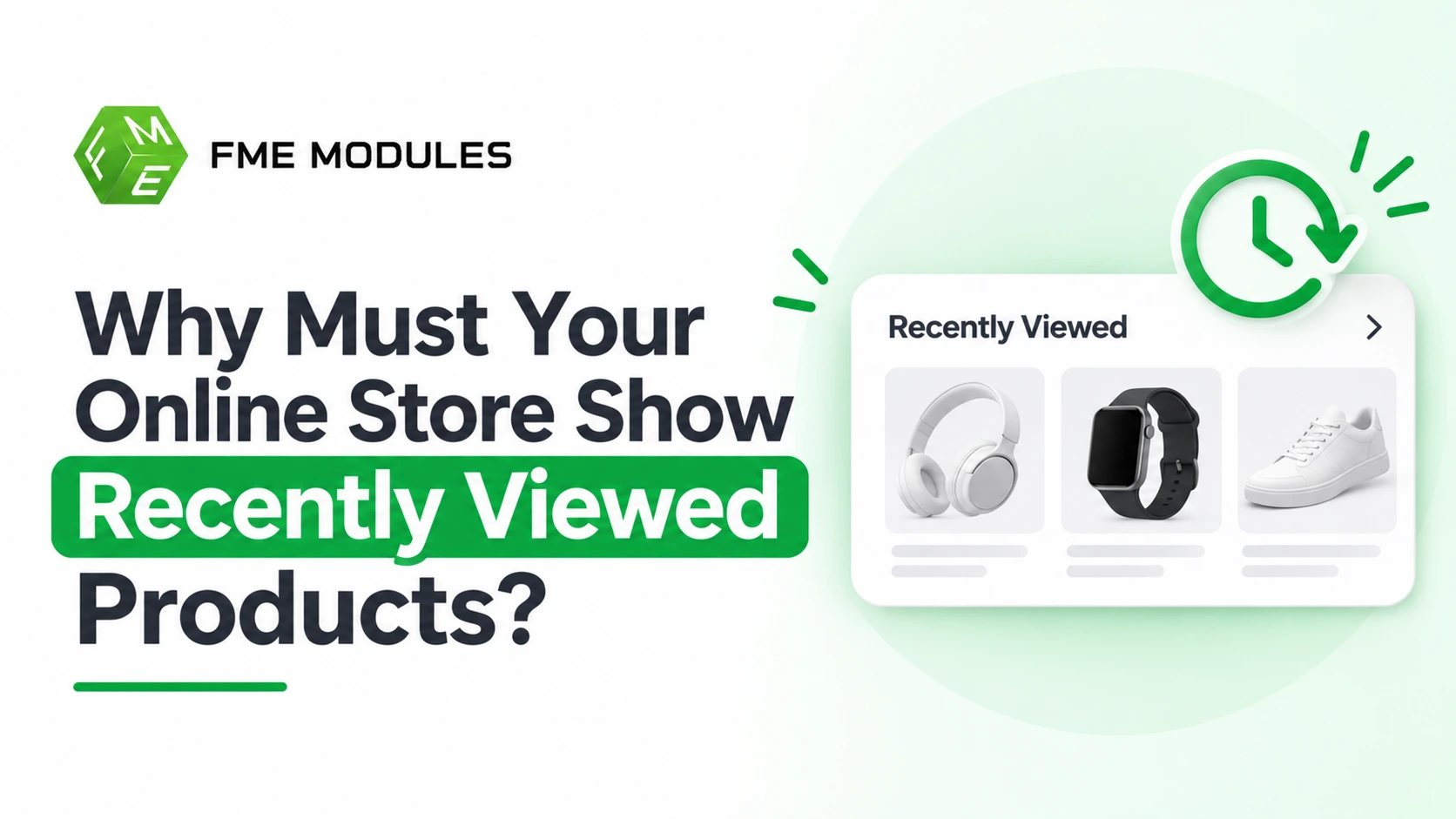
Adding a "Recently Viewed Products" block to your PrestaShop store removes the friction of retracing steps, making it effortless for returning and comparison-shopping visitors to pick up right where they left off. However, simply bolting an unfiltered browsing log onto every template often creates mobile clutter, displays out-of-stock items, or repeats the product the shopper is already viewing.
To actually improve user experience and lift conversions, your recently viewed list must be thoughtfully filtered, deduplicated, and paired strategically alongside related products. By keeping the block concise, respecting GDPR cookie consent rules, and keeping it out of the checkout flow, you turn simple browsing history into a helpful shortcut back to purchase.
What Are Recently Viewed Products, and How Do They Actually Work?
Yes, for most ecommerce stores, showing recently viewed products is worth it. It reduces the friction of re-finding items, supports comparison shopping and returning visitors, and can lift conversion modestly. It works best when filtered, deduplicated, hidden for new visitors and used alongside related products rather than as a replacement.
Behind the scenes, the feature is just browsing history. When a visitor opens a product page, the store records that product's identifier against them, usually in a cookie or a server-side session. On the next page load, a block reads that list back and renders the matching products as a carousel or a simple grid.
The scope matters more than most guides admit. A cookie-based list is tied to one browser on one device, so a shopper who browses on a phone and then buys on a laptop sees nothing carried over. A session-based list usually clears when the visitor's session ends. Neither approach knows who the person is unless they are logged in.
In PrestaShop specifically, the display appears in the left column and in the customer account area. You can add this with the free PrestaShop Recently Viewed Products Module, which handles the history tracking and the block rendering without custom theme work.
Because the list is personal data, it also sits inside GDPR territory. You need a lawful basis for storing it, and the values you keep should be product identifiers and timestamps, not anything that reveals sensitive preferences. That is the difference between a useful convenience and a compliance headache.
Do Recently Viewed Products Improve UX and Sales, or Just Clutter The Page?
Both things can be true at once. A well-placed recently viewed products row removes a real friction point: the shopper who closed a tab on Tuesday and returns on Friday does not have to retrace their browsing to find the jacket again. That is genuine UX value, and it shows up on the return visit.
The upside is strongest when a shopper is comparing. Someone weighing three pairs of running shoes across two sessions usually does not remember which model they were on, or which colour. A short list of what they opened does that remembering for them, and cuts the steps between landing and buying.
The downside is easy to see once it is on a live site:
- On the product page itself, the same products often appear twice: once as the thing the shopper is looking at, and again in a recently viewed row beside it.
- On mobile, a horizontal carousel sits between the gallery and the add-to-cart button, pushing the decision further down the screen.
- Returning shoppers who only looked at one item get a row of one, which reads as broken rather than helpful.
- A generic row ignores context: a shopper browsing gifts for someone else gets a list of their own half-formed ideas, not something that helps.
Personalisation does pull its weight when it is done with intent. Consumer feedback suggests people spend around 35% more when their experience is personalised, but a raw, unfiltered history feed is not really personalisation. It is just a log of clicks.
The verdict: the feature earns its place in most stores, provided it is deduplicated, hidden when a shopper has viewed only one product, and kept off the product page where related products already do the job. Recently viewed products should be a filtered, context-aware recommendation, not a permanent carousel bolted onto every template.
What Each One Is Actually Good At
Recently viewed products earn their place when a shopper is comparison shopping or returning to finish something. Picture a customer on a Saturday evening who has opened three coffee grinders, closed the tab to read a review, and comes back. A recently viewed block puts all three back in front of them without a single search. That is recall, and it works because the data is specific to that person.
Related products do the opposite job: they widen the view. Someone looking at a burr grinder is a natural candidate for a digital scale, a cleaning brush, or a bag of beans. This is discovery, and it works even for a first-time visitor who has no history at all.
The test is simple: recently viewed answers "where was I?", related products answers "what else?". A store needs both answers, just not in the same spot.
Why Most Strong Stores Run Both, On Different Pages
The placements rarely overlap if you think about page role. Recently viewed earns its space in three places: the product page itself (usually low on the page, below the fold), the cart, and the customer account area, where PrestaShop's native My Account context makes returning shoppers easy to serve.
Related products belong on the product page and in category listings, where browsing intent is high, and history may be thin. Putting a related block on the cart is fine; putting a recently viewed carousel on a landing page a first-time visitor just hit is wasted pixels.
Comparison At A Glance
| Dimension | Recently Viewed Products | Related Products |
|---|---|---|
| Data Source | The individual shopper's browsing history | The catalogue's product relationships |
| Best For | Return visits, comparison shopping, cart recovery | Discovery, upsells, first-time visitors |
| Weak Spot | Empty for new visitors, repetitive if unfiltered | Can feel generic if relationships are lazy |
| Typical PrestaShop Placement | Product page, cart, customer account | Product page, category listing |
If you want to test the "where was I?" half cheaply, the Free PrestaShop Recently Viewed Products Module renders recently viewed products in the left column and in the customer account section, so you can measure whether recall-driven visits convert before investing in a paid recommendation module.
How To Add Recently Viewed Products To A PrestaShop Store, Step By Step
On PrestaShop, the feature rarely arrives from the back office alone. You either wire up a small custom block yourself or install a module that handles the display, storage and page placement for you.
For most merchants, the module route is faster, and the Free PrestaShop Recently Viewed Products Module is a sensible starting point: it shows recently viewed products in the left column and inside the customer account section, so visitors can pick up where they left off without extra configuration on your side.
Step 1: Choose A Native Block Or A Module
PrestaShop does not ship a ready-made recently viewed carousel on the product page out of the box. A developer can build one using the customer cookie or a session record, but that is ongoing custom work. A dedicated module gives you the display and placement without touching theme files, which matters once you factor in upgrades.
Step 2: Install & Place The Block
Upload the module through the Module Manager, install it, then position it using the theme's hook system or the module's own column setting. Keep the block in a consistent spot across your store so the pattern feels familiar, not random.
Step 3: Decide Which Pages Show It
- Product Page, where a returning visitor gets an easy route back to a near-purchase.
- Category Pages are useful on stores with deep catalogues where customers browse widely.
- Cart and Account Area, where it acts as a quiet nudge toward something they considered.
- Never On Checkout, where any extra link invites an exit at the worst possible moment.
Step 4: Set Item Count & Filter Out-of-stock Products
Cap the block at a short list so it reads as a hint, not a second catalogue. Exclude products that are out of stock or hidden; otherwise, the carousel advertises items customers cannot actually buy.
Step 5: Test The Cookie Behaviour
Load a handful of product pages, close the browser, return later and confirm the list looks right for a logged-out visitor and a registered customer separately. A recently viewed block that leaks one visitor's history to another, or survives a session it should not, is a bug you must catch before launch. Clear your store cache between tests so you are seeing live behaviour, not a stale template.
7 Best Practices for Displaying Recently Viewed Products
The difference between a recommendation block that earns its space and one shoppers learn to ignore comes down to a handful of rules. None of them are complex, but each one has to be applied deliberately.
Keep The List Short: 4 To 6 Items
A strip of four to six products fits one clean row on a desktop and scrolls predictably on a phone. Push it to ten or twelve, and the block starts to look like a second category page, which competes with your actual navigation instead of supporting it.
Hide It From First-time Visitors
Someone who has just landed and viewed nothing has no history to show. An empty carousel with placeholder boxes looks broken, so suppress the block entirely until the visitor has at least one product view recorded.
Deduplicate By Product, Not By Visit
If a shopper opens the same product three times while comparing colour variants, they should see it once in the list. Collapse repeat views into a single entry and let position reflect the most recent visit.
Exclude The Page The Shopper Is On
Showing a product back to the person already reading its page is the fastest way to make the feature look broken. Filter the current item out of the block on every product page, so the strip offers a genuine next step rather than a mirror.
Prioritise What Can Actually Be Bought
A recommendation that leads to a sold-out variant wastes the click. Sort the block so in-stock items appear first, and hide out-of-stock products unless you allow backorders. Where stock is tight, surface the in-stock colour or size instead of the parent product.
Respect The Mobile Layout
Set the block to a horizontal scroll on narrow screens and keep card heights fixed so text truncation is consistent. Check how it sits against your PrestaShop theme's left column and footer, because a wide carousel can push the footer down on smaller viewports.
Keep It Out of The Checkout Flow
The final pages should reduce choice, not add it. Leave the recently viewed block on product pages and the account area, and remove it from the cart and checkout so nothing pulls a buyer back into browsing mid-purchase. The Free PrestaShop Recently Viewed Products Module supports showing history in the left column and the customer account section, which gives you a sensible default placement without touching checkout.
Privacy, Cookies & GDPR: What UK & EU Stores Must Get Right
Browsing history is personal data, and in the UK and EU it usually lives in a cookie. That single fact decides how you configure the feature. Under GDPR and the UK GDPR, storing information on a visitor's device generally requires consent unless it is strictly necessary to deliver a service the shopper asked for.
The UK's ICO guidance on cookies and similar technologies is the clearest reference for what "strictly necessary" means in practice.
Recently viewed products sits awkwardly between essential and optional. The history exists to help the shopper, but it is not required to complete a purchase. Treat it as optional: set the cookie to expire at the end of the session where you can, and clear the stored history when the visitor ends their visit.
- Only set the history cookie after the visitor accepts optional cookies, and hold off the module until then.
- Name the cookie and its purpose in your cookie policy, explaining that the history is used to show previously viewed items.
- Scope storage to the visitor's own browser session or account; never surface one shopper's history to another.
- Give logged-in customers a way to clear their history from the user account section.
If you cannot explain a cookie in one plain sentence in your cookie policy, it probably should not be set until consent is given.
Confirm how the module's storage is scoped before you switch it on for EU and UK traffic, and test the flow with cookies declined: the feature should simply not run, and nothing should break.
Do Recently Viewed Products Earn Their Place On Your Storefront?
Yes, for most stores, recently viewed products are worth adding, but only when the list is filtered, deduplicated and shown next to related products. Bolted on as a generic carousel at the bottom of every page, the same feature becomes clutter that adds page weight and tells a shopper nothing they did not already know.
In most sessions, product page views are the most common action, approaching 50 percent of sessions. Recently viewed products turn that trail into a shortcut back, which is why the feature deserves thought rather than a default yes or no.
This guide covers what the feature does well, where it goes wrong, and how to implement it properly in PrestaShop.
That last part matters more than most articles admit, because how you build the block (native feature or module, cookie scope, GDPR) decides whether it helps or quietly hurts.
Where The Feature Genuinely Helps
The strongest case is for stores with deep catalogues. A shop selling thousands of bike components, or a specialist retailer with several variants of the same fitting, asks a lot of a shopper's memory. Recently viewed products reduce the cost of coming back, which is exactly where sessions tend to break.
- Returning visitors land on the homepage and see the products they were weighing up, instead of starting from a blank search box.
- Shoppers comparing options move between product pages more quickly, because the comparison set stays visible.
- Logged-in customers get a personal shortlist in their account area, which feels considered rather than generic.
- Cost-per-click traffic gets a second chance. Someone who arrived from a paid ad, browsed and left can find the same product again on a later organic visit.
Business leaders estimate that consumers spend an average of 35% more when their experience is personalized, and a browsing-history block is one of the simplest forms of personalization a small store can ship. Set that against the fact that conversion is often low across ecommerce: the average Shopify conversion rate sits at 1.3%, according to Little Data's benchmark data. Small nudges back to a product page are worth testing carefully.
The Drawbacks Worth Taking Seriously
The honest counterargument is that a badly placed block is a tax on every page. A carousel of thumbnails in the left column loads on the category page, the CMS page and the checkout, adding images and markup everywhere for a feature that only occasionally earns its space. On a slow mobile connection, that is a real cost.
Privacy and tone matter too. Showing a shopper items they viewed can be helpful or unsettling, depending on context. Someone who browsed a sensitive product (a medical item, a gift for a partner) may not want it resurfacing on a shared device. And a list that includes items the shopper has already added to the cart, or already bought, reads as careless rather than attentive.
There is also the empty-state problem. A first-time visitor has no history, so the block either disappears (fine) or shows filler products (not fine, because it promises personalisation and delivers noise). A recently viewed block should be invisible until it has something genuinely useful to show.
How To Implement Recently Viewed Products In PrestaShop
PrestaShop gives you two routes. You can build the feature yourself with a module or use a free one that already handles the block, the cookie scope and the display positions. For most merchants, the second is faster and less risky, since the free PrestaShop Recently Viewed Products Module lets customers see the products they have most recently viewed, both in the left column and inside the user account section. That covers the two placements where the feature usually does the most good, without custom development.
Decide Where The Block Appears
Positioning decides most of the outcome. The left column suits desktop browsing and keeps the list visible while a shopper moves around. The customer account section is a natural home for a personal shortlist, because the visitor is already identified and expects personal content there.
Be selective about which pages carry the block. Product pages and the account area are the sensible default. Adding it to the cart and checkout risks distracting a shopper who is already close to buying.
Understand Cookie Scope
If your store serves visitors in the EU or UK, storing browsing history in a cookie falls under consent rules. Make sure the recently viewed cookie is covered by your consent management setup, and that the block respects the visitor's choice.
If consent has not been given, the block should simply not render its history. This is the detail most copy-and-paste implementations skip, and it is the one most likely to cause a problem.
Avoid Duplicating What The Theme Already Does
Some PrestaShop themes ship their own recently viewed block, and some modules bundle one. Running two at once can produce duplicate blocks or conflicting cookies, so check what your theme already includes before installing anything else.
- → Recently viewed products are a convenience feature that helps returning and comparison-shopping visitors, not a magic conversion lever.
- → Keep the list short, deduplicate by product, hide it for first-time visitors and filter out unavailable items.
- → Pair it with related products rather than replacing them: one recalls history, the other widens discovery.
- → Storage is usually cookie- or session-based and tied to a single browser, so do not expect it to follow the person across devices.
- → Consent has to be handled properly for UK and EU visitors before the block stores anything.
- → In PrestaShop, the Free PrestaShop Recently Viewed Products Module gives you left-column and account-section display without theme edits.
Final Verdict
For most PrestaShop stores with more than a handful of products, yes. The feature costs little to add, answers a question every returning shopper silently asks ("where was that item?"), and sits naturally alongside related products when each is placed with intent. The stores that get value from it treat the block as a filtering problem, not a decoration: short list, no duplicates, nothing out of stock, nothing the shopper is already looking at.
If you run a tiny catalogue of a few items, or a single-product store, the feature has little to work with, and you can safely skip it. Everywhere else, the sensible first step is to install the free PrestaShop Recently Viewed Products Module, confirm it behaves correctly under your cookie consent setup, and then measure whether returning visits convert better. Test it before you commit budget to anything more elaborate.