


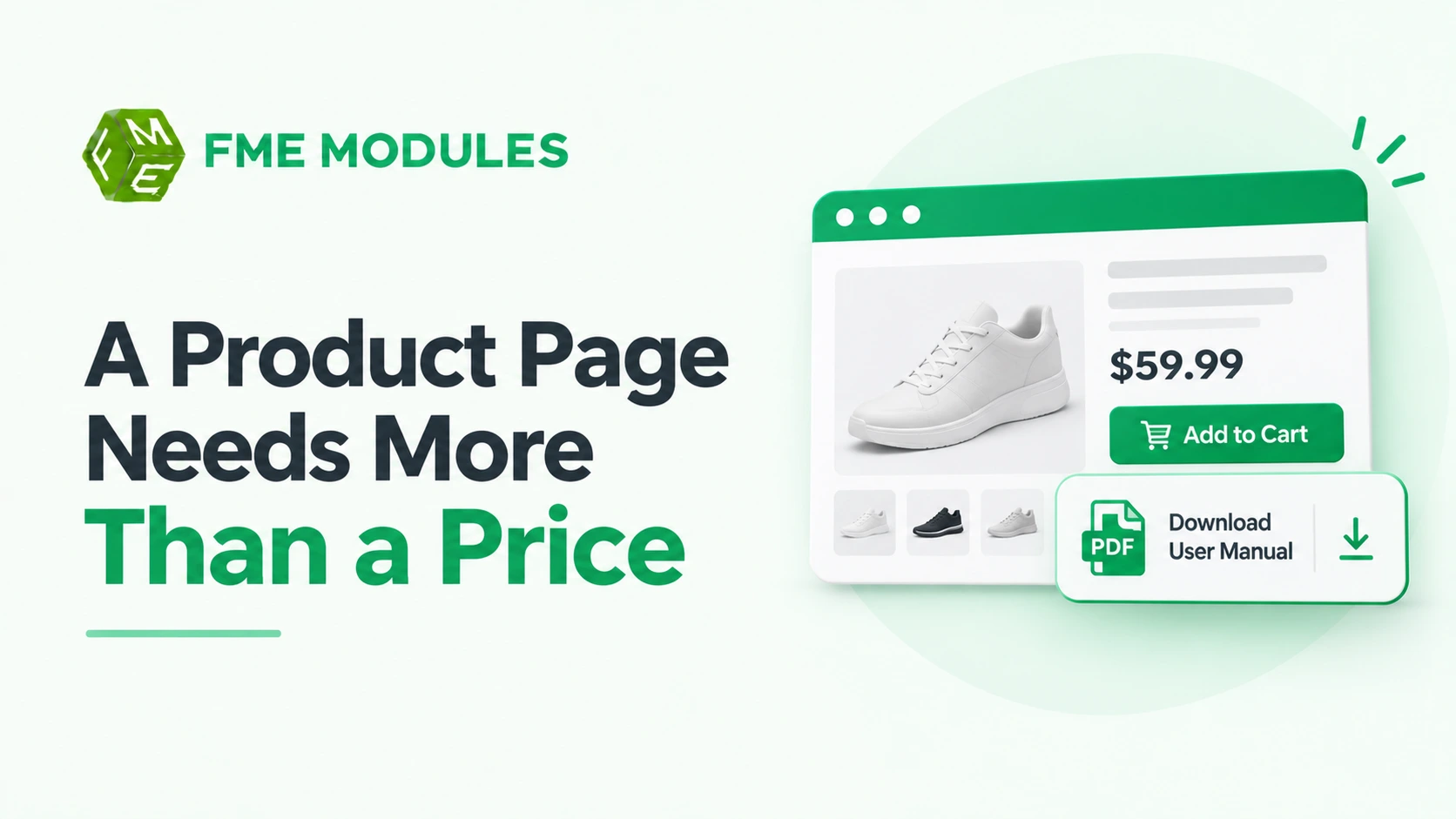
Adding a downloadable PDF manual to a product page is one of the most effective ways to resolve buyer hesitation on complex items. When shoppers can inspect setup steps, dimensions, and compatibility guides before buying, they make more confident decisions that directly reduce return rates and support tickets.
However, a downloadable guide is not a silver bullet for poor photos, unclear pricing, or weak product pages. To actually drive conversions and build trust, manuals must be easy to find, formatted for mobile devices, and continuously updated alongside your inventory.
Do Downloadable Manuals Actually Improve Conversion?
Adding a PDF manual to a product page is one of the cheapest changes a store owner can make, and one of the most misunderstood.
Yes, downloadable manuals and guides generally improve product pages. They reduce returns and support tickets, aid accessibility, and build buyer trust. Place them prominently near the buy button, label them by file type and size, and only include documentation that genuinely helps the buyer.
The honest version is more nuanced. A manual rarely doubles conversion on its own. What it does well is remove doubt at the moment of decision, and doubt is expensive in e-commerce. Research on returns shows an estimated 19.3% of online sales are sent back, and a large share of those happen because buyers could not inspect the item properly before purchase. A clear guide showing dimensions, compatibility, setup or care instructions closes that gap.
Where The Gains Actually Come From
- Fewer "How Do I Set This Up?" Tickets. A washing machine, a 3D printer or a piece of flat-pack furniture generates predictable questions. If the answer sits in a linked PDF, a portion of that inbox traffic disappears before it starts.
- Lower Return Rates On Technical or Sized Products. Apparel, electronics and anything with fitting or compatibility rules benefit most. A manual stating what the item does not do is often more valuable than one listing what it does.
- Confidence Signals. A buyer who can read the assembly steps before paying assumes the seller knows the product. That perception supports conversion even when the buyer never opens the file.
- Accessibility and Post-purchase Value. Screen-reader-friendly PDFs and large-print guides help buyers with visual impairments and reduce pre-sale friction.
What A Manual Will Not Fix
If the product photographs are poor, the price is wrong, or the delivery terms are unclear, a PDF will not rescue the page. Manuals support a decision that is already close. They do not create demand from nothing.
A downloadable manual is a trust lever, not a traffic lever; measure it by fewer returns and quieter support, not by a spike in conversion rate.
For stores running PrestaShop, the practical question is placement and presentation, which the rest of this guide covers in detail.
Product Page with Manuals vs Without: The Trade-offs
A product page with a downloadable manual is not automatically a better product page. The trade only pays off when the manual answers a question the buyer is already asking, sits where they will see it, and stays current. Get one of those wrong, and you swap a support ticket for a dead PDF nobody opens.
| What You Gain | What It Costs You |
|---|---|
| Buyers can check fit, wiring, dimensions or compatibility before ordering, which is the exact doubt that drives most "did I order the right thing" returns | Another asset to produce, version and store for every product with a manual |
| Routine setup questions ("where does this bracket go?") get answered without a ticket | Every upload lives in your media library, and your hosting quota and a fat PDF will slow a page if you place it carelessly |
| A visible, well-labelled document signals that the product is documented and supported | Piles of file icons next to the buy button make a page look like a download centre, not a shop |
| Returns for "it doesn't do what I expected" drop when the manual states the limits plainly | An outdated file is worse than none, because it makes a promise you stopped honouring |
Returns are the number that gives this decision weight. Online return rates run far higher than in physical retail, and the recurring reason is that a buyer could not inspect the item first. A manual is one of the few tools that closes that gap before the order is placed.
The clutter cost is real, though it is easy to control. One clearly labelled file beats a row of five. A short intro line telling people what they will find inside does more than any filename ever will.
Outdated manuals cost more trust than missing ones, so a page with a manual is only better if you commit to updating it.
Hosting is the quiet trade-off. A typical PDF is a rounding error on a modern server, so the honest concern is not page weight but discipline: who owns the file, when is it reviewed, and what happens when the product changes. Answer that before you upload anything.
If you want the manual to do more than sit there, consider placing it inside a dedicated tab rather than scattering it under the description. The PrestaShop product tabs module lets you group documents into a clean tab that keeps the main product page uncluttered.
Which Product Types Benefit Most, and When To Skip Manuals
Manuals pay for themselves on products where buyers fear getting it wrong. They cost you time on products where the answer is obvious. Sorting your catalogue by that question is faster than debating it page by page.
- Electronics & Appliances: highest payoff. Compatibility, voltage and setup questions generate the most pre-sale contact, and a quick-start PDF or spec sheet on the page lets shoppers self-serve before they order. Consider hiding behind a password only the assembly schematics, not the whole manual, using the password-protect module for products and categories.
- Tools & DIY Equipment: strong fit. Buyers want to check power ratings, blade sizes and safety notes before purchase. A downloadable manual on a dedicated product tab answers those questions without a support ticket.
- Furniture: moderate fit. Assembly instructions reduce "where do I start" emails, but dimensions and footprint diagrams usually matter more than a full manual. Lead with those.
- Apparel: skip the manual. Care labels and a size chart do the job. A downloadable PDF here is clutter that pushes the sizing guide below the fold.
- Consumables (ink, filters, refills): skip it. Compatibility tables or a simple reference list outperform a manual, and the risk of buyers downloading the wrong document is high.
The case for skipping falls into two buckets. First, interface products or software-adjacent items where the manual is effectively onboarding documentation, not a buying aid. Second, anything containing proprietary calibration values, firmware procedures or internal part codes you do not want competitors to scrape.
If a manual does not answer a question the buyer has before checkout, it belongs in the order confirmation email, not on the product page.
How to Add Downloadable Manuals and Guides To PrestaShop, Step By Step
PrestaShop has a built-in home for files like this: the Attachments tab on the product page in the back office. You upload the PDF once, attach it to the product, and the file becomes available on the storefront. No module is required for the basics, though you may want one later to control where the link appears.
1. Upload the File To The Attachments Tab
Open Catalog > Products, edit the product and click the Attachments tab. Use the upload field to add your PDF, then give it a clear Name (what shoppers see, e.g. "Assembly and safety manual (PDF, 2 pages)") and a short Description. Repeat for each product that needs a file, or upload once and attach the same file to several products.
- Keep the visible name human and specific, not the raw filename.
- Add the file type and rough length in the description so buyers know what they are opening.
- Use one file per purpose: a quick-start guide is not the same as a full technical manual.
2. Check the File Before it Goes Live
Open the PDF on a phone, not just your desktop. If the diagrams are unreadable at that size, buyers will email support instead of reading it, which defeats the point. Crop screenshots, keep text selectable (not a scanned photo), and name the file sensibly before upload, since some themes show the filename as a fallback.
3. Surface the download near the buy box
The Attachments tab stores the file and PrestaShop lists it in the product's attachments area, but the precise placement depends on your theme and template. To put a clear link beside the add-to-cart button, edit the product template in your theme and render the attachment link where buyers are deciding. If you want a dedicated tab holding the manual text and the download together, a module such as PrestaShop Product Tabs lets you add extra tabs on product pages without touching theme code.
4. Label it so people actually click
Generic "Download" links get ignored. Write the link text as a promise: "Download the fitting guide (PDF)" or "See the full spec sheet." Keep the label next to the price or the add-to-cart button, where the buyer's attention already is. The manual only cuts returns when it is found before checkout, not buried three screens down.
5. Keep files current
When a product revision changes a part or a step, replace the attached file in the same tab rather than uploading a new one and leaving the old version linked. Two manuals on one page, one of them outdated, erodes trust faster than having no manual at all.
Best Practices for Product Documentation On Ecommerce Pages
Most downloadable manuals fail on small technical details, not on content. A buyer on a phone in a shop aisle will not open a large scan, and an AI answer engine cannot read a file it cannot parse. Treat the attachment itself as part of the product page, not an afterthought.
Name Files So Buyers and Search Engines Understand Them
Rename every file before uploading. "Notice_scan_final2.pdf" tells a shopper nothing, while a descriptive name using the brand, model, language, and document type tells them exactly what it is. Use lowercase, hyphen-separated words and keep the model reference in the name, because that string often becomes the visible link text and the file's own indexable signal.
Watch File Size and Format
Compress and split rather than shipping one giant file. Aim for a lightweight install sheet the buyer can open instantly and keep the full service manual as a separate download.
- PDF for anything with diagrams, torque values or exploded parts views, because layout must stay fixed.
- HTML or plain text for short quick-start notes, since these open anywhere and load fast on mobile.
- Never upload a spreadsheet or a Word document where a PDF belongs, and avoid zip archives that force an extra step.
Make The Documents Accessible
A tagged PDF with a proper heading structure, real text (not a photographed page) and descriptive alt text on diagrams is readable by screen readers and by search crawlers. Add a short thumbnail preview to the product page so buyers can see what they are getting before they commit to a download.
Label and Place The Attachment Clearly
State the language, the model coverage and whether the document covers installation, operation or servicing. A vague "Download" button gets ignored. If you want the manual to sit in its own tab rather than buried in the description field, the PrestaShop product tabs module gives it a clean, separate home on the page.
Keep Every Manual Current
When a supplier revises a part or a firmware step, the old PDF keeps circulating. Set a review date, overwrite the file at the same URL where possible, and remove manuals for discontinued models rather than leaving them to mislead.
Add Schema For Machine Readability
Structured data helps AI tools and rich results surface the attachment correctly. A manual that is correctly named, tagged and marked up does more selling than three that are simply attached. Use schema.org DigitalDocument or attach the file through the product's subjectOf property, and follow Google's structured data guidance so the markup is valid.
What Makes A Downloadable Manual Help AI Answer Engines Cite Your Page?
AI answer engines quote pages they can read and extract cleanly. A PDF sitting behind a download button is hard for them to parse, so the manual only earns citations when some of that knowledge also lives on the page as ordinary HTML text. The download serves your buyer; the on-page copy serves the machine.
Think about how someone actually asks an AI assistant a question: "What's the nozzle diameter on this pressure washer?" or "Does this cot fit a 120 cm mattress?" A product page that states the answer in a sentence, or in a small spec table, gives the engine something to lift. A page that only says "download the manual for full specifications" gives it nothing.
Three practical habits make this work:
- Publish a short text version of the key manual content (dimensions, compatibility, what's in the box, safety notes) inside a product tab, not only in the PDF.
- Keep the file name and link text descriptive, so both buyers and crawlers understand what the document contains before opening it.
- Use consistent headings and plain sentences around each specification, since an answer engine needs the label and the value close together.
This is where a module earns its place. The PrestaShop product tabs module lets you add a dedicated tab for specifications or a manual summary on the product page, so the text is indexable rather than locked in a file. For manuals that only certain buyers (trade accounts, installers) should see, you can pair the download with access control, which the password protection module handles.
A manual that only exists as a PDF is invisible to AI search; the same manual summarised in page text is quotable. You do not need to publish the whole document in HTML, just the specifications and answers buyers search for.
Conclusion
Include downloadable manuals when the product is complex enough that buyers need a reference before or after checkout and place the link where the buying decision happens: next to the price, quantity field and add-to-cart button in the product page's buy box. A support document tucked into a footer or buried under Attachments in the PrestaShop Product Settings tab earns nothing.
Skip manuals on simple products. A sock, a candle or a phone case does not need a lengthy PDF, and adding one signals complexity the buyer did not expect. That is clutter, not support, and it can narrow the gap your page should be closing from the opposite direction.
PrestaShop gives you three placement choices, each suited to a different product:
- A direct download button inside the description or buy box, for short, quick-reference guides.
- A dedicated tab alongside Details and Data sheet for fuller manuals buyers may want to preview before adding to cart. A PrestaShop product tabs module handles this cleanly without touching theme code.
- A gated link behind a password-protected page for trade pricing or installation schematics you only want serious buyers to reach.
The maintenance discipline matters as much as the decision. Every manual becomes a liability the moment the product changes: a supplier tweaks a connector, a firmware revision moves two menu names and your PDF is now wrong. Assign one person to review manuals whenever a product is updated, and version each file in its name so buyers can see they have the current one.
Manuals cut returns and tickets only when they sit beside the buy button and are treated as a maintained product asset, not a one-off upload.
Yes, most product pages should include a downloadable manual, but only when the document answers a real question the buyer has before or after purchase. A spec sheet for a desk lamp or a fitting guide for a replacement filter earns its place. A generic PDF that repeats the description does not. The decision is a cost-benefit trade: a well-placed manual cuts support tickets and returns, while a badly placed one adds friction and invites buyers to leave your page. Here is how to weigh it in PrestaShop and how to get the format and placement right.
What Do Downloadable Manuals Actually Do For A Store?
A manual lets a buyer check compatibility, dimensions, setup steps or care instructions before they commit. That matters because online shoppers cannot pick the item up and turn it over. Return rates for online orders regularly sit far above physical retail, and a big share of that gap comes down to buyers discovering the product is not what they expected. Making the facts available up front closes that gap.
The effect works on two fronts. Before purchase, a manual builds confidence for considered products like appliances, tools, furniture and electronics. After purchase, a searchable PDF answers "how do I reset this" or "which size gasket fits" without a ticket landing in your inbox. A manual is cheapest when it prevents a support ticket, not when it answers one.
The trade is time and maintenance. Someone has to produce the PDF, host it and keep it current when the product changes. If you cannot commit to that upkeep, a stale manual creates more confusion than it removes.
Which Products Genuinely Benefit From A Manual?
The rule is simple: include a manual where the buyer has a question the page does not already answer, and where getting that answer wrong leads to a return. Products with assembly, installation, compatibility or consumable-replacement steps are the strongest candidates.
- Appliances and power tools where setup or safety instructions matter
- Furniture and flat-pack items that need assembly guidance
- Spare parts, filters and accessories where compatibility is the whole buying decision
- Electronics with pairing, firmware or reset procedures
- Anything regulated, where a compliance or care document is expected
For these, a downloadable manual is not decoration. It is part of the product specification, sitting alongside dimensions and materials. Downloadable manuals for a power drill or a water filter help the buyer self-qualify, which is exactly the behaviour that reduces returns.
When should you NOT include a manual?
Skip it when the product is self-explanatory or when the manual would compete with the reason to buy. A t-shirt, a candle or a greeting card does not need one and forcing a PDF onto every product page dilutes the ones that matter.
There are sharper cases to avoid. If your only manual is out of date, leave it off until it is fixed. If the document is a scanned image with no selectable text, it fails accessibility and cannot be searched, so it frustrates rather than helps. And if the file is huge and slow to download on mobile, the buyer abandons it. A manual that cannot be read on a phone is worse than no manual at all.
One more caution: do not let the manual replace essential on-page information. Buyers should not have to open a PDF to find the price-relevant basics like size or compatibility. Put the headline facts on the page and let the manual carry the detail.
How Should A Downloadable Manual Be Formatted?
Format decides whether the manual gets used. Keep files small, give them clear names and make sure they open in a browser as well as a reader app. A filename like product-name-manual-en.pdf beats a random export code every time, because it survives being saved to a phone and found again weeks later.
- Use PDF for anything with diagrams or precise layout
- Keep the file optimised so it opens quickly on a mobile connection
- Add real text, not scanned images, so it is searchable and screen-reader friendly
- Name the file descriptively and state the language in the filename or label
- Include a version or date so buyers can tell whether it matches their product
Accessibility is part of formatting, not an optional extra. Selectable text, sensible heading structure and alt text on diagrams widen who can use the manual and keep you on the right side of accessibility expectations.
How Do You Add A Manual Download To A PrestaShop Product Page?
PrestaShop gives you two practical routes, and the right one depends on whether the file is tied to the product or shared across a range. The choice affects maintenance as much as display.
Option 1: Attach The File To The Product
The Product page in the PrestaShop back office includes an Attachments area where you upload a file and give it a title and description. Files added here can be surfaced on the product page and, where the theme supports it, shown as download links under the product description. This keeps the manual bound to the specific product, so it updates when that product does.
Option 2: Use A Product Tab for Detail
For manuals that need explanation around them, or for a cleaner layout, a dedicated tab works well. A PrestaShop product tabs module lets you add an extra tab, such as "Manuals and guides", so buyers find the download without scrolling past the description. This suits stores with several documents per product.
Option 3: Host The File and Link From CMS Content
If the manual lives outside the product record, you can link to it from CMS-managed content. This is useful for warranty terms or a shared care guide that applies to a whole range. Where that content needs structured fields, a CMS page form module can help organise the request and detail around it.
Where Should The Download Link Sit On The Page?
Placement is the difference between a helpful manual and a distraction. Put the link where the buyer looks when they are still deciding, not buried at the bottom of the page.
The strongest position is close to the product image, price and short description, near where add-to-cart sits. A buyer scanning that block is weighing the purchase, so a clearly labelled guide ("Download the fitting guide (PDF)") lands at exactly the right moment. Links clustered in a footer or a distant "Resources" area get clicked far less.
If you have more than one document, group them under a short heading rather than scattering them. One tidy line of two or three relevant files reads as helpful; six icons in a row read as clutter and push the buy button down the page.
The right place for a manual is where the hesitation happens, which is beside the price, not at the foot of the page.