


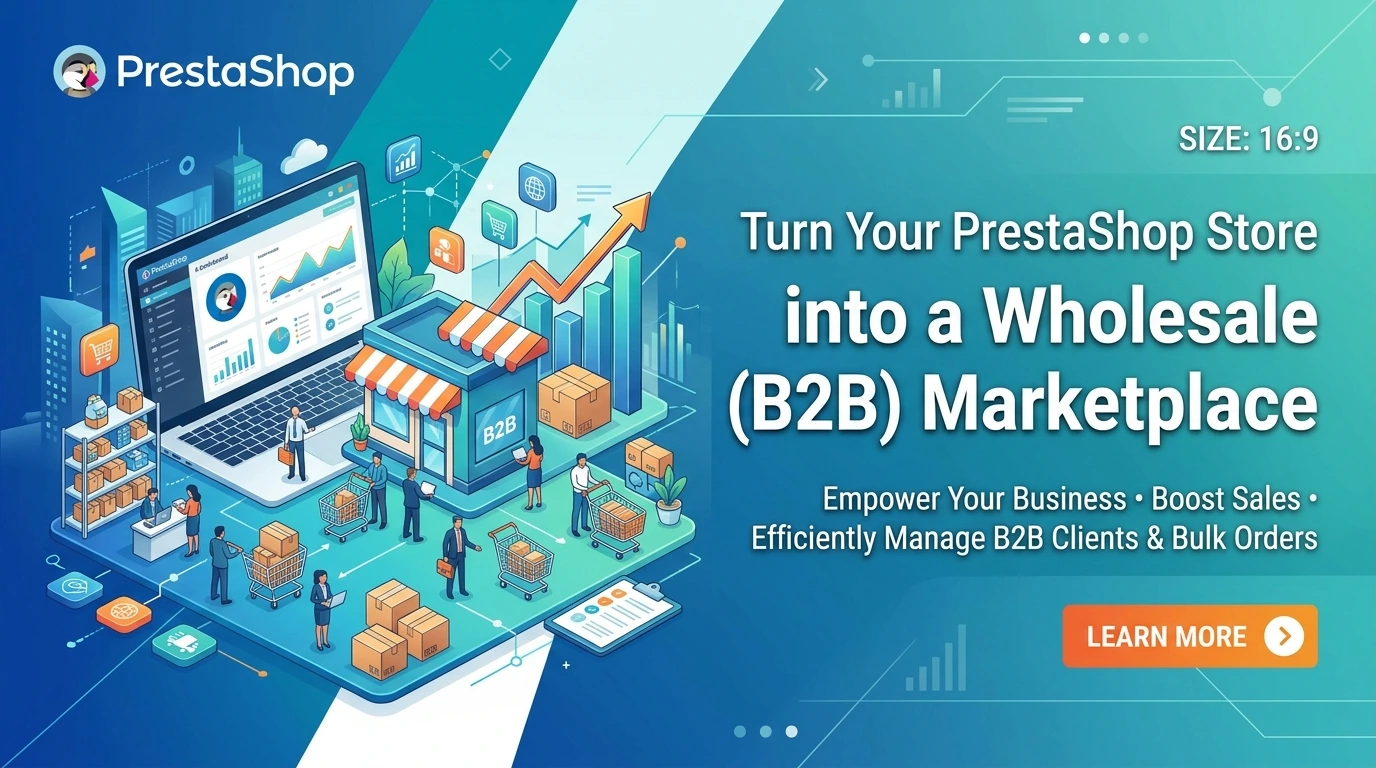
Want to Sell Wholesale Without Building a New Website?
B2B ecommerce is growing rapidly as more businesses move their purchasing online. Unlike retail shoppers, wholesale buyers expect exclusive pricing, business verification, bulk ordering, and flexible payment options, making a standard PrestaShop store insufficient for their needs.
The good news is that you do not need to build a separate website. With PrestaShop's built-in features and the right B2B modules, you can easily transform your existing store into a professional wholesale marketplace.
This guide walks you through the essential steps to create a fully functional PrestaShop B2B store that delivers a seamless buying experience while helping you attract more wholesale customers and increase revenue.
Build Your Wholesale Store in Five Simple Steps
Step 1: Build the Foundation with Native PrestaShop Features
The first step in creating a successful wholesale store is making the most of PrestaShop's built-in B2B features. These tools provide a solid starting point and help you separate your retail and wholesale operations without installing any additional extensions.
Create Separate Customer Groups
Wholesale and retail customers have different purchasing needs, so treating them the same can lead to pricing confusion and a poor shopping experience. PrestaShop allows you to create customer groups, enabling you to offer different pricing, permissions, and shopping experiences based on the type of buyer.
For example, you can create groups for Retail Customers, Wholesale Buyers, Distributors, VIP Business Partners, or Corporate Accounts. Once customers are assigned to the appropriate group, you can easily control what they see and how they shop.
Configure Wholesale Pricing
After creating customer groups, the next step is to assign group-specific pricing. PrestaShop lets you offer percentage discounts, fixed discounts, or quantity-based pricing exclusively to wholesale customers. This ensures retail shoppers continue to see standard prices while verified business buyers automatically receive their negotiated wholesale rates.
Enable PrestaShop B2B Mode
PrestaShop also includes a native B2B mode that adds useful business fields such as company name and VAT number during registration. While this feature is helpful, it only covers basic requirements. Most wholesale businesses eventually need more advanced capabilities, including customer verification, custom registration forms, and restricted access to wholesale content.
Step 2: Create a Professional Wholesale Registration Process
A wholesale store should never grant instant access to every visitor. Before customers can view wholesale prices or place bulk orders, they should first verify that they represent a legitimate business.
Collect the Right Business Information
The default PrestaShop registration form is designed for retail shoppers and usually requests only basic details like name and email address. Wholesale buyers, however, often need to provide additional information such as their company name, VAT number, business registration number, trade license, or industry details.
Collecting this information upfront helps you verify applicants and keeps unauthorized users from accessing your wholesale pricing.
Add Custom Registration Fields
By adding custom registration fields, you can collect exactly the information your business requires without making the registration process confusing. A well-designed registration form also improves your customer database and reduces the need for follow-up emails.
Approve Wholesale Accounts Before Activation
Instead of automatically approving every registration, consider reviewing new wholesale applications manually. This gives you complete control over who gains access to exclusive pricing and products while protecting your business from fraudulent registrations.
The FME PrestaShop Custom Registration Fields Module makes this entire process simple by allowing you to create custom registration forms, collect business information, and approve wholesale accounts efficiently.
Step 3: Protect Your Wholesale Pricing
One of the biggest mistakes merchants make is displaying wholesale prices to everyone. Public pricing can confuse retail shoppers, reveal your pricing strategy to competitors, and create unnecessary discussions with distributors.
Hide Prices Until Customers Log In
A better approach is to display prices only after customers log into their approved wholesale accounts. Visitors can still browse your catalog, but pricing and purchasing options remain hidden until they are verified.
Restrict Wholesale-Only Products
You may also have products or bulk packages that should only be available to business customers. Instead of displaying these items publicly, you can hide specific products or entire categories from retail visitors. This allows you to manage both B2C and B2B sales from a single PrestaShop store without maintaining separate websites.
The FME PrestaShop Hide Price & Add to Cart Module helps you hide prices, restrict products, and control purchasing access based on customer groups.
Step 4: Make Bulk Ordering Fast and Efficient
Business buyers usually know exactly what they want before visiting your store. Unlike retail shoppers, they are not interested in browsing multiple product pages. Their goal is to place large orders as quickly as possible.
Enable Quick Ordering
A quick order page allows customers to enter product SKUs and quantities directly, making it possible to add multiple products to the cart within minutes. This significantly speeds up the ordering process and creates a much better experience for wholesale buyers.
Offer Request for Quote
Large business purchases often involve negotiated pricing. Instead of forcing customers through the standard checkout process, you can allow them to submit a quote request. Your sales team can then review the order and provide customized pricing based on quantities, shipping requirements, or long-term agreements.
The PrestaShop Quick Order Module and Request a Quote Module are excellent solutions for businesses that regularly handle bulk or negotiated orders.
Step 5: Customize Payments and Ordering Rules
Wholesale customers often have purchasing policies that differ from retail shoppers. Offering business-friendly payment methods and ordering rules makes your store much more attractive to corporate buyers.
Provide Business-Focused Payment Options
Instead of limiting customers to standard online payments, you can offer options such as bank transfers, invoice payments, or Net 30 and Net 60 payment terms exclusively to verified wholesale customers. This creates a purchasing experience that aligns with common business practices.
Set Minimum Order Requirements
Wholesale orders typically need to meet minimum purchasing requirements. You can configure your store to require a minimum order value, product quantity, or category purchase before checkout is allowed. These rules help protect your profit margins while ensuring wholesale pricing is reserved for genuine bulk purchases.
Why Turning Your Store into a B2B Marketplace Is Worth It
Transforming your PrestaShop store into a wholesale marketplace does more than increase average order values. It allows you to reach an entirely new customer segment while managing both retail and wholesale sales from a single platform.
With the right setup, you can build long-term relationships with business buyers, encourage repeat purchases, increase recurring revenue, and provide a personalized shopping experience for every customer group without the cost of running multiple websites.
Final Thoughts
Turning your PrestaShop store into a professional B2B wholesale marketplace is much easier than many merchants expect.
By combining native PrestaShop features with advanced modules, you can create a powerful wholesale platform that includes customer verification, protected pricing, business-specific registration forms, quick ordering, flexible payment options, and efficient purchasing workflows.
Start by organizing your customer groups, then enhance your registration process, protect wholesale pricing, simplify bulk ordering, and configure payment rules that meet business purchasing requirements.
With the right setup, your store can serve both retail shoppers and wholesale buyers while unlocking new revenue opportunities without the cost of developing an entirely new website.
