


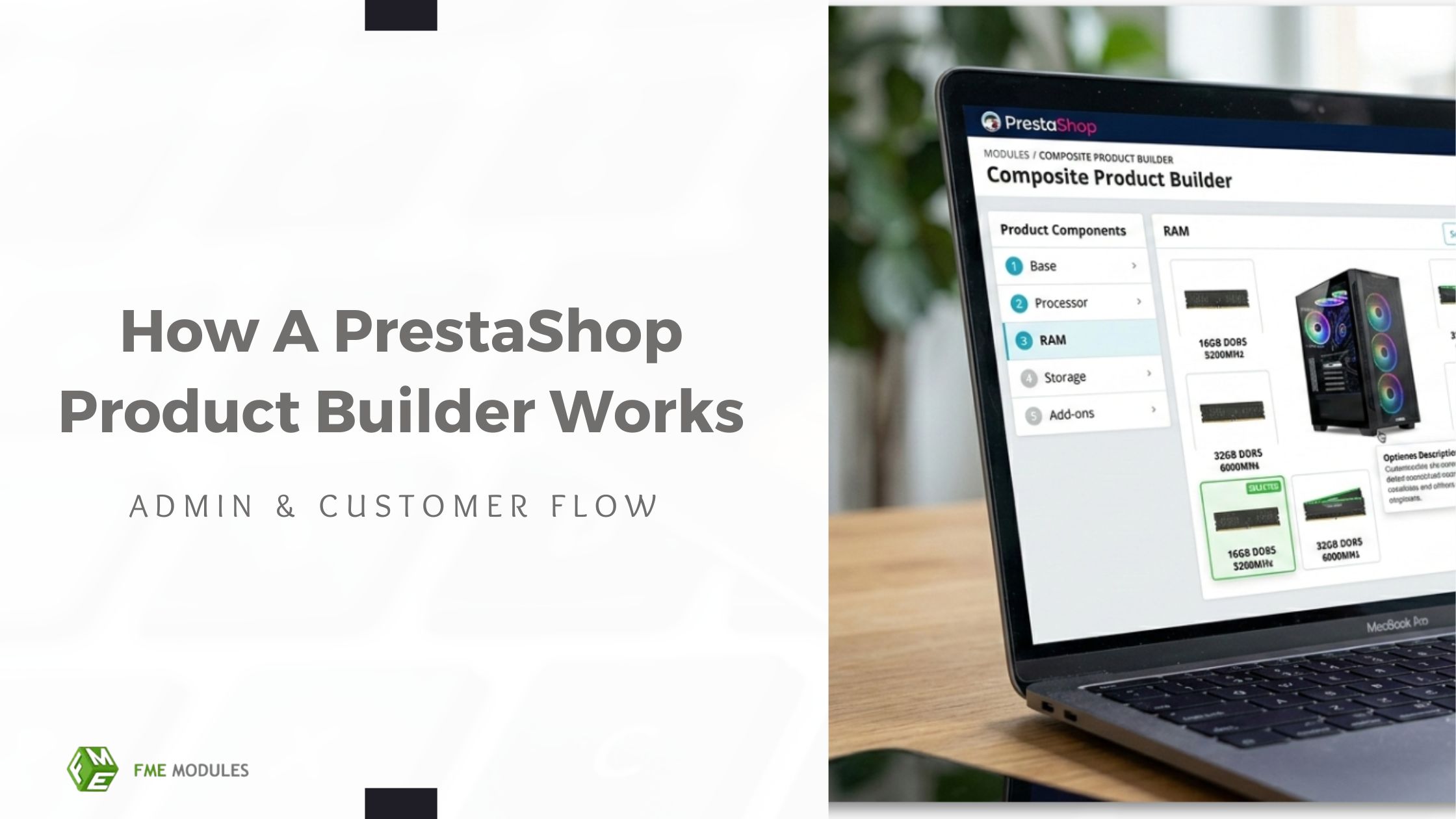
Selling complex, customizable products in PrestaShop doesn’t have to be overwhelming. A PrestaShop Product Builder allows merchants to create multi-component products that customers can personalize step-by-step, boosting sales, improving UX, and reducing purchase errors.
If you run a PrestaShop store, understanding how a product builder works is essential. It helps simplify product management and improves the buying experience. This guide explains the full workflow, from admin setup to the customer configuration journey.
What is PrestaShop Product Builder?
A PrestaShop product builder is a tool that lets merchants create multi-component products that customers can fully customize. Unlike standard products, product builders offer dynamic, step-by-step configuration, ideal for PCs, furniture sets, meal kits, and DIY projects.
Key Differences:
- Product Builder: Configuring step by step into components with pricing differentiation.
- Product Configurator: Typically, more attribute-based, basic configuration options.
- Bundle Products: Fixed combinations with limited customization.
Merchants need a product builder when their products include multiple options or are customizable. Real-life examples include:
- Build your own PC: Kit system and components.
- Furniture sets: Material, color and optional pieces.
- Meal or DIY kits: Choose ingredients or parts for a prechosen set.
A Quick Overview of PrestaShop Product Builder Workflow
Before we get into the details, here’s a high-level overview of how your PrestaShop composite product workflow works:
- Admin creates components: Base products, add-ons, and optional items.
- Admin defines steps & rules: Any required or optional selections can be logically ordered.
- Customer customizes product: Customers choose parts through guided steps.
- Price instantly updates: Total cost changes according to selections.
- Final configuration product: Added to cart for checkout.
This overview ensures that merchants and customers alike see the flow from the PrestaShop composite products setup to purchase.
Admin-Side Workflow: How Merchants Set Up A Product Builder
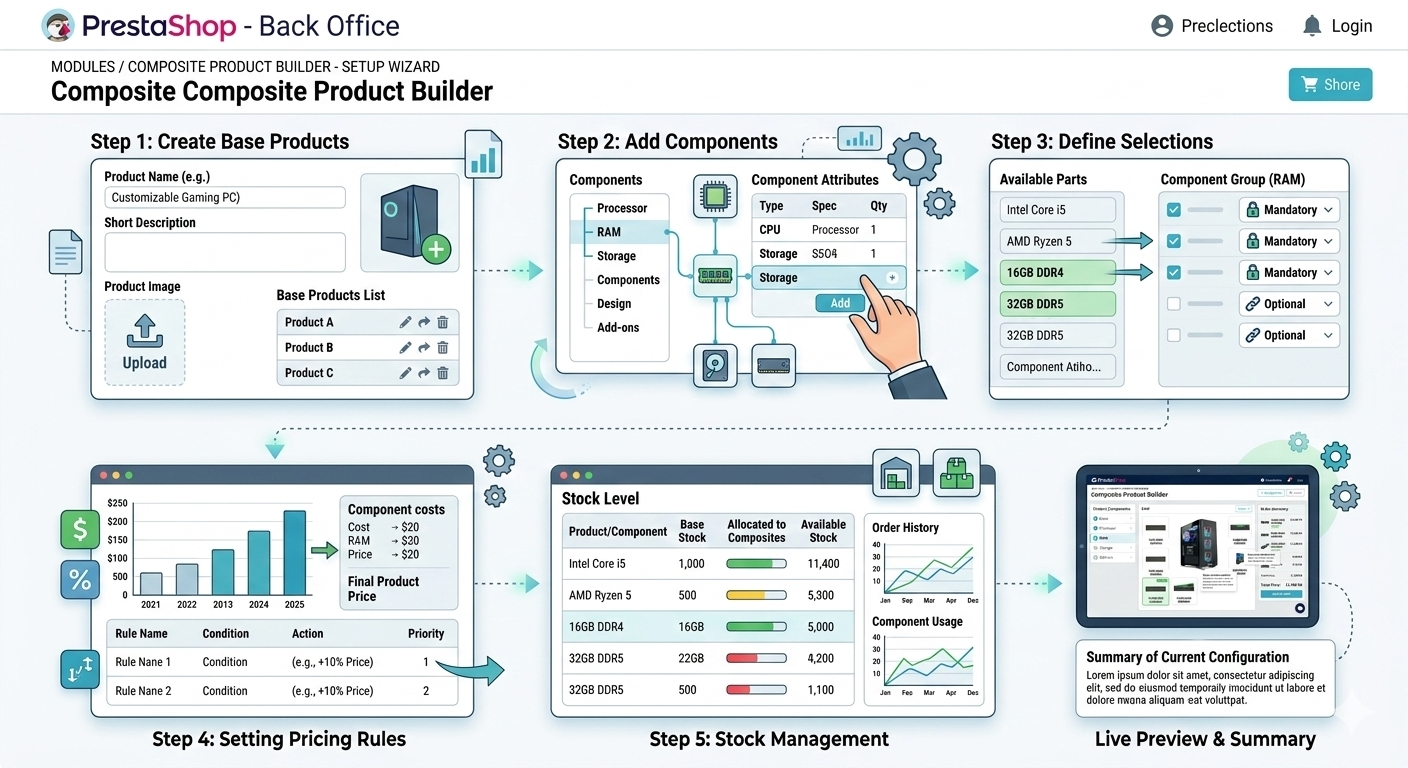
Create the Base Product
The base product serves as the building block of a composite product. It should have:
- Easy naming and categorization to make things searchable and organized.
- Visibility rules for who can see or buy it.
- Something with a base price before components are added.
Using the FME Composite Product Builder Module, creating a base product is simple and intuitive. It provides predefined templates, base pricing, and easy categorization, so you can get started quickly without coding.
Add Components & Options
Components are the core elements of a configurable product. They define the parts, upgrades, or add-ons that customers can select while building their final product.
Key considerations include:
Mandatory vs Optional: Decide which components customers must select and which ones are optional.
Single-select vs Multi-select: Determine whether customers can choose only one option or multiple components within a step.
Component Types: These may include accessories, upgrades, add-ons, or complementary items..
Examples: Accessories, add-ons, upgrade options.
Define Product Builder Steps
Step-based navigation helps organize the configuration process and makes product customization easier for customers.
Key practices include:
Organize options logically: Arrange related selections in a clear order (for example, hardware first, then peripherals).
Simplify decision-making: Structured steps reduce confusion and make the process easier to follow.
Improve user experience: A clean, guided workflow creates a smoother UX and can lead to higher conversion rates.
Pricing, Stock & Rules Configuration
Dynamic pricing and stock management are key:
- Dynamic Pricing: Automatically update totals as customers choose components.
- Stock Dependency Management: Ensure parts are in stock.
- Conditional Rules: Which components can or cannot be combined.
- Customer Facing Workflow: The Way Shoppers Use A PrestaShop Product Builder.
Step-by-Step PrestaShop Product Configuration Flow Experience (Customer Perspective)
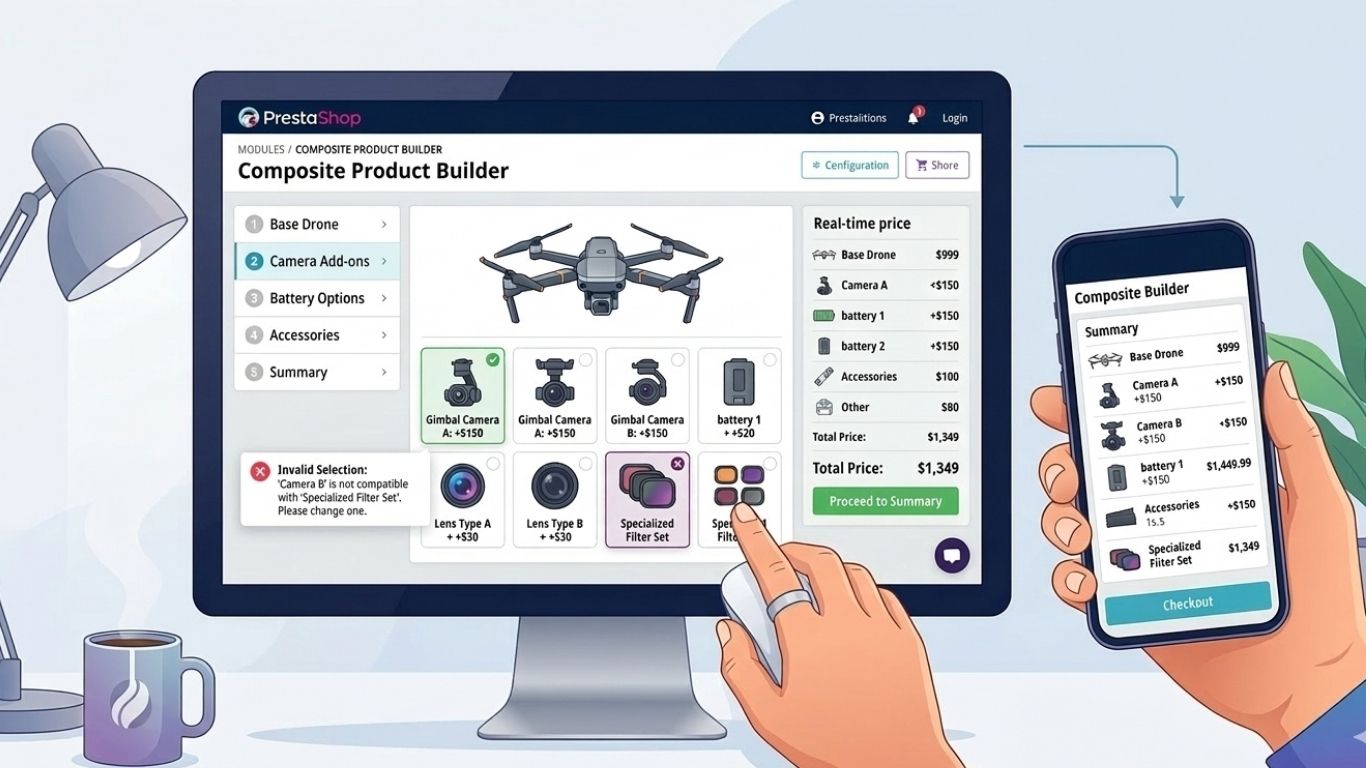
Selecting Components
Customers start by choosing the base product and any add-ons or optional parts.
Visual Clarity
Using images, icons, and clear descriptions helps customers quickly understand each option.
Real-Time Price Updates & Validation
- Prices update dynamically as selections are made.
- Compatibility checks ensure only valid component combinations are allowed.
- Any errors or missing selections are highlighted before checkout, preventing mistakes and confusion.
Adding to Cart the Configured Product
Final summary displays all components & price
- Ensure that the product configuration is well displayed in the cart.
- Gives customers assurance that the order matches their selections.
How a Product Builder Improves User Experience & Sales
- Reduces decision fatigue: Guiding customers step by step makes choosing options simple and less overwhelming.
- Keeps customers engaged: Interactive selections make the shopping experience more engaging, encouraging visitors to spend more time on your site.
- Fewer order errors: Compatibility checks prevent customers from selecting incompatible components, reducing mistakes.
- Increases cart value: Optional upgrades and add-ons encourage customers to buy more, boosting the average order value (AOV).
Pitfalls to Avoid When Using a Product Builder
- Time-consuming: Excessive steps annoy customers.
- No Default Selections: Too many decisions forced.
- Bad Experience for Mobile Users: Mobile users may leave the process.
- Price Logic Confusion: Pricing aspects appear hidden/unclear.
When To Use A PrestaShop Product Builder
A Presta store owner should consider using a product builder if:
- Products have multiple options: Customers need to choose from several components or add-ons.
- Guided customization is needed: It helps customers create the final product step by step.
- Selling kits or complex products: Ideal for B2C bundles or B2B products with multiple configurations.
- Goal is to increase sales: Optional upgrades and add-ons encourage upsells while minimizing errors.
Final Thoughts
By implementing a clear PrestaShop product builder workflow and using a solution like the FME Composite Product Builder Module, merchants can create configurable products that maximize sales, improve UX, and reduce errors. The module also ensures SEO-friendly URLs, real-time pricing, mobile responsiveness, and step-by-step guidance, making it ideal for both B2B and B2C stores.
